

Most of the breaches I have investigated over the last decade did not start with a foreign hacker breaking through a firewall. They started with someone who already had a badge, a login, and a legitimate reason to be inside the network. A sales rep who copied the entire CRM to a personal drive before resigning. A finance clerk who fell for a wire-transfer email because nobody had ever trained them. A departed contractor whose VPN account was never disabled. These are insider threats, and they are the blind spot in the majority of IT security audits I am asked to review.
Insider risk is uncomfortable because it forces you to look at your own people, not an anonymous attacker on the other side of the world. But an audit that only measures your perimeter is measuring half the problem. Since 2013 I have run more than 200 security assessments across 14 countries, and in almost every one, the fastest path to sensitive data was through an account that already existed. This article walks through how to detect and mitigate insider threats as part of a serious IT security audit, not as an afterthought.
What an Insider Threat Actually Is
An insider threat is any risk to your data or systems that originates from someone with legitimate access: employees, contractors, vendors, partners, or anyone who has been granted credentials. The access is authorized. The behavior is not. That distinction is what makes insider incidents so hard to catch with tooling built to spot outsiders.
In practice, insider threats fall into three groups, and treating them as one blurred category is the first mistake I see teams make.
- Negligent insiders. By far the most common. These are people who mean no harm but click the phishing link, reuse a password across systems, email a spreadsheet to the wrong address, or leave a cloud storage bucket public. No malice, plenty of damage.
- Malicious insiders. Employees or contractors who deliberately abuse their access. Motives range from money and revenge to industrial espionage. A resigning engineer taking source code is the textbook case. These are rarer but far more targeted and destructive.
- Compromised insiders. A legitimate account that an external attacker has taken over through phishing, credential stuffing, or malware. The activity looks internal because, technically, it is coming from a real user's identity.
Any audit that claims to address insider risk has to account for all three. The controls that stop a careless employee are not the same ones that catch a determined thief or a hijacked account.
Why Insider Threats Slip Past Standard Audits
Traditional audits lean heavily on external-facing checks: firewall rules, patch levels, exposed services, penetration test results. All necessary. None of it sees the finance manager who has quietly accumulated access to five systems they no longer need, or the shared admin password that eleven people know.
The reasons insiders evade detection are consistent across the organizations I assess:
- Their access is legitimate, so it does not trip alarms designed to flag unauthorized entry.
- Permissions accumulate and never get removed. People change roles, keep old rights, and end up with far more access than their job requires. I call this privilege creep, and it is nearly universal.
- Logging exists but nobody reads it. Plenty of companies collect activity logs and then never look at them until after an incident.
- Offboarding is sloppy. Accounts of departed staff and expired contractors stay active for weeks or months.
If your audit does not specifically hunt for these patterns, it will pass a company that is one disgruntled employee away from a serious loss.
Detecting Insider Threats During an Audit
Detection is about evidence, not suspicion. During an assessment I work through four concrete areas, and each produces findings you can act on the same week.
1. Access reviews and the principle of least privilege
Pull a full inventory of who has access to what. Then, for every high-value system, ask a simple question: does this person's current role require this access? The answer is frequently no. Look specifically for:
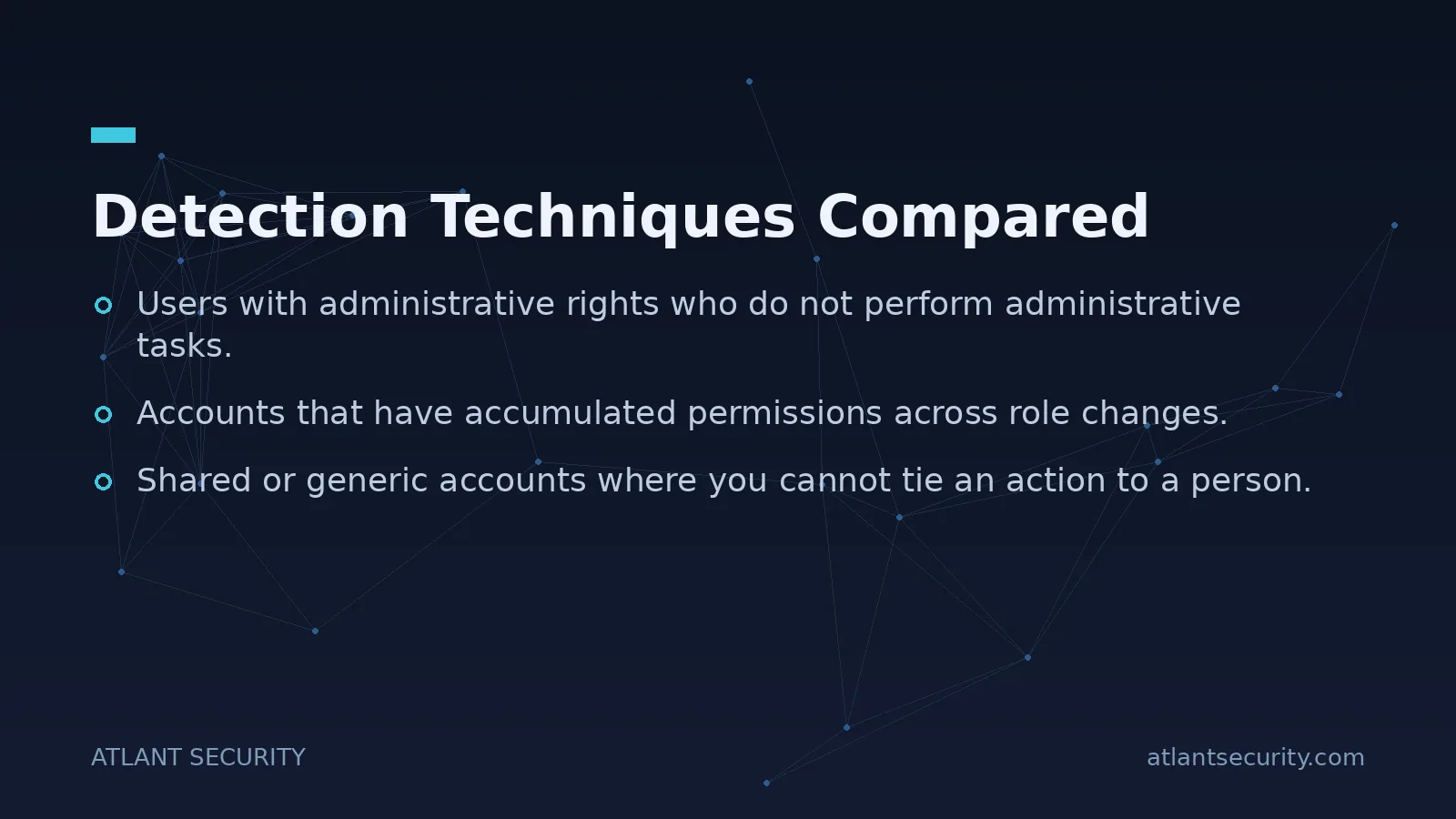
- Users with administrative rights who do not perform administrative tasks.
- Accounts that have accumulated permissions across role changes.
- Shared or generic accounts where you cannot tie an action to a person.
- Service accounts with excessive privileges and passwords that never expire.
This is the single highest-value exercise in insider-threat auditing. It is unglamorous and it always finds problems. For Active Directory environments in particular, mapping who can reach domain admin, directly or through nested groups, exposes attack paths that most internal teams have never traced. If your environment runs on Active Directory, a focused Active Directory security assessment is worth doing on its own.
2. User behavior analysis
Behavior tells you what static permissions cannot. Review activity logs and, where available, user behavior analytics tooling for signals such as:
- Large or unusual data downloads and exports, especially from CRM, code repositories, or file shares.
- Access at odd hours or from unexpected locations.
- Repeated failed attempts to reach systems outside a person's normal scope.
- Use of personal cloud storage, USB drives, or unsanctioned file-sharing tools.
- Spikes in activity shortly before a known departure date.
You do not need an expensive platform to start. Native logging in Microsoft 365, Google Workspace, and major cloud providers already captures most of this. The gap is almost never the data, it is that nobody has defined what "abnormal" looks like or who reviews it.
3. Data protection and exfiltration controls
Assess how sensitive data is classified, stored, and moved. Is it encrypted at rest and in transit? Are data loss prevention rules in place for the channels people actually use to leak data: email, cloud sync, removable media, personal webmail? An audit should test these controls, not just confirm a policy document exists.
4. Offboarding and the joiner-mover-leaver process
Trace the lifecycle of an account from hire to departure. When someone leaves or a contract ends, how quickly is access revoked across every system, including SaaS apps that HR does not know exist? I routinely find active accounts belonging to people who left months earlier. Each one is an unmonitored door standing open.
Detection Techniques Compared
| Technique | Best at catching | Effort to run |
|---|---|---|
| Access reviews | Privilege creep, orphaned accounts | Low to medium |
| User behavior analytics | Malicious and compromised insiders | Medium |
| Data loss prevention | Data exfiltration | Medium to high |
| Offboarding audit | Departed staff, expired contractors | Low |
| Security awareness training | Negligent insiders | Low, ongoing |
Mitigating Insider Threats
Finding the gaps is only useful if you close them. These are the mitigations that consistently move the needle, roughly in order of return on effort.
- Enforce least privilege for real. Grant only what the role needs, and re-certify access on a schedule (quarterly for sensitive systems). Make removing access as routine as granting it.
- Turn on multi-factor authentication everywhere. MFA is the cheapest, highest-impact control against compromised insiders. A stolen password becomes far less useful when it is not enough to log in. There is no excuse in 2026 for admin accounts without it.
- Separate duties on high-risk actions. No single person should be able to initiate and approve a payment, or change payroll details unchecked. Segregation of duties turns a solo malicious act into one that requires collusion.
- Train people continuously. Most insider incidents are accidents. Regular, specific security awareness training aimed at real scenarios (phishing, wire fraud, safe data handling) prevents more damage than most technical controls. Culture is a security control.
- Fix offboarding. Build a checklist that disables every account the moment someone leaves, and audit it. Tie it to HR so departures trigger access removal automatically.
- Monitor and actually respond. Collect logs, define what abnormal looks like, and assign someone to review alerts. An insider-aware incident response plan should spell out who investigates, how you preserve evidence, and how you handle a situation involving an employee, including HR and legal.
None of these require an enormous budget. They require discipline and someone accountable for keeping them in place. For smaller teams without a full-time security lead, this is exactly the kind of ongoing oversight a virtual CISO or part-time CISO is built to provide.

Where an External Audit Adds the Most Value
Internal teams struggle with insider risk for an understandable reason: they are auditing their own colleagues and their own decisions. It is hard to flag the access you granted, or to tell a manager their star performer is exfiltrating data. An outside assessor has no such conflict. A focused IT security audit brings a repeatable methodology, a fresh set of eyes on access maps, and findings tied to concrete remediation steps rather than vague warnings. For organizations pursuing SOC 2 or ISO 27001, insider controls like access review and least privilege are not optional, they are directly examined by the framework.
Frequently Asked Questions
What is the most common type of insider threat?
Negligent insiders, by a wide margin. Most insider incidents are accidents: a phishing click, a misdirected email, a misconfigured cloud bucket, or a reused password. Malicious insiders get the headlines, but careless ones cause far more day-to-day damage, which is why training and technical guardrails matter so much.
Can an IT security audit really detect a malicious employee?
An audit does not read minds, but it detects the conditions and behaviors that malicious insiders rely on: excessive access, unmonitored data movement, weak offboarding, and gaps in logging. Combined with user behavior analysis, an audit surfaces the anomalies (unusual downloads, off-hours access, attempts to reach systems outside a role) that indicate someone is acting against the organization.
How often should we review user access?
Review access to sensitive and administrative systems at least quarterly, and re-verify all access at least annually. More importantly, remove access immediately when someone changes role or leaves. The recurring review catches the privilege creep that inevitably builds up between those events.
Do small businesses need to worry about insider threats?
Yes, and often more than large ones. Smaller teams tend to over-share access, use shared accounts, and lack formal offboarding, all of which amplify insider risk. The good news is that the core mitigations (least privilege, MFA, training, clean offboarding) are inexpensive and well within reach. See our guidance on cybersecurity for small business.
Is monitoring employees legal?
Monitoring of company systems is generally lawful when done transparently and proportionately, but the rules vary by country and depend on employment law and data protection regulations such as GDPR. The right approach is to define a clear acceptable-use and monitoring policy, tell employees what is monitored and why, and involve legal and HR before deploying behavior analytics. Consult qualified counsel for your specific jurisdiction.
Close the Internal Gap
Your perimeter is only as strong as the accounts operating inside it. If your last audit did not map who can reach your most sensitive data, review whether they should, and test how quickly you cut off access when people leave, then it did not address insider risk. If you want an assessment that treats insiders as seriously as outsiders, get in touch and we can scope it around your environment.
Related reading: a practical guide to combatting insider threats, the benefits of hiring a security audit company, and why continuous audits beat one-off checks.
