Small businesses run on the cloud now, and most of the security incidents I investigate at small companies trace back to the same root cause: the cloud was set up for speed, not safety, and nobody went back to harden it. A default configuration that felt fine when the company was five people quietly becomes a liability at fifty, because the attack surface grew while the controls stayed at zero. The good news is that cloud security for a small business is not about buying expensive tooling. It is about getting a handful of fundamentals right and keeping them right.
This is a field guide to those fundamentals: identity and access, data protection, monitoring, and vulnerability management, plus the shared responsibility model that trips up so many owners. It is written for a business without a dedicated security team, because that is who needs it most. Most of the controls above are configuration, not purchases, which is why affordable cybersecurity support for businesses without a security team starts with a tenant audit rather than a product.
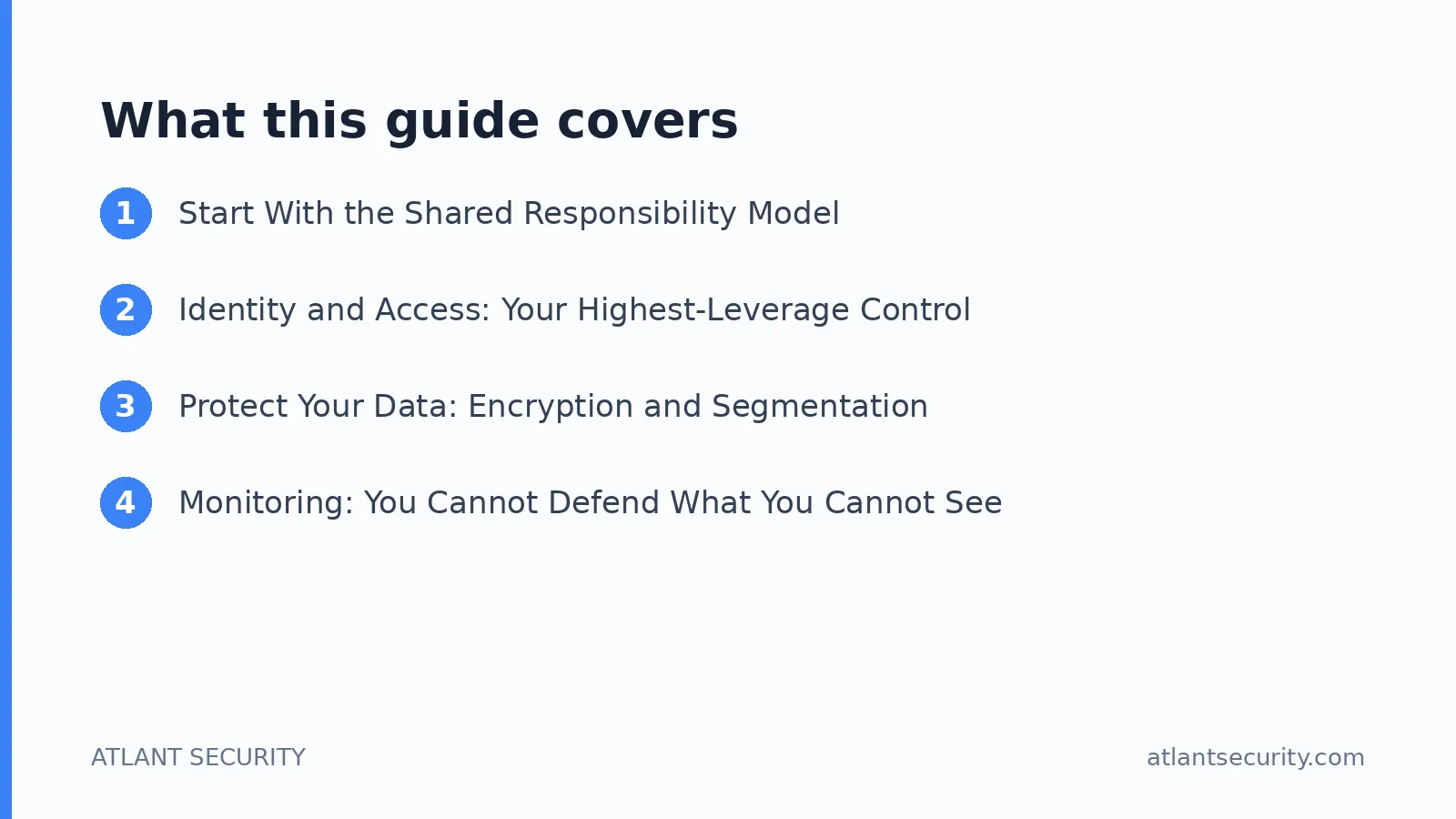
Start With the Shared Responsibility Model
The single most common misconception I meet is the belief that moving to AWS, Azure, or Google Cloud makes security someone else's job. It does not. Cloud providers operate on a shared responsibility model: they secure the infrastructure, the physical data centers, and the underlying services. You remain responsible for how you configure those services, who you grant access to, and how you protect your own data. The provider gives you strong locks. Whether you actually use them is on you.
Almost every headline breach involving cloud data comes from the customer side of that line: a storage bucket left public, an over-privileged account, a password with no second factor. Internalize where your responsibility begins and the rest of this guide follows naturally.
Identity and Access: Your Highest-Leverage Control
If you only fix one thing, fix access. Compromised or over-privileged credentials are the entry point for the majority of cloud incidents at small businesses, and access controls are cheap to implement relative to the risk they remove.
Turn on multi-factor authentication everywhere. Every user, every admin account, no exceptions. MFA is the single most effective control against stolen passwords, and it costs nothing to enable. Start with your cloud console root or global admin account today.
Apply least privilege. Give each person and each service the minimum access needed for their role, and nothing more. A marketing coordinator does not need production database access. This limits how far an attacker can move if one account is compromised.
Use a real identity and access management setup. Manage permissions through roles and groups rather than sharing logins. Shared accounts destroy accountability and make offboarding impossible.
Remove access promptly when people leave. Dormant accounts of former employees and contractors are a favorite target. Build offboarding into your process so access is revoked the day someone departs.
Review access regularly. Every quarter, look at who has access to what and strip anything that is no longer justified. Permissions accumulate silently otherwise.
These steps require discipline more than budget, which is exactly why they suit a small business. If you want a structured program tailored to a lean team, our cybersecurity services for small business are built around getting these fundamentals in place without overwhelming you.
Protect Your Data: Encryption and Segmentation
Data protection is your second pillar. The goal is that even if someone reaches your data, they cannot read it or reach all of it.
Encrypt data at rest and in transit. The major cloud providers make this straightforward, often as a checkbox or a default. Turn it on for storage, databases, and backups, and enforce encrypted connections for anything moving data in or out.
Manage encryption keys carefully. Use your provider's key management service, restrict who can access keys, and never hard-code keys or secrets in application code or public repositories. Leaked keys in source control are a recurring and entirely avoidable breach.
Segment your environment. Keep production, development, and testing separate, and isolate your most sensitive data and workloads. Segmentation means a problem in one area does not automatically become a problem everywhere.
Back up and test the restore. Encryption protects confidentiality, but backups protect you against ransomware and mistakes. A backup you have never restored is a guess, so test that you can actually recover.
Monitoring: You Cannot Defend What You Cannot See
Small businesses often have no idea what is happening in their cloud accounts until something breaks. You do not need an enterprise security operations center to close that gap, but you do need basic visibility.
Turn on logging. Enable your provider's activity logging so there is a record of who did what and when. Without logs you cannot investigate anything, and you will not even know an incident happened.
Set alerts for the events that matter. New admin users, changes to security settings, storage made public, sign-ins from unexpected locations. Alert on the handful of events that signal trouble rather than trying to watch everything.
Use the built-in security tools. Every major cloud provider includes a security posture dashboard that flags misconfigurations and risky settings at little or no extra cost. Check it regularly and act on what it tells you.
Know who responds. Decide in advance who investigates an alert and what they do. A written half-page incident plan beats improvising at two in the morning.
Find and Fix Weaknesses Before Attackers Do
Attackers scan the internet constantly for exposed and unpatched systems. Staying ahead of them is a matter of routine, not heroics.
Scan for vulnerabilities regularly. Run recurring scans across your cloud-hosted systems so you know where the weak points are. A structured vulnerability assessment turns this into a repeatable process rather than a one-off.
Patch on a schedule. Keep operating systems, applications, and dependencies current. Most successful attacks exploit known vulnerabilities that a patch would have closed months earlier.
Fix misconfigurations first. For most small businesses, misconfigured cloud settings are a bigger risk than exotic zero-day exploits. Public storage, open management ports, and default credentials deserve your attention before anything fancy.
Test your defenses periodically. As you grow, a penetration test validates that your controls actually hold up against a real attacker rather than just looking correct on paper.
A Realistic Priority Order for a Small Business
You cannot do everything at once, so do it in the order that removes the most risk per hour of effort.
Priority | Action | Why it comes first |
|---|---|---|
1 | MFA on every account | Highest risk reduction for zero cost |
2 | Remove public access and fix misconfigurations | Closes the most common breach path |
3 | Least privilege and offboarding | Limits damage from any single account |
4 | Encryption and tested backups | Protects data and enables recovery |
5 | Logging, alerts, and regular scanning | Gives you visibility and early warning |
Work down that list and you will have closed the paths behind the overwhelming majority of small-business cloud incidents. None of it requires a big budget. It requires deciding to do it and following through.
Do Not Forget the Human Layer
Technical controls close the technical gaps, but a large share of the incidents I investigate start with a person, not a server. An employee reuses a password that was exposed in an unrelated breach, approves a multi-factor prompt they did not initiate, or clicks a convincing invoice email and hands over their cloud login. No firewall setting fixes that. The human layer is part of your cloud security, and for a small team it is one of the cheapest areas to strengthen.
Train people on phishing and MFA fatigue. A short, plain-language session on how attackers trick users, and a simple rule to never approve an MFA prompt they did not personally trigger, prevents a surprising number of account takeovers.
Use a password manager and ban reuse. Give the team a password manager so unique, strong passwords are the path of least resistance rather than a chore. Password reuse across personal and work accounts is a direct line into your cloud.
Be deliberate about third-party app access. Every time someone connects a third-party app to your Google Workspace or Microsoft 365, they grant it permissions. Review those grants periodically and remove anything you do not recognize or no longer use.
Have a clear reporting channel. Make it easy and blame-free for anyone to report a suspicious email or a mistake immediately. Early reporting turns a potential breach into a non-event.
A Word on Compliance
If your small business handles regulated data or sells to larger customers, cloud security stops being purely optional. Payment card data pulls you into PCI DSS, health information into HIPAA, and enterprise buyers will often expect a recognized framework before they sign. The reassuring part is that the fundamentals in this guide are the same controls those frameworks ask for. Get identity, data protection, monitoring, and vulnerability management right, and you are most of the way toward whatever compliance obligation shows up next, rather than starting from scratch.
When to Bring in Help
Plenty of small businesses handle the fundamentals themselves, and I encourage that. But there are moments when outside help pays for itself: when you are entering a regulated market, when a customer sends a security questionnaire you cannot answer, when you have grown past the point where one person can track every setting, or simply when you want an independent check that your configuration is sound. That is where focused cloud security consulting is worth it, and for companies that need ongoing oversight without a full-time hire, a virtual CISO provides senior security leadership on a fractional basis.
Frequently Asked Questions
Is the cloud provider responsible for our security?
Only partly. Under the shared responsibility model, the provider secures the underlying infrastructure while you remain responsible for your configurations, access management, and data protection. Nearly all cloud data breaches originate on the customer side of that line, so the controls you put in place matter more than the provider you choose.
What is the single most important cloud security step for a small business?
Enable multi-factor authentication on every account, starting with your administrator and root accounts. Stolen passwords are behind a large share of breaches, and MFA neutralizes that threat at no cost. It is the highest return you can get for the least effort.
Do we need expensive security tools?
No. The biggest risks for small businesses come from misconfigurations, weak access controls, and missing MFA, all of which you fix with settings already included in your cloud platform. The built-in security dashboards and logging cover most of what a small business needs. Spend on people and process before you spend on tools.
How often should we review our cloud security?
Review access rights quarterly, check your provider's security posture dashboard monthly, and run vulnerability scans on a recurring schedule. Reassess more thoroughly whenever you add a major system, enter a regulated market, or grow your team significantly.
We are too small to be a target. Is cloud security really necessary?
Small businesses are frequently targeted precisely because attackers assume the defenses are weak, and most attacks are automated and indiscriminate rather than hand-picked. The fundamentals in this guide are exactly what stop those automated attacks, and they are affordable for any size of business.
Bringing It Together
Cloud security for a small business is not mysterious and it is not expensive. Understand where your responsibility begins, lock down identity and access, encrypt and back up your data, get basic visibility through logging and alerts, and fix vulnerabilities on a routine. Do those things in priority order and you will be more secure than most companies many times your size. If you want an experienced team to review your setup or take ownership of it, our small business security services and cloud security consulting are built for exactly that. Get in touch to talk through your situation.