
Define sensitive data
Use keywords, exact strings or regular expressions to identify information such as internal project names or customer identifiers.
Data loss prevention
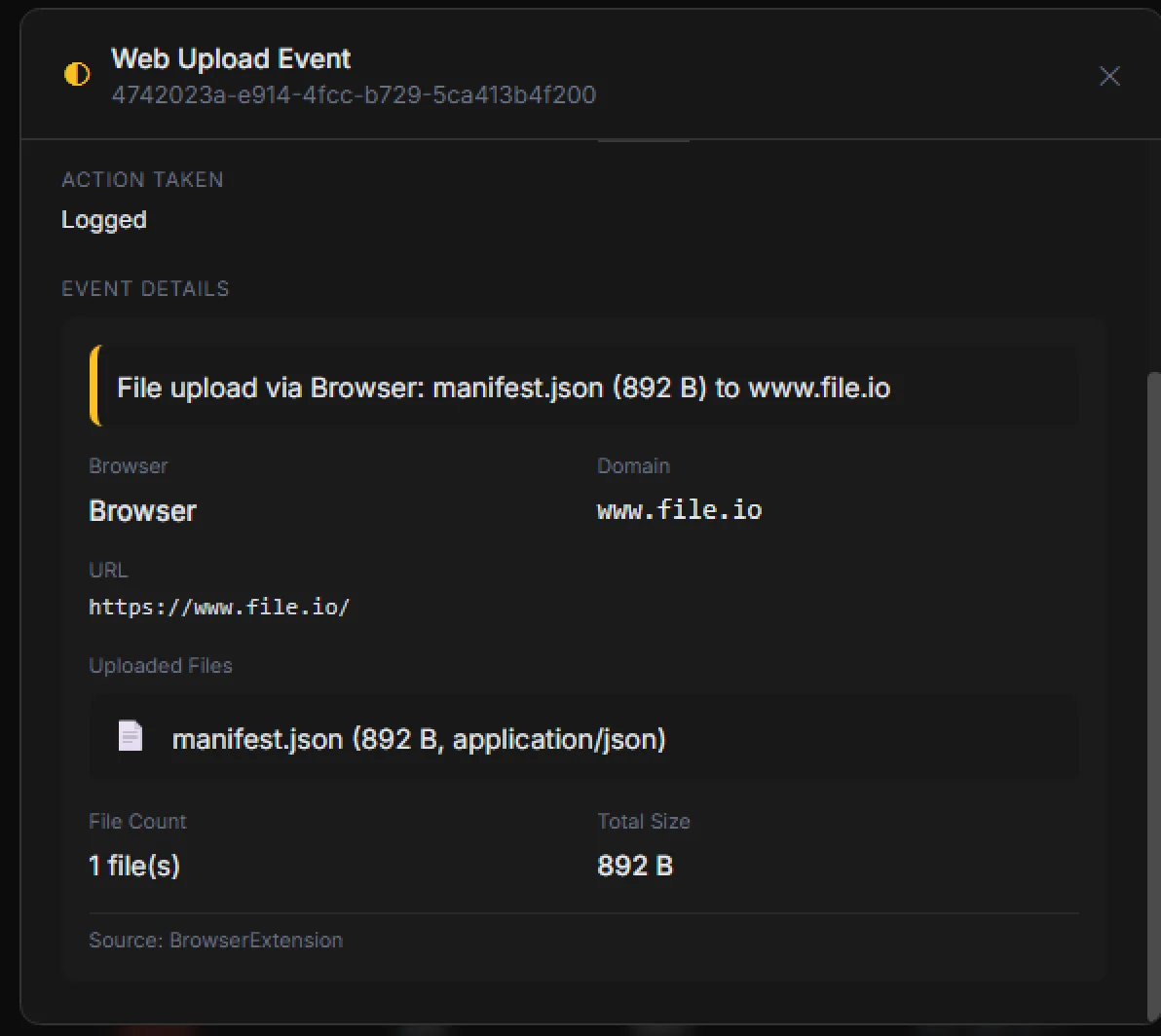
See when sensitive information is copied to the clipboard, transferred to another drive or uploaded through a browser. Define the patterns that matter to your organization and review the events they trigger.
Use keywords, exact strings or regular expressions to identify information such as internal project names or customer identifiers.
Review clipboard activity, file transfers and supported browser uploads on monitored Windows devices.
Inspect the event type, severity and action taken. For browser uploads, check the recorded destination and file details.
A browser upload to a file-sharing site may be legitimate. The event record gives a reviewer the file and destination details to check the transfer against company policy.