
Almost every serious incident I have been called into over the past decade started with malware getting a foothold somewhere it should never have been able to. Not because the victim had no antivirus, but because they treated antivirus as the whole plan. Malware protection is not a product you buy. It is a set of layered habits and controls that together make the attacker's job expensive, slow, and loud. Any one of them can fail. The point is that they rarely fail all at once if you build them properly.
This is a practical, no-nonsense guide to how malware actually gets in, how to stop most of it, and what to do in the first hour when something slips through anyway. It is written for the person who has to make real decisions with a real budget, not for a compliance checklist.
What Malware Actually Is, in Plain Terms
"Malware" is just an umbrella word for any software written to harm, steal, or take control. The specific family matters because each behaves differently and each demands a different response.
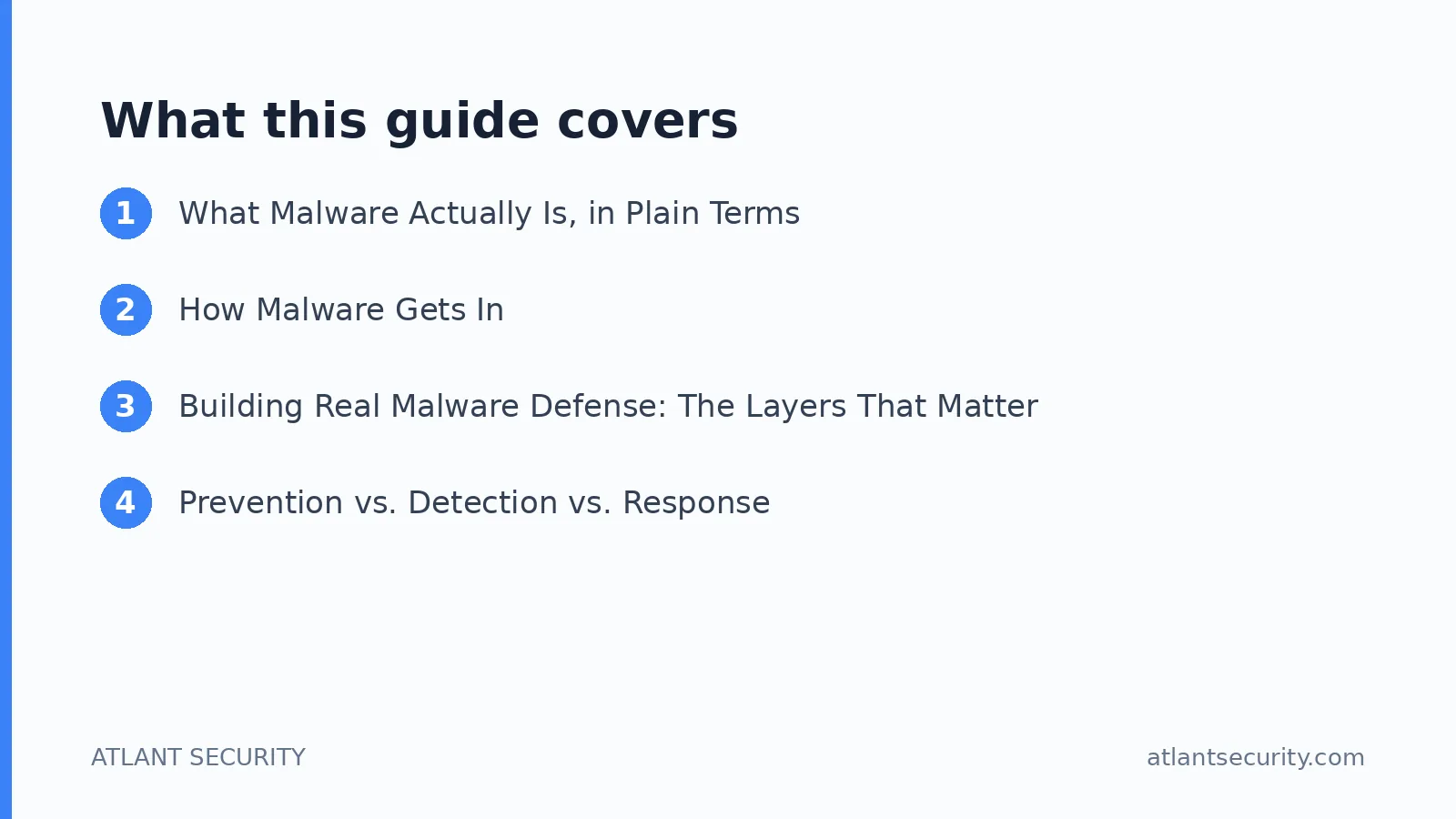
- Ransomware. Encrypts your files and demands payment. The most financially devastating category for businesses today, and increasingly it steals your data before encrypting, so paying does not even guarantee silence.
- Trojans. Disguised as legitimate software. The user installs them willingly, and they open a back door for the attacker.
- Spyware and infostealers. Quietly harvest passwords, browser sessions, and financial data. Stolen session tokens are a booming criminal market and often bypass multi-factor authentication entirely.
- Worms. Self-propagate across a network with no user action, which is how a single infected laptop becomes a company-wide outage.
- Rootkits. Hide deep in the operating system to maintain persistent, stealthy access, sometimes surviving a reinstall.
- Fileless malware. Lives in memory and abuses legitimate system tools like PowerShell, leaving little for signature scanners to find.
Notice how many of these are designed specifically to defeat traditional antivirus. That is the whole reason a single-product approach fails.
How Malware Gets In
In assessment after assessment, the initial entry point is almost always one of a short list. If you close these, you close the door on the overwhelming majority of infections.
Phishing and malicious attachments
Still the number one vector by a wide margin. A user opens an attachment or clicks a link, and it is game on. Modern phishing is grammatically perfect and highly targeted, so "spot the typo" advice is obsolete.
Compromised or malicious downloads
Cracked software, fake browser updates, and poisoned search results deliver malware to users who think they are installing something legitimate. This is why controlling what software runs on your machines matters so much.
Unpatched vulnerabilities
Attackers scan the internet constantly for known, unpatched flaws in your VPN, email server, or web applications. A missing patch on an internet-facing system is an open door with a welcome mat. A regular vulnerability assessment finds these before the attacker does.
Stolen credentials and remote access
Exposed remote desktop, weak passwords, and reused credentials let attackers simply log in and drop malware manually, no exploit required. This is one of the most common ransomware entry points I see.
Removable media and supply chain
USB drives and compromised third-party software updates round out the list. The supply chain vector is smaller in volume but devastating in impact when it hits.
Building Real Malware Defense: The Layers That Matter
Here is the uncomfortable truth: no single control stops everything. Defense works because it is layered, so that malware which slips past one control gets caught by the next. Here are the layers in the order I prioritize them for clients.
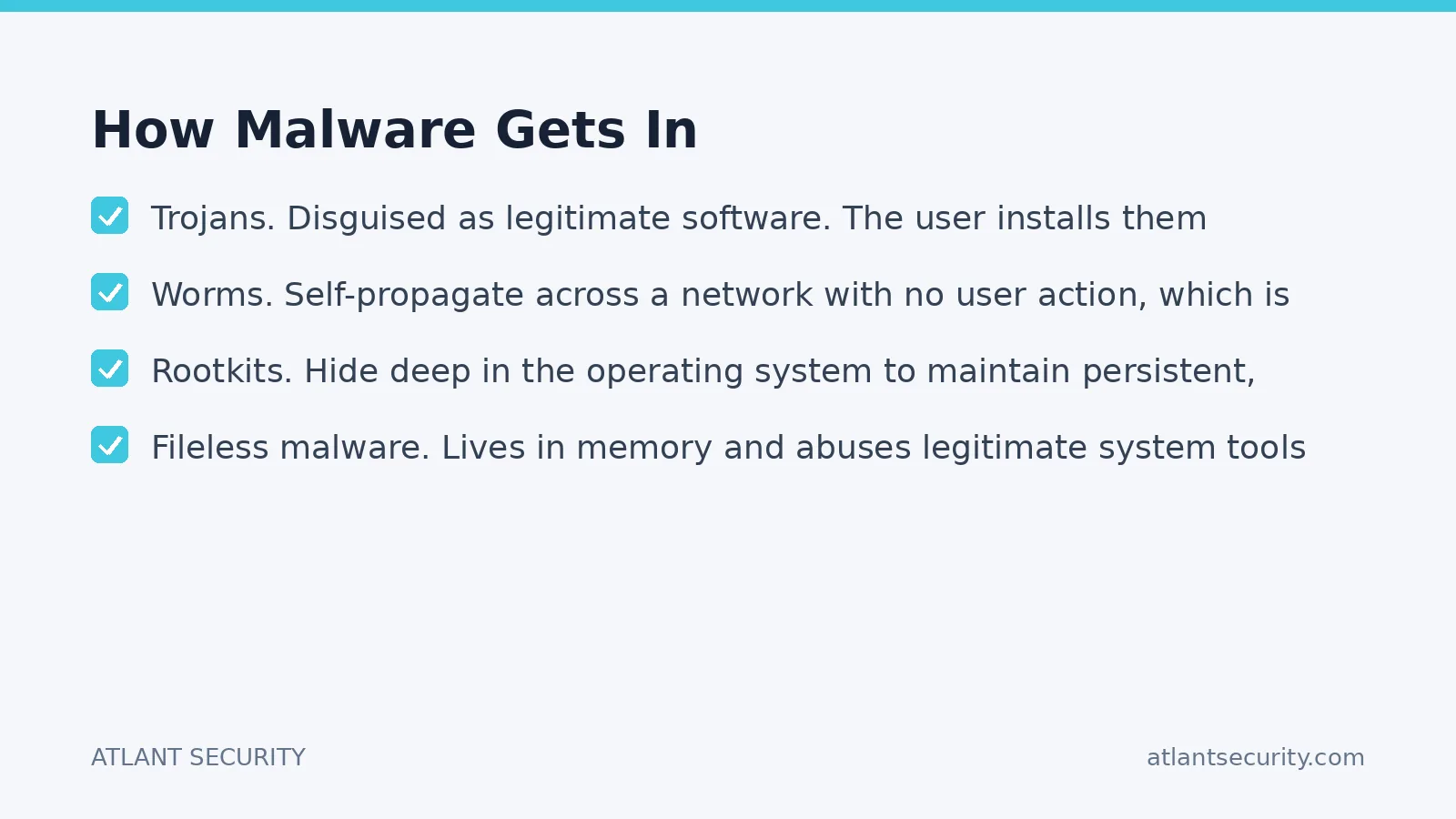
- Patch aggressively. The single highest-return activity in all of security. Patch operating systems, browsers, and internet-facing services fast. Most malware exploits vulnerabilities that were fixed months or years ago.
- Modern endpoint protection (EDR). Move beyond legacy antivirus to endpoint detection and response, which watches behavior, not just file signatures. It catches fileless attacks and novel malware that signature scanners miss.
- Least privilege. Users should not run as local administrators. When a standard user gets infected, the malware is boxed into that user's limited rights instead of owning the whole machine. This one change dramatically reduces blast radius.
- Application control. Allowlisting what software is permitted to run stops most unauthorized executables cold. It takes effort to set up but it is one of the most effective controls that exists.
- Email and web filtering. Strip dangerous attachments, sandbox links, and block known-bad domains before they ever reach the user.
- Network segmentation. A flat network lets one infected machine reach everything. Segmentation contains an outbreak to a small zone instead of the whole company.
- Multi-factor authentication. Phishing-resistant MFA on every account, especially remote access and email, so a stolen password alone does not grant entry.
- Backups you have actually tested. Offline or immutable backups are your last line against ransomware. An untested backup is a hope, not a plan. Restore a real system from backup at least quarterly.
Notice that only two of these eight layers are "buy a product." The rest are configuration and discipline. That is deliberate. The organizations that get hit hardest are almost always the ones that bought tools and skipped the discipline.
Prevention vs. Detection vs. Response
| Phase | Goal | Key Controls |
|---|---|---|
| Prevention | Stop malware from executing | Patching, least privilege, app control, email filtering |
| Detection | See it fast when prevention fails | EDR, log monitoring, behavioral alerts |
| Response | Contain and recover with minimal damage | Incident plan, isolation, tested backups |
Most companies overinvest in prevention and neglect detection and response entirely. That is backwards. Prevention will fail eventually; the question is whether you notice in minutes or in months. The difference between a minor incident and a catastrophe is almost always detection speed.
The First Hour: Responding to a Malware Infection
When something does get through, the first hour determines how bad it gets. Panic and improvisation make it worse. Have a plan written down in advance. Here is the sequence I coach teams through.
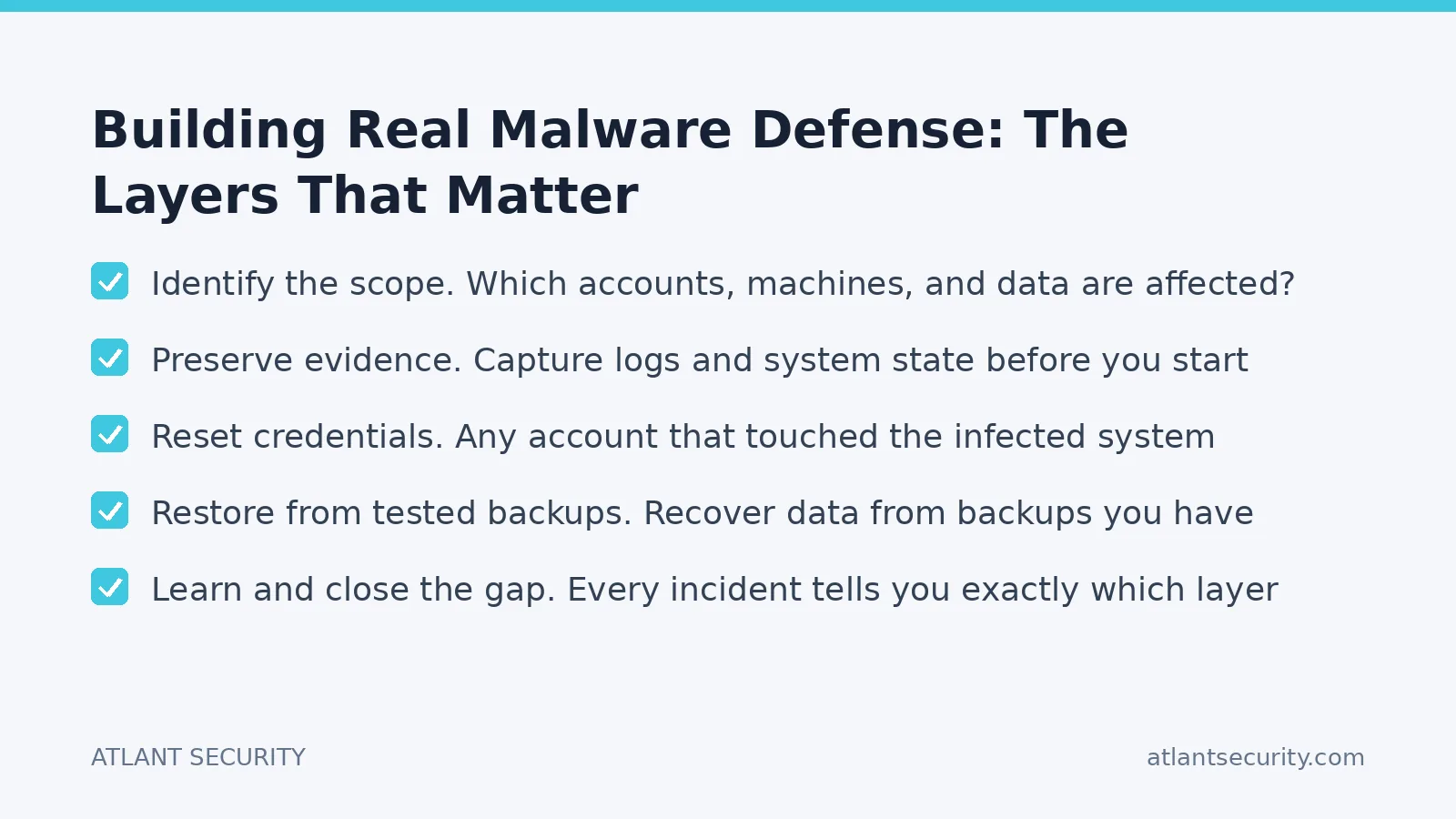
- Isolate, do not power off. Disconnect the affected machine from the network to stop spread, but keep it powered on where possible so forensic evidence in memory is preserved. Pulling the plug can destroy the evidence you need to understand the attack.
- Identify the scope. Which accounts, machines, and data are affected? Assume the attacker moved beyond the first machine until you prove otherwise.
- Preserve evidence. Capture logs and system state before you start wiping. You will need this to understand how they got in and to prevent a repeat.
- Reset credentials. Any account that touched the infected system should be considered compromised. Reset passwords and revoke active sessions.
- Eradicate and rebuild. For anything serious, especially rootkits or ransomware, rebuild from a known-clean image. Do not trust a "cleaned" machine to be truly clean.
- Restore from tested backups. Recover data from backups you have verified are clean and predate the infection.
- Learn and close the gap. Every incident tells you exactly which layer failed. Fix that layer before you move on, or you will be back here soon.
If you do not have the in-house expertise to execute this cleanly under pressure, arrange access to incident response help before you need it, not during the crisis. Retainers are cheap compared to a botched response.
A Special Word on Ransomware
Ransomware deserves its own paragraph because it is the malware most likely to end a business. The defense is not exotic: it is the same layered approach above, with extra weight on three things. First, immutable or offline backups the attacker cannot encrypt. Second, tight control of remote access, which is how most ransomware crews get in. Third, network segmentation so a single foothold does not become a company-wide encryption event. Every ransomware victim I have worked with was missing at least one of those three. Usually all three.
Where Most Organizations Go Wrong
- Treating antivirus as the entire strategy instead of one thin layer.
- Letting everyone run as local administrator "because it is easier."
- Patching desktops but forgetting servers, network gear, and internet-facing services.
- Having backups that were never tested, then discovering during a crisis that they do not restore.
- No written incident plan, so the first hour is improvised chaos.
None of these are hard to fix. They are just unglamorous, so they get deferred until an incident forces the issue. A structured IT security audit surfaces every one of these gaps in a way that makes them impossible to keep ignoring.
Frequently Asked Questions
Is antivirus enough to protect my business from malware?
No. Traditional antivirus catches known threats but misses fileless attacks, novel malware, and credential-based intrusions. You need it as one layer among several: patching, least privilege, modern endpoint detection and response, email filtering, and tested backups. Any single control will eventually fail; the layers cover for each other.
What is the single most effective thing I can do against malware?
Patch fast and remove local administrator rights from everyday user accounts. Those two moves cost nothing but effort and block the majority of real-world infections by removing the vulnerabilities malware exploits and containing whatever does get through.
Should I pay a ransomware demand?
Paying is a last resort with no guarantees. It funds further crime, does not ensure you get working decryption, and increasingly does not stop stolen data from being leaked anyway. Tested, offline backups are what actually let you recover without paying. Involve legal counsel and law enforcement before making any decision.
How do I know if my backups will actually save me?
Only by testing them. Perform a full restore of a real system at least quarterly and confirm the data is complete and usable. Keep at least one backup copy offline or immutable so ransomware cannot reach and encrypt it along with everything else.
What should I do first if a computer is infected?
Disconnect it from the network to stop the spread, but leave it powered on to preserve forensic evidence in memory. Then identify the scope, reset credentials for any account that touched it, and rebuild from a clean image rather than trusting a "cleaned" machine.
The Bottom Line
Malware protection is not about finding the one perfect product. It is about stacking practical, layered controls so that when one fails, and one always eventually fails, the next catches the fall. Patch aggressively, strip admin rights, deploy real endpoint detection, segment your network, and keep backups you have actually tested. Do those, and you turn most malware from a business-ending event into a minor annoyance.
If you want an outside expert to pressure-test your defenses and tell you honestly where malware would get in, talk to our team. For smaller organizations, our small-business cybersecurity services build exactly this kind of layered protection without an enterprise budget.
