

Remote work broke the assumption that most security programs were quietly built on: that your people, their devices, and your data all sat behind one perimeter you controlled. Take that away and a lot of "good enough" security stops being good enough. Home routers you have never seen, personal laptops sharing a login with a teenager's gaming account, coffee-shop Wi-Fi, and a VPN concentrator that was sized for the handful of travelers who used it before 2020.
I am Alexander Sverdlov, founder of Atlant Security. Since 2013 I have run more than 200 security assessments across 14 countries, and in the last few years a large share of them touched a distributed or hybrid workforce. The good news is that securing remote work is not mysterious. It comes down to a handful of controls done properly. The bad news is that most organizations do three of them well and leave a gaping hole in the fourth. This is a practical walkthrough of what actually matters, in the order I would fix it.
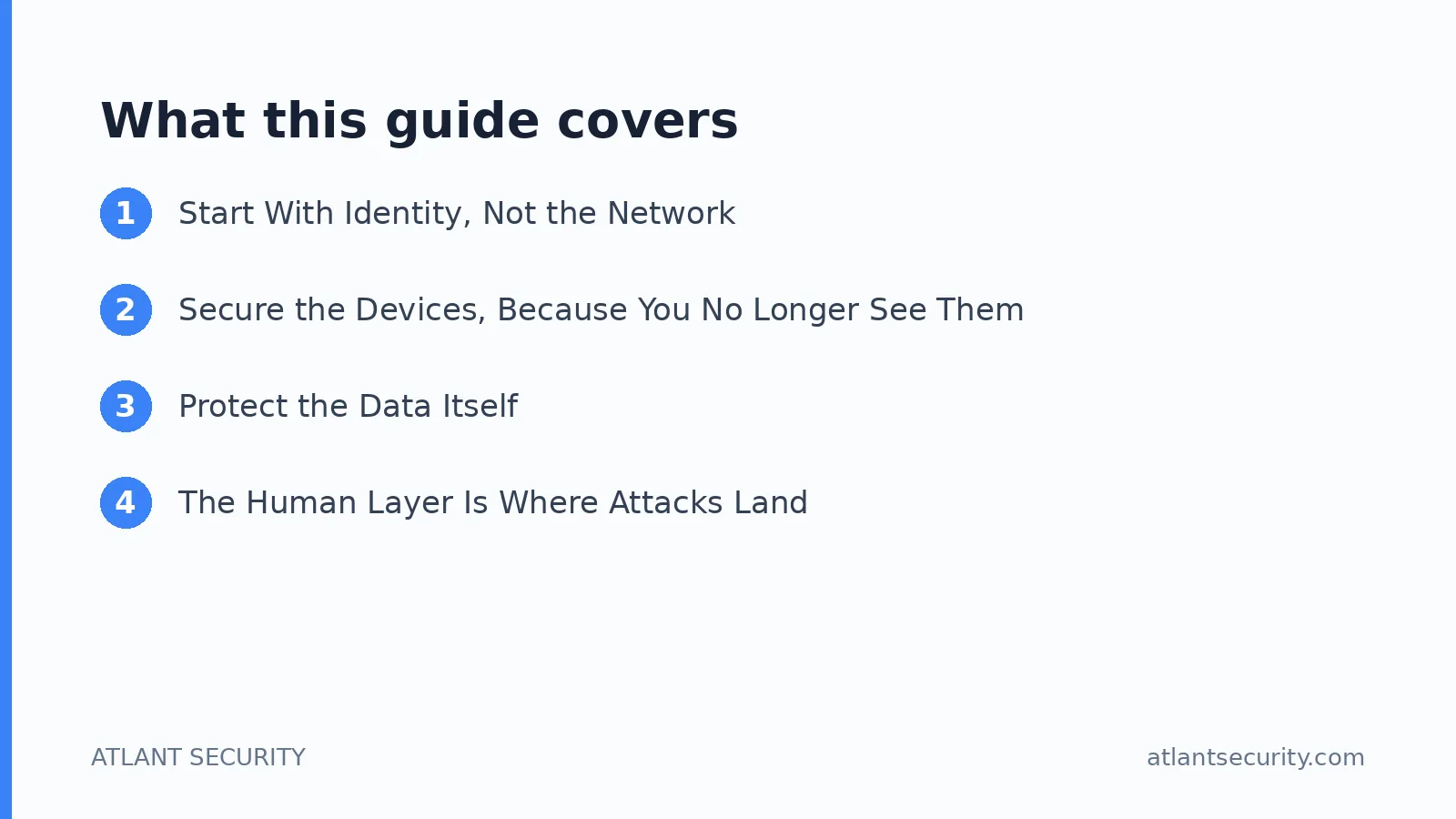
Start With Identity, Not the Network
The instinct is to reach for a VPN first. That instinct is a decade out of date. When your people and your applications are both scattered across the internet, the network perimeter is no longer where security happens. Identity is. The question that matters is not "are they inside the network?" but "is this really the right person, on a trusted device, allowed to reach this specific resource?"
Get identity right and most of the rest gets easier:
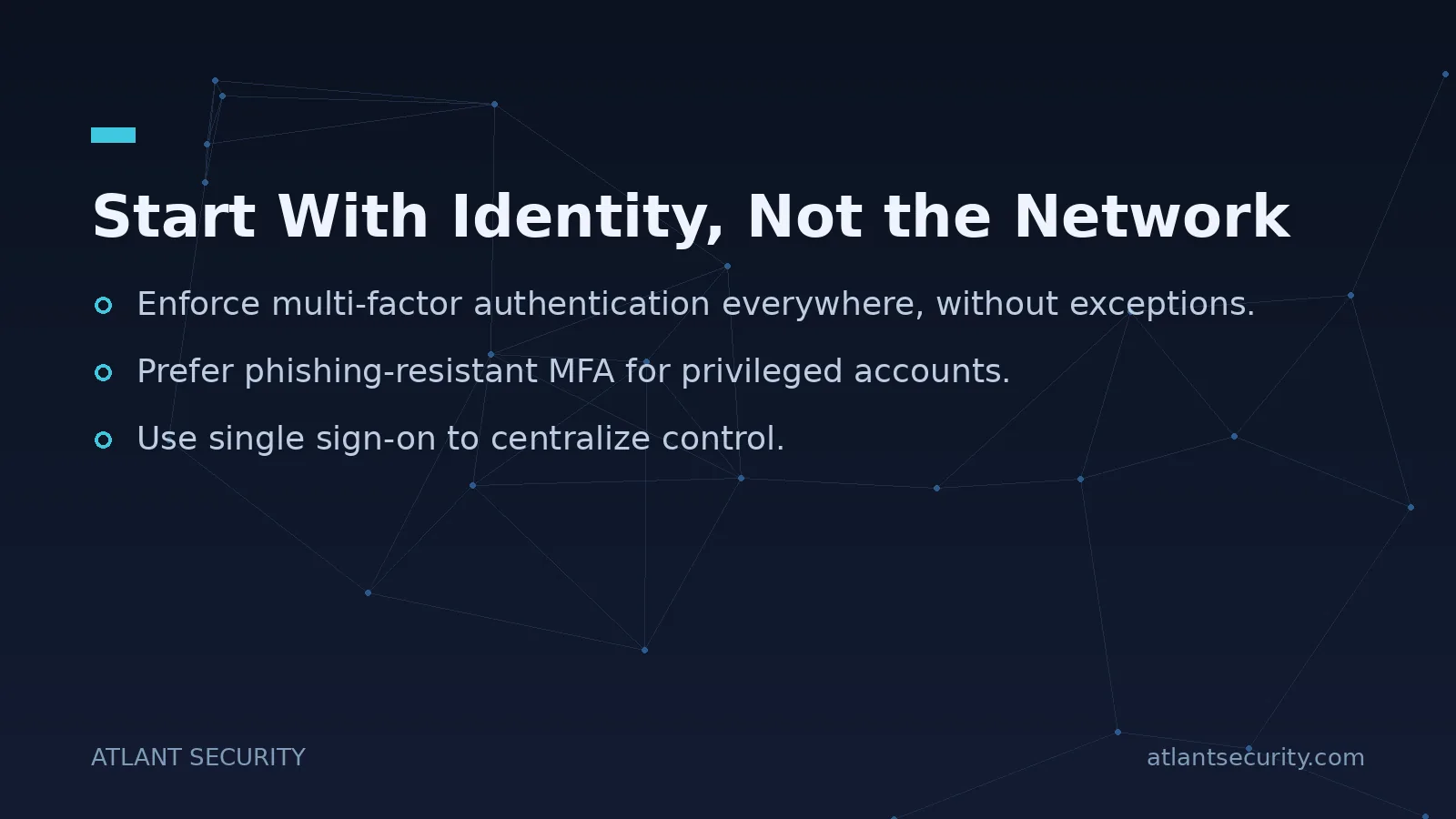
- Enforce multi-factor authentication everywhere, without exceptions. Not just email. Every application that faces the internet, every admin console, every VPN. The single most common finding in my remote-work assessments is MFA that is enabled but not enforced, or enforced everywhere except the one legacy app the attacker walks in through.
- Prefer phishing-resistant MFA for privileged accounts. SMS codes are better than nothing but are defeated by real-time phishing and SIM swaps. Move administrators and finance staff to authenticator apps with number matching, or better, hardware security keys and passkeys.
- Use single sign-on to centralize control. SSO is not just convenience. It gives you one place to enforce policy, one place to see who logged in from where, and one switch to disable a compromised account across every app at once.
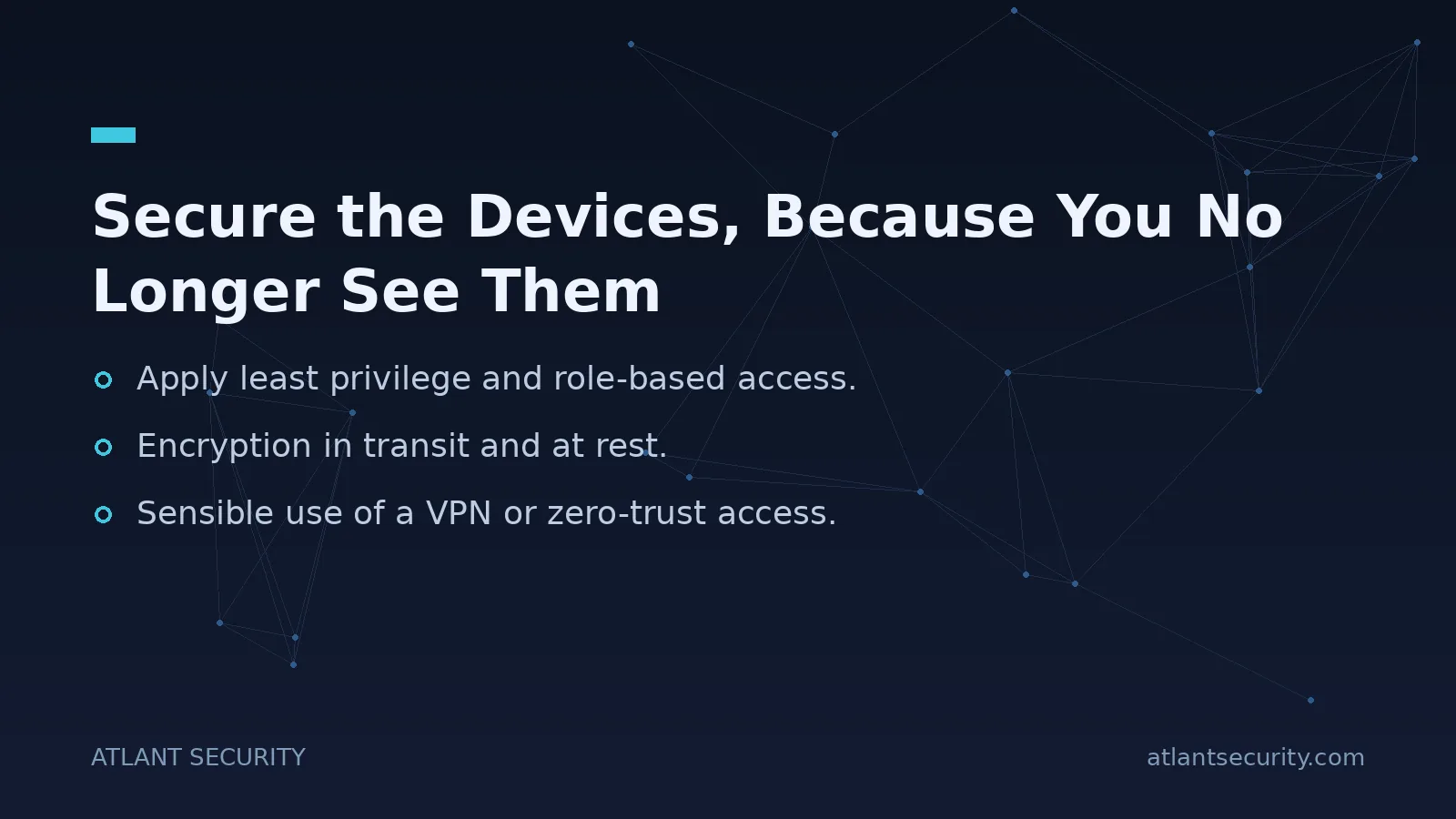
- Apply least privilege and role-based access. A remote employee should reach exactly the systems their job requires and nothing more. When (not if) an account is compromised, least privilege is what decides whether the attacker gets one mailbox or your entire file store.
Secure the Devices, Because You No Longer See Them
In an office you had physical control. Remote work hands the endpoint back to the employee's living room. The device is now the front line, and you need a way to know its state and enforce a baseline even though it is fifty or five thousand miles away.

Manage what connects
You cannot protect data on a device you know nothing about. Use mobile device management or endpoint management to enforce a minimum standard: disk encryption on, screen lock enabled, OS and browser patched, endpoint protection running. The goal is not surveillance. It is being able to say, with evidence, that a laptop touching company data meets a baseline before it is allowed to.
Decide the personal-device question deliberately
Bring-your-own-device is a legitimate choice, but it has to be a decision, not an accident. If personal laptops are allowed, define what "allowed" requires (management enrollment, or access only through a hardened virtual desktop, or browser-isolated access with no local data). Whatever you pick, write it down and make it enforceable. The failure mode I see constantly is unmanaged personal devices quietly accumulating gigabytes of company data with no one aware.
Keep software current
Unpatched operating systems, browsers, and VPN clients are the vulnerabilities attackers rely on most. Automate updates where you can and monitor compliance where you cannot. Internet-facing remote access appliances in particular have been a repeated source of serious breaches; if you run one, patching it fast is not optional.
Protect the Data Itself
Controls on identity and devices reduce the odds of compromise. Protecting the data reduces the damage when compromise happens anyway. For a distributed workforce, focus on:
- Encryption in transit and at rest. Full-disk encryption on every endpoint so a stolen laptop is a lost asset, not a breach. TLS everywhere for data in motion.
- Sensible use of a VPN or zero-trust access. A VPN still has a place for reaching internal systems, but scope it: it should grant access to specific applications, not drop every remote laptop onto a flat internal network. Zero-trust network access, which brokers connections per-application after checking identity and device health, is the better model where you can adopt it.
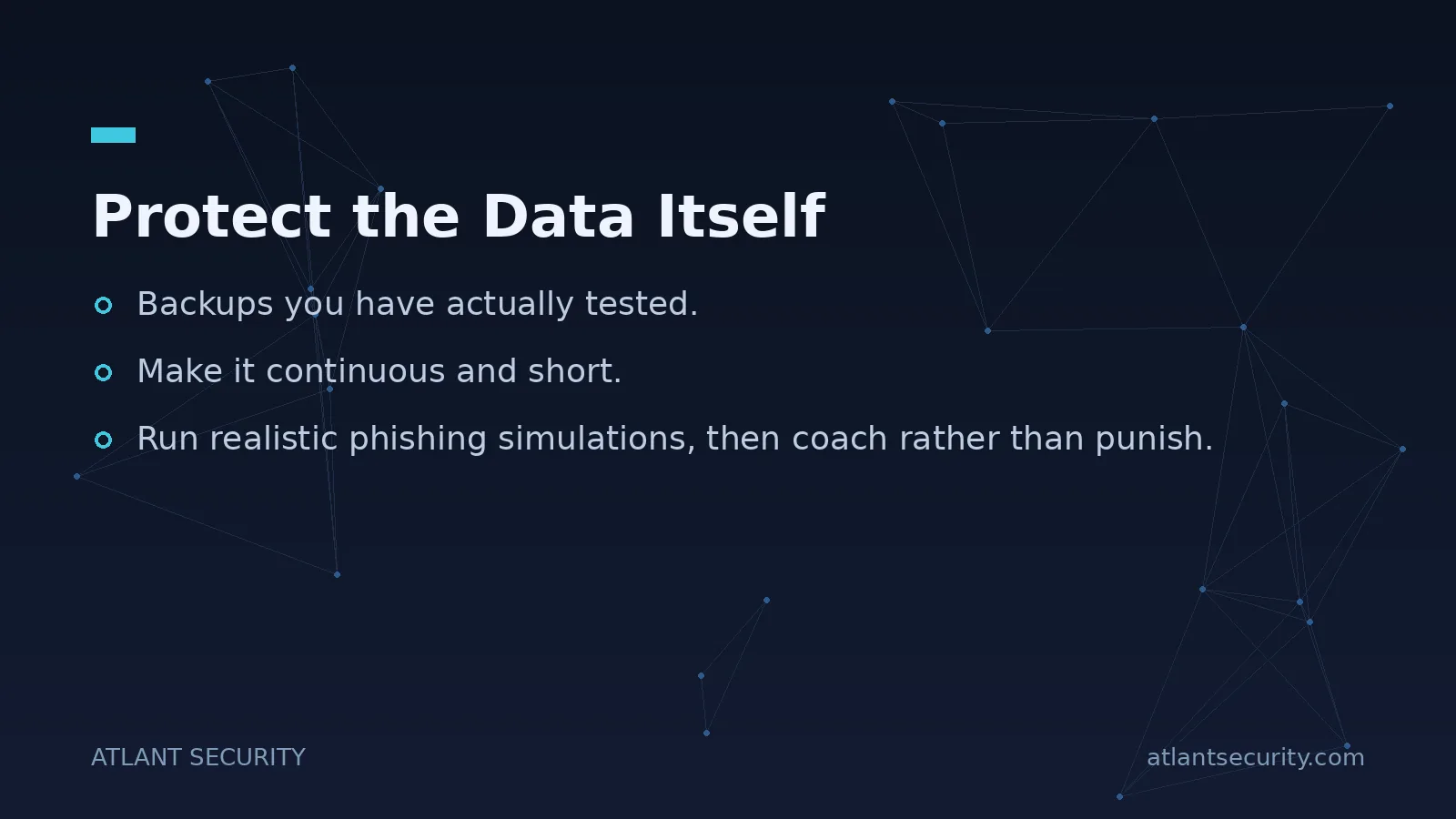
- Backups you have actually tested. Ransomware targets remote workforces precisely because backups are often inconsistent when data lives on scattered endpoints. Centralize important data and verify you can restore it, rather than assuming a cloud sync counts as a backup.
- Data-loss awareness. Know where sensitive data is allowed to live and put guardrails around it leaving (personal cloud storage, USB drives, forwarding to personal email).
The Human Layer Is Where Attacks Land
The uncomfortable truth from every assessment I run: the technology is usually not what gets breached first. A person is. Remote workers are more isolated, more reliant on written communication, and easier to socially engineer because they cannot lean over to a colleague and ask "did you just send me this?" Phishing, fake IT-support calls, and business email compromise all get easier when the workforce is dispersed.
Training that works looks nothing like the annual slideshow everyone clicks through:
- Make it continuous and short. A few minutes regularly beats an hour once a year. People forget, and threats change.
- Run realistic phishing simulations, then coach rather than punish. The point is to build instinct and to make reporting a suspicious message the normal, praised reaction, not to catch and shame people.
- Teach verification habits for the remote context. Any request to move money, change bank details, or buy gift cards gets verified through a second channel (a phone call to a known number), no matter how urgent or how much it looks like it came from the CEO.
- Make reporting effortless. A one-click "report phishing" button and a no-blame culture turn your whole workforce into sensors. In a distributed company, that human early-warning network is genuinely valuable.
Write It Down: The Remote Work Policy
Ad hoc rules do not survive contact with a growing team. A clear, readable remote work security policy sets expectations everyone can follow. It does not need to be long, but it should cover: which devices may access company data and under what conditions, the requirement for MFA and approved authentication, acceptable networks and use of VPN or zero-trust access, data handling rules, and exactly what to do and who to contact if something looks wrong. A policy nobody can find or understand is decoration. Write it for the person who has to follow it at 9pm on a Friday.
A Priority Order That Actually Works
If you are starting from a weak position, resist the urge to buy tools first. Fix things in this order:
| Priority | Action | Why it comes first |
|---|---|---|
| 1 | Enforce MFA on every internet-facing app and admin account | Stops the majority of credential-based attacks for very little cost |
| 2 | Inventory and manage devices; enforce disk encryption and patching | You cannot protect endpoints you cannot see or update |
| 3 | Apply least privilege and scope remote access per-application | Limits blast radius when an account or device is compromised |
| 4 | Test backups and confirm you can restore | Your recovery path from ransomware or device loss |
| 5 | Run continuous security awareness and phishing training | Closes the gap the other controls cannot: human judgment |
Most organizations have partial coverage of items one through three and neglect four and five. If that describes you, an external IT security audit will find the specific gaps faster than guessing, and a penetration test against your remote access will show you how an attacker would actually get in. For companies without a dedicated security leader, a virtual CISO can own this program end to end, and smaller teams often get the fastest results through focused cybersecurity services for small business.
Frequently Asked Questions
Is a VPN still necessary for remote work?
A VPN is useful for reaching internal systems that are not exposed to the internet, but it is no longer the centerpiece of remote security and it is not a substitute for identity controls. Many organizations are moving toward zero-trust network access, which grants connections to specific applications after verifying identity and device health, rather than dropping every remote laptop onto a flat internal network. If you use a VPN, scope its access tightly and keep the appliance patched, because these devices are a frequent breach entry point.
Should we allow employees to use personal devices?
You can, but only as a deliberate, governed choice rather than a default that happens by neglect. If you allow personal devices, require enrollment in device management, or restrict access to a hardened virtual desktop or browser-isolated session where no company data lands on the device locally. The dangerous pattern is unmanaged personal laptops accumulating sensitive data with no visibility. Decide the rule, write it down, and enforce it.
What is the single most important control for a remote workforce?
Enforced multi-factor authentication on every internet-facing application and administrative account. Stolen and phished credentials are the most common way attackers reach a distributed workforce, and MFA blocks the large majority of those attempts for minimal cost. The key word is enforced: MFA that is available but optional, or applied everywhere except one legacy system, leaves the door open.
How do we secure home Wi-Fi networks we do not control?
You cannot manage every home router, so do not try. Instead, make the network irrelevant to your security by encrypting everything in transit, requiring strong device-based authentication, and treating all networks as untrusted. Give employees simple guidance (change default router passwords, keep firmware updated, use WPA2 or WPA3), but rely on your own controls rather than the home network being secure.
How often should remote security awareness training happen?
Continuously, in small doses, rather than once a year. Short, frequent touchpoints plus regular phishing simulations build durable instinct far better than a single long annual session. Pair the simulations with coaching instead of punishment, and make reporting suspicious messages a one-click, praised action so your whole team becomes an early-warning network.
Getting There
Securing a remote workforce is not about buying the most tools. It is about getting identity, devices, data, and people right, in that order, and writing down the rules so they survive as the company grows. Most of the highest-impact steps cost little beyond attention and discipline.
If you want an honest assessment of where your remote setup is exposed, and a prioritized plan to fix it, reach out. I would rather tell you what to fix first than sell you a stack of products you do not need.
