

In more than 200 security assessments across 14 countries, I have seen the same pattern over and over: a company invests in firewalls, endpoint agents, and a security awareness platform, but a single reused password lets an attacker walk straight into email, the VPN, or the cloud admin console. Multi-factor authentication (MFA) is the control that breaks that chain. It is also one of the highest-return security investments a business can make, and yet it remains inconsistently deployed even in organizations that consider themselves mature.
This article is a practical guide to MFA from the perspective of someone who deploys it, breaks it during penetration tests, and audits it for compliance. I will explain what MFA actually protects against, the real differences between the various methods (including which ones attackers bypass most easily), and how to roll it out without triggering a revolt from your workforce.
What MFA Actually Protects Against
MFA exists to solve one specific problem: the theft and reuse of credentials. Passwords leak constantly. They appear in breach dumps, get phished, get reused across personal and work accounts, and get guessed through password spraying. When an attacker has a valid username and password, a single-factor system hands them the keys. MFA adds a second, independent requirement so that a stolen password alone is not enough.
In practice, the attacks MFA disrupts are the ones I see most often in real incidents:
- Credential stuffing: attackers replay username and password pairs from prior breaches against your login pages. MFA stops the reused credential from working.
- Password spraying: attackers try a handful of common passwords against many accounts to stay under lockout thresholds. Even when they guess correctly, MFA blocks the login.
- Phishing of credentials: a user types their password into a fake login page. Depending on the MFA method, this may or may not be stopped, which is a distinction I will return to below.
- Lateral movement using stolen admin credentials: once inside, attackers hunt for privileged accounts. MFA on administrative and remote-access paths raises the cost of every step.
Microsoft has published data showing that MFA blocks the overwhelming majority of automated account-compromise attempts. That figure matches what I see in the field. The uncomfortable corollary is that the attacks which succeed against MFA-protected accounts are the sophisticated, targeted ones, and those require MFA methods that are actually resistant to phishing.
The Real Types of MFA, and Which Ones Hold Up
Authentication factors fall into three genuine categories. Everything else is marketing on top of these:
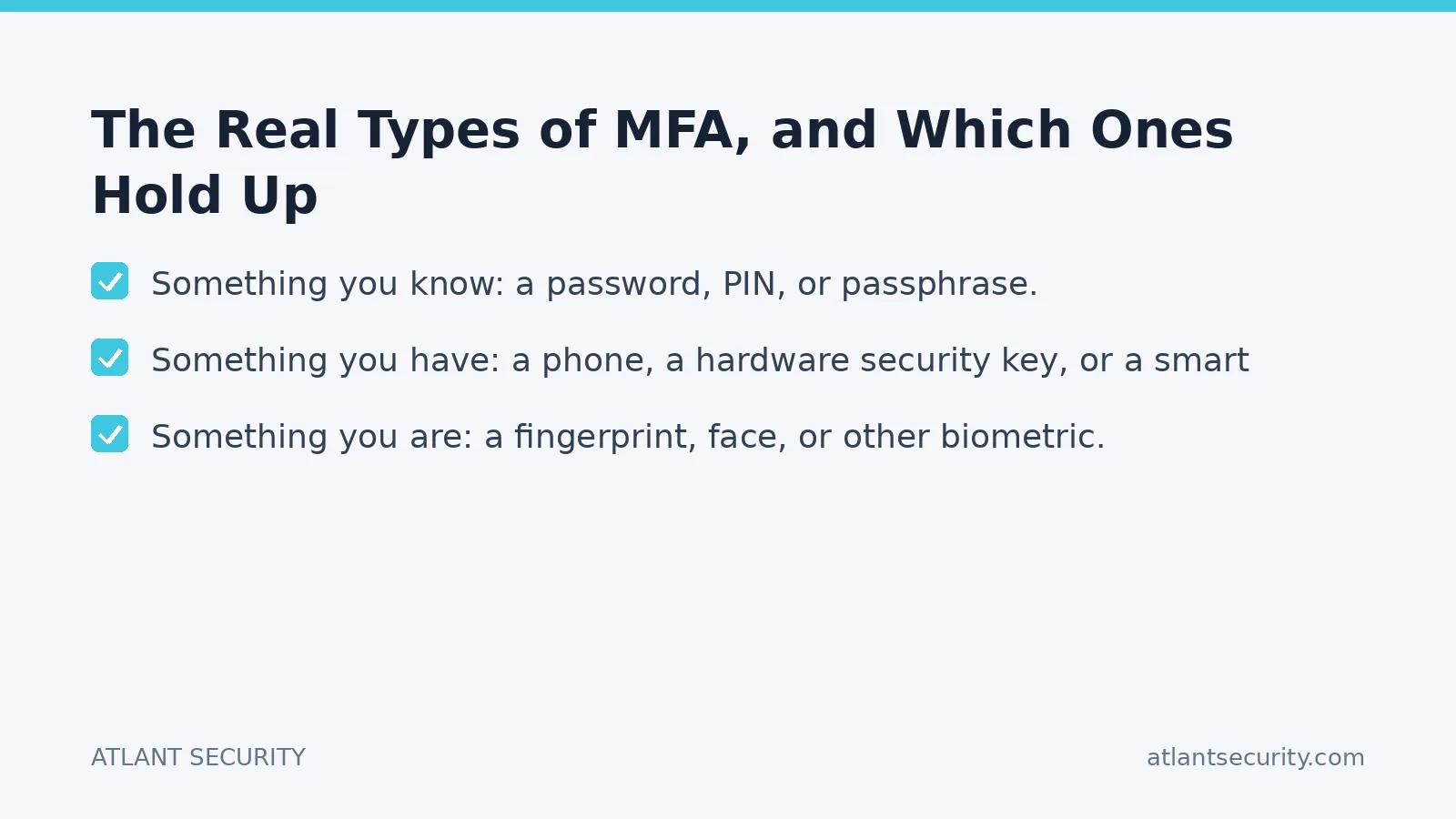
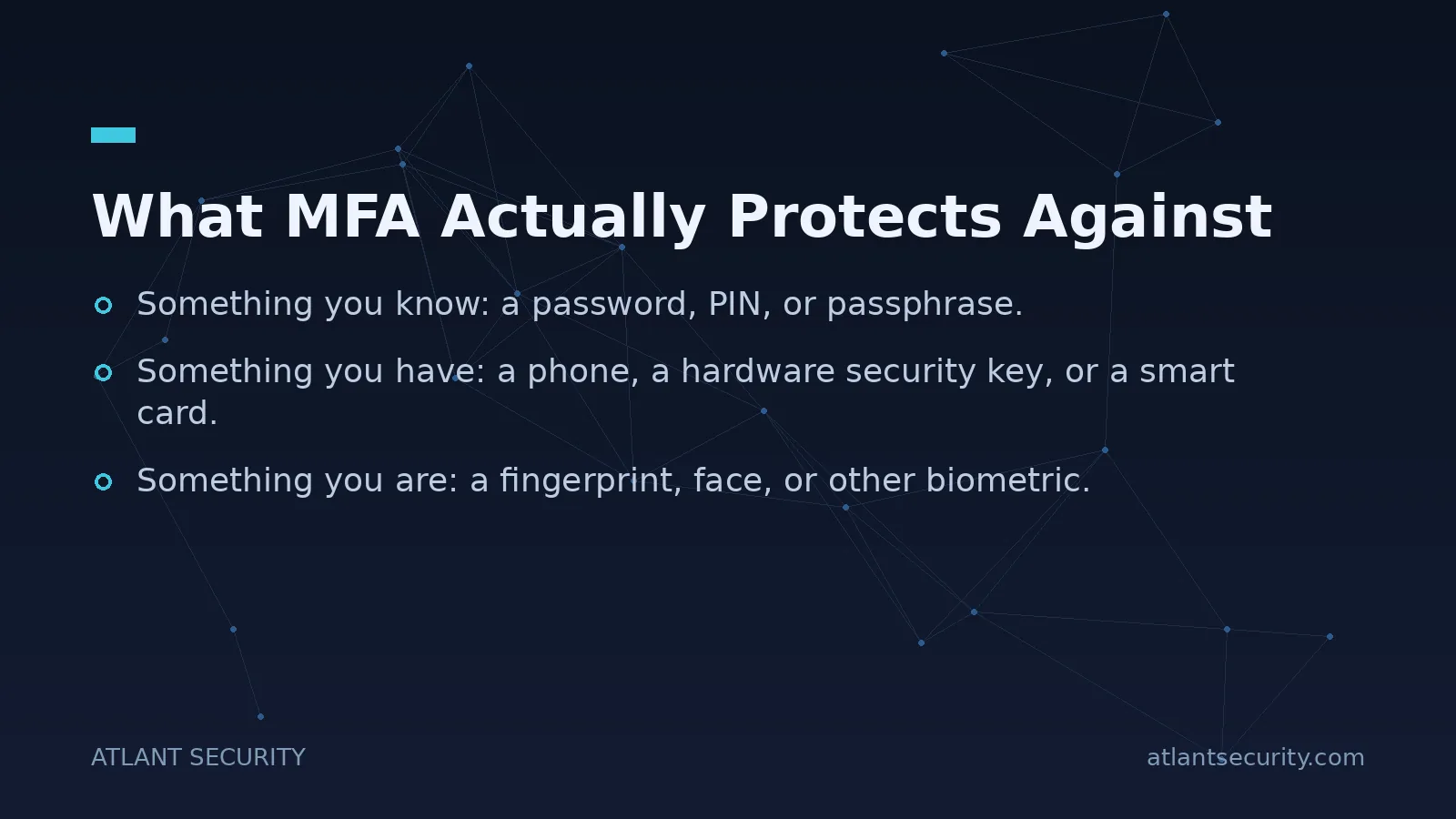
- Something you know: a password, PIN, or passphrase.
- Something you have: a phone, a hardware security key, or a smart card.
- Something you are: a fingerprint, face, or other biometric.
A note on the "location-based" and "behavior-based" factors you will read about elsewhere: these are useful as risk signals that feed into adaptive access decisions, but they are not authentication factors on their own. Do not count them toward your "multi-factor" requirement. Real MFA combines factors from at least two of the three categories above.
The category matters less, in practice, than the specific implementation. Here is how the common methods compare against the attacks that actually matter in 2026.
Comparison of Common MFA Methods
| Method | Phishing resistance | User friction | My recommendation |
|---|---|---|---|
| SMS one-time code | Low (SIM swap, interception, phishing) | Low | Last resort only |
| Authenticator app code (TOTP) | Low to moderate (still phishable) | Low | Acceptable baseline |
| Push notification (simple approve) | Low (MFA fatigue attacks) | Very low | Only with number matching |
| Push with number matching | Moderate | Low | Good for general workforce |
| FIDO2 / hardware security key | High (phishing-resistant by design) | Low once enrolled | Best, especially for admins |
| Passkeys (platform / synced) | High | Very low | Strong modern default |
The single most important lesson from this table: not all MFA is equal. SMS codes and simple push approvals are far better than no MFA, but attackers routinely defeat them. SIM-swap fraud intercepts SMS. Reverse-proxy phishing kits (the same tooling used in modern business email compromise) capture both the password and the one-time code in real time, then replay them within seconds. "MFA fatigue" or push-bombing attacks spam a user with approval prompts until they tap "approve" out of annoyance. Several high-profile breaches in recent years started exactly this way.
Phishing-resistant MFA, meaning FIDO2 security keys and passkeys, closes these gaps because the cryptographic authentication is bound to the legitimate domain. A fake login page cannot relay it, because the browser and authenticator will not release a credential to the wrong origin. If you take one action after reading this, make it moving your administrators and highest-risk users to phishing-resistant MFA.
Where to Deploy MFA First
You will not enable MFA everywhere on day one, so sequence it by risk. Over dozens of rollouts, this order has consistently produced the best protection for the least disruption:
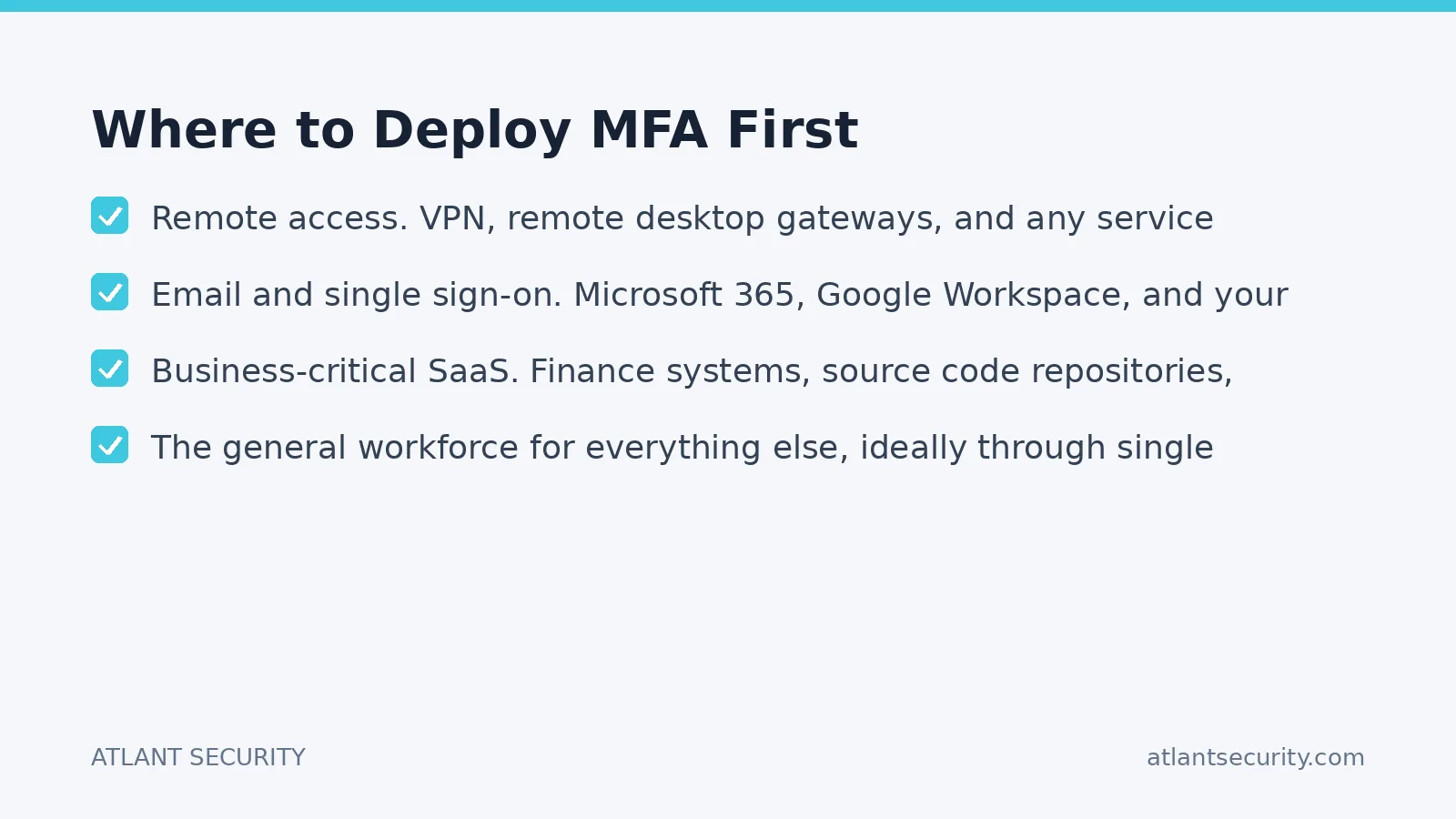
- Administrative and privileged accounts. Domain admins, cloud tenant admins, and anyone who can change security settings. These accounts get phishing-resistant MFA, not SMS.
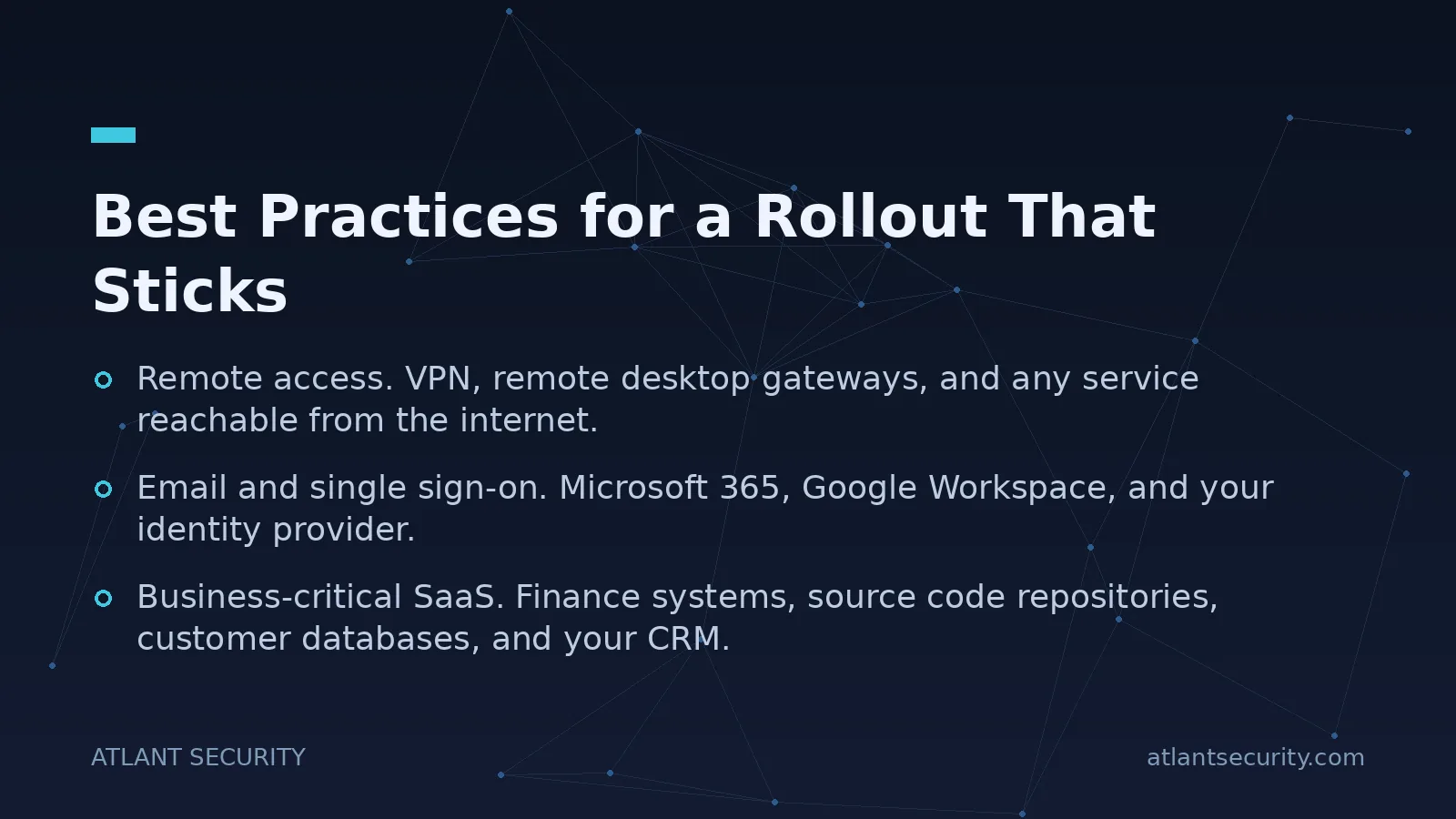
- Remote access. VPN, remote desktop gateways, and any service reachable from the internet. This is where credential-stuffing attacks land.
- Email and single sign-on. Microsoft 365, Google Workspace, and your identity provider. Email is the master key to password resets everywhere else.
- Business-critical SaaS. Finance systems, source code repositories, customer databases, and your CRM.
- The general workforce for everything else, ideally through single sign-on so one strong authentication protects many applications.
If you run Active Directory, the interplay between on-premises identity and cloud identity is where MFA gaps hide. Legacy authentication protocols that do not support MFA are a common bypass, and I find them left enabled in a large share of the environments I assess. A focused Active Directory security assessment will surface those blind spots.
Best Practices for a Rollout That Sticks
The technical part of enabling MFA is usually a few hours of configuration. The hard part is human. Here is what separates a smooth deployment from a helpdesk flood:
- Enforce with conditional access, not honor system. An MFA policy that users can skip is not a control. Require it, and block legacy protocols that circumvent it.
- Register a backup factor during enrollment. Most lockouts happen when someone gets a new phone. Have every user enroll at least two methods so a lost device does not become a support ticket and a security exception.
- Turn on number matching for push. This one setting neutralizes the most common push-fatigue attacks. There is no reason to leave it off.
- Plan the recovery path deliberately. Your account-recovery process is now the weakest link. Attackers who cannot beat MFA will call your helpdesk pretending to be a locked-out executive. Define identity-proofing steps for resets before you need them.
- Communicate the why, briefly and concretely. Tell staff that MFA protects them from having their own accounts hijacked, not just company data. Adoption improves when people understand the personal benefit.
- Measure coverage continuously. Track the percentage of accounts with MFA registered and enforced, broken down by privilege level. Aim for 100 percent on admins and remote access, and drive the gap to zero.
Common Objections, and Honest Answers
"MFA slows everyone down." Modern methods add seconds, and passkeys are often faster than typing a password. The friction argument is largely outdated. Where friction genuinely matters, adaptive access can skip prompts on known devices in known locations while still challenging risky logins.
"We are too small to be targeted." Automated credential-stuffing and password-spraying attacks do not care about your size. They test every login page they can reach. Small and mid-sized businesses are attacked precisely because they often lack MFA. If this is you, a pragmatic starting point is our cybersecurity services for small business.
"It is too expensive." The strong methods are the cheapest relative to their value. Authenticator apps and platform passkeys are free. Hardware security keys cost a modest one-time amount per user and are warranted for admins and executives. Compare that to the cost of a single business email compromise.
Compliance frameworks increasingly treat MFA as mandatory rather than optional. If you are pursuing SOC 2 or ISO 27001, expect auditors to look for MFA on privileged and remote access as a baseline. Financial-sector rules go further; see our overview of NYDFS MFA compliance requirements for a concrete example of how regulators now specify it.
MFA Is Necessary but Not Sufficient
I want to be direct about the limits. MFA dramatically reduces credential-based attacks, but it is one control in a layered defense, not a silver bullet. Attackers who cannot beat your MFA will pivot to session-token theft, help-desk social engineering, unpatched vulnerabilities, and malicious OAuth application consent. A serious program pairs MFA with conditional access, endpoint protection, logging and monitoring, and a rehearsed incident response plan. MFA also does not help you if the underlying identity architecture is misconfigured, which is exactly the kind of gap an IT security audit is designed to find.
If you want MFA deployed correctly the first time, sequenced by risk, integrated with your identity provider, and validated against real phishing techniques, that is the kind of work our team does day in and day out. A virtual CISO engagement can own the rollout end to end, or we can validate an existing deployment through penetration testing that specifically targets your authentication paths.
Frequently Asked Questions
Is SMS-based MFA still worth using?
SMS MFA is meaningfully better than no MFA and it stops the bulk of automated attacks, so if the choice is SMS or nothing, choose SMS. But it is the weakest common method because of SIM-swap fraud and real-time interception. Treat it as a temporary baseline and move toward authenticator apps, and ideally passkeys or hardware keys, especially for privileged accounts.
What is phishing-resistant MFA and do we need it?
Phishing-resistant MFA uses public-key cryptography bound to the legitimate website, so a fake login page cannot capture and replay it. FIDO2 security keys and passkeys are the main examples. You need it for administrators, executives, and anyone with access to sensitive systems, because those are the accounts targeted by the reverse-proxy phishing kits that defeat one-time codes.
How do we handle employees who lose their phone or security key?
Plan for it before it happens. Require every user to enroll at least two authentication methods during onboarding, so a lost device does not lock them out. Define a documented, identity-proofed recovery process for the helpdesk, because that recovery path becomes the new target once MFA is in place. Never let recovery become an easy way to bypass MFA.
Does MFA make us compliant with SOC 2, ISO 27001, or HIPAA?
MFA is a control that supports compliance, not compliance by itself. Frameworks like SOC 2 and ISO 27001 and regulations like HIPAA expect MFA on remote and privileged access, but they also require policies, monitoring, access reviews, and evidence that the control operates consistently. MFA is a necessary ingredient, not the whole recipe.
Can attackers bypass MFA entirely?
Sophisticated attackers can bypass weaker MFA through session-token theft, push-fatigue prompts, SIM swapping, and real-time phishing proxies. This is exactly why the method matters. Phishing-resistant MFA, number matching for push, and conditional access policies that inspect device and session risk close most of these avenues. No single control is absolute, which is why MFA belongs inside a layered defense.
Where should a small business start with MFA?
Start with email and any internet-facing remote access, then cover your identity provider and financial systems. Use free authenticator apps or platform passkeys to keep costs at zero, enforce the policy so it cannot be skipped, and register backup factors for everyone. If you want it done right without a full-time security team, our small business cybersecurity services can set it up and validate it.
