

Most breaches I get called into after the fact are not the smash-and-grab you see in the news. They are quiet. An attacker got in weeks or months earlier, sat still, learned the environment, harvested credentials, and only made noise at the very end when they exfiltrated data or detonated ransomware. That patient, deliberate style of intrusion is what the industry labels an Advanced Persistent Threat (APT), and understanding how it actually works is the difference between catching it early and reading about your own company in a breach notification.
The term APT gets overused. Vendors slap it on everything to sell products. So let me be precise about what it means, who runs these operations, and, more usefully, what you can practically do to detect and disrupt them. I have spent more than a decade doing security assessments and incident work across 14 countries, and the defenses that actually matter against a determined intruder are less glamorous and more achievable than the marketing suggests.
What an APT Actually Is
An Advanced Persistent Threat is not a piece of malware. It is a human adversary, usually a well-resourced group, that gains unauthorized access to a network and stays there to accomplish a specific objective over time. The three words each carry weight:
- Advanced means the group has capability and resources. Not every tool they use is exotic. In fact, most of what they do relies on ordinary techniques, but they can develop custom tooling or buy zero-day exploits when a target justifies the cost.
- Persistent is the defining trait. They pursue a goal and maintain access, re-entering if evicted. They are not opportunistic; they chose you.
- Threat means there is a coordinated human intent behind it, not an automated worm bouncing around the internet.
Who runs them? Typically nation-state intelligence services conducting espionage, state-aligned groups pursuing geopolitical aims, and organized financially motivated crews whose operations have become just as disciplined. The financially motivated groups behind large ransomware and extortion campaigns now operate with the patience and tradecraft that used to be exclusive to intelligence agencies. That is the important shift of the last few years: you no longer need to be a defense contractor to be targeted by APT-grade tactics.
How These Intrusions Actually Unfold
Real intrusions follow a recognizable lifecycle. Naming the stages helps because each one is an opportunity to detect and disrupt.
- Initial access. The attacker gets a foothold, most often through spear-phishing, a stolen or sprayed credential, an exposed remote-access service, or a vulnerability in an internet-facing application.
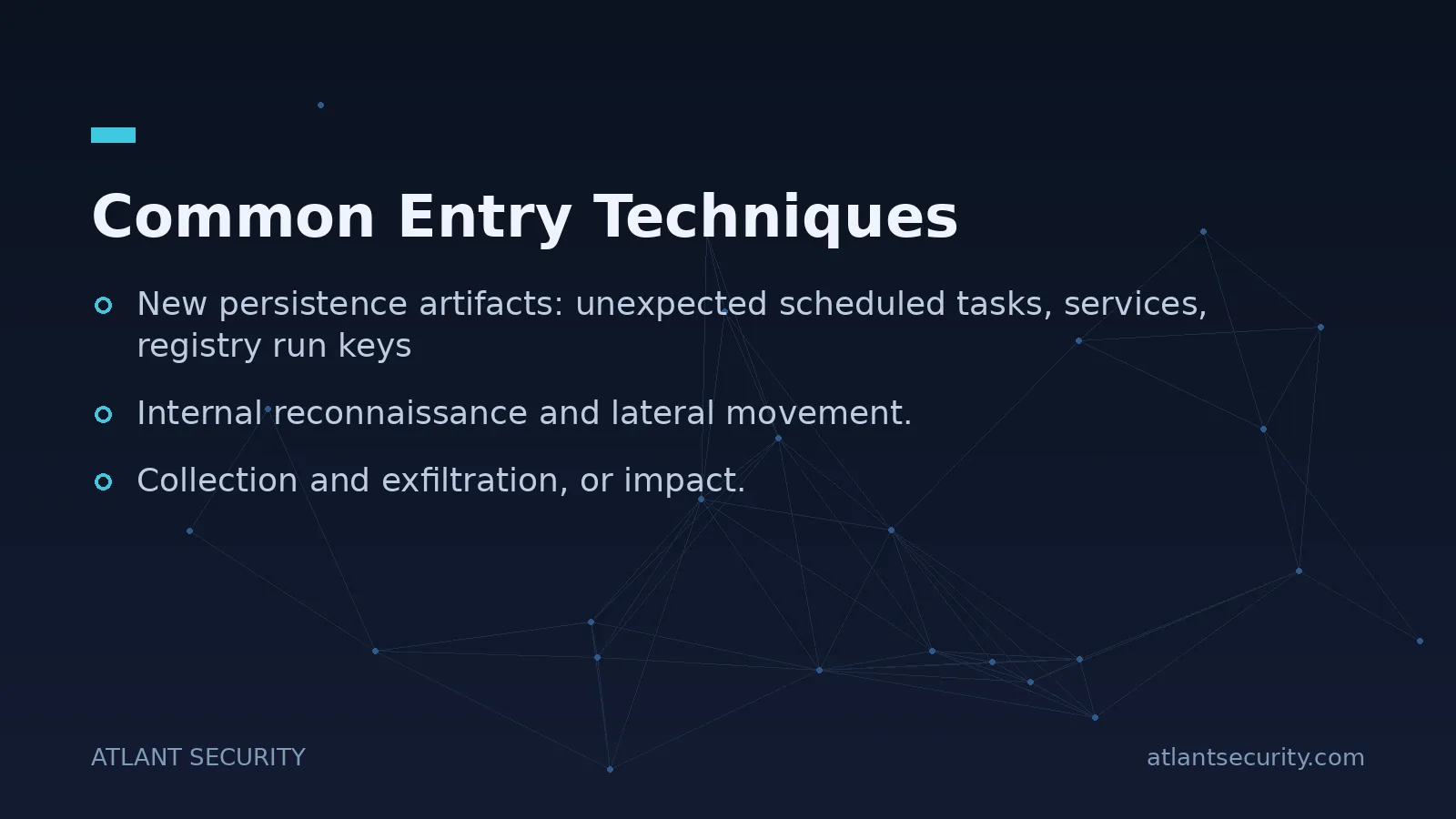
- Establish persistence. They plant a way back in that survives reboots and password changes: a scheduled task, a malicious service, an OAuth application grant, or a backdoored account.
- Privilege escalation. They move from a normal user to administrative rights by exploiting misconfigurations, unpatched systems, or cached credentials.
- Internal reconnaissance and lateral movement. They map the network, find where the valuable data lives, and hop from machine to machine using stolen credentials and legitimate administration tools.
- Collection and exfiltration, or impact. They stage and steal data, or in a ransomware case, disable backups and encrypt systems.
Notice how much of this depends on stolen credentials and legitimate tools rather than malware. Attackers increasingly "live off the land," using the same PowerShell, remote management, and administrative utilities your own IT team uses. That is exactly why they are hard to spot: individually, each action looks like routine administration.
Common Entry Techniques
Across the intrusions I have investigated, a handful of entry methods dominate. Defending the front door well eliminates a large share of your risk.
Spear-phishing
Targeted, well-researched emails aimed at specific people remain the single most common initial access method. These are not the crude spam of a decade ago; they reference real projects, real colleagues, and real business context. If you want to see how convincing modern lures look, our library of real phishing examples and fake login forms is worth reviewing with your team.
Stolen and sprayed credentials
Reused passwords from breach dumps, or weak passwords guessed through spraying, give attackers a valid login that bypasses many defenses. This is why phishing-resistant multi-factor authentication on every internet-facing service is non-negotiable.
Watering-hole and supply-chain compromise
Rather than attack you directly, an adversary may compromise a website your staff frequent, or a software vendor or managed service provider you trust. The trust relationship becomes the delivery mechanism. Supply-chain compromise is especially dangerous because the malicious update or access arrives through a channel you have explicitly whitelisted.
Exposed and unpatched services
Internet-facing VPN appliances, remote desktop gateways, and web applications with known vulnerabilities are scanned and exploited within hours of a patch being released. Exposure plus delay equals opportunity.
Indicators That Something Is Wrong
Because APT activity blends in, detection depends on noticing anomalies against a known baseline. You cannot spot the abnormal if you never defined the normal. These are the signals that, in my experience, most often reveal an intruder:
- Authentication anomalies: logins at unusual hours, from unexpected countries, or "impossible travel" where the same account signs in from two distant locations minutes apart.
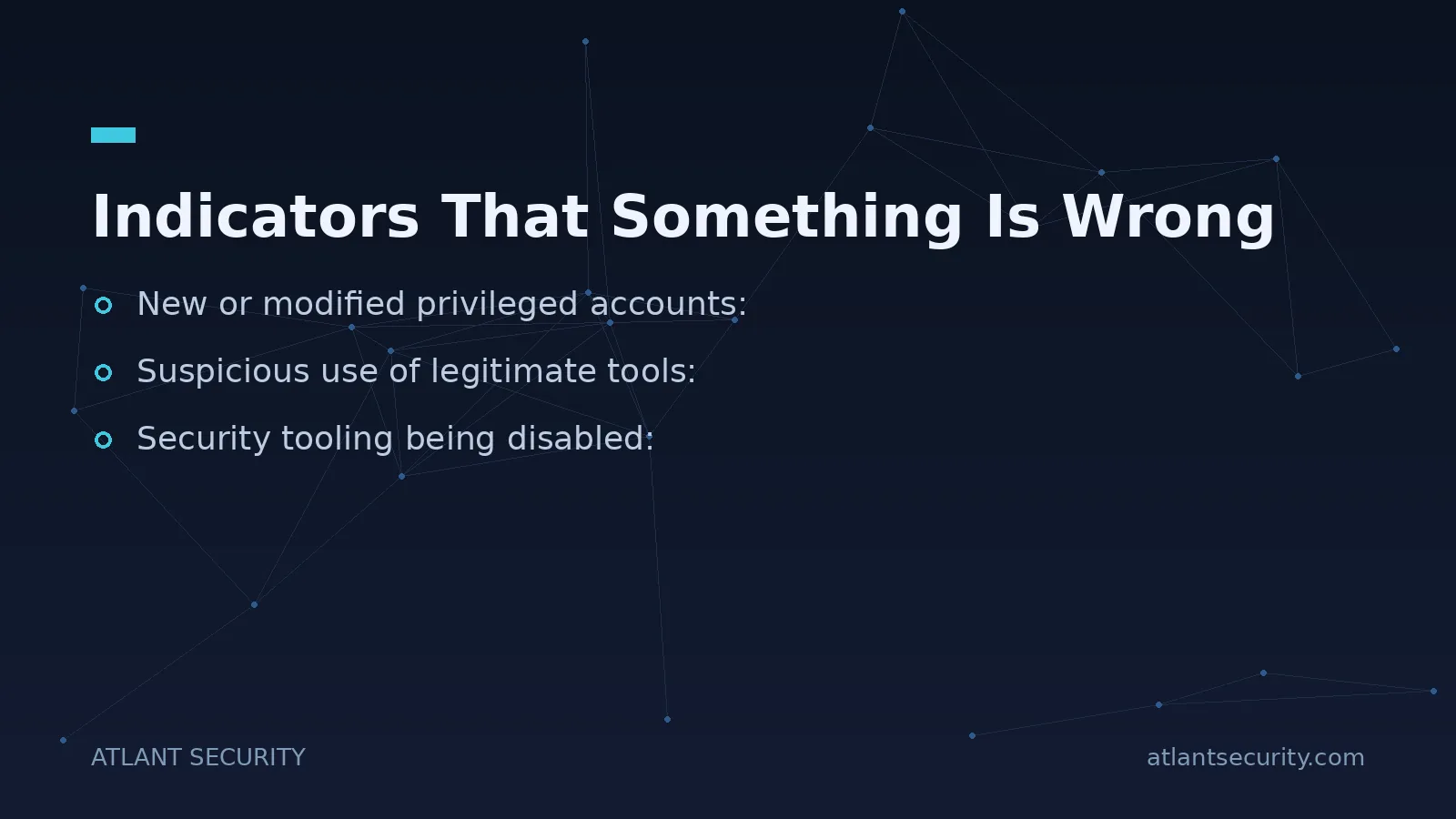
- New or modified privileged accounts: accounts added to admin groups, service accounts suddenly used interactively, or dormant accounts springing to life.
- Unusual outbound traffic: data flowing to unfamiliar destinations, large transfers during off-hours, or beaconing at regular intervals to a command-and-control server.
- Suspicious use of legitimate tools: PowerShell, remote management utilities, or credential-dumping tools running where they normally never run.
- Security tooling being disabled: endpoint agents stopped, logging turned off, or shadow copies and backups deleted, which is a classic precursor to ransomware.
- New persistence artifacts: unexpected scheduled tasks, services, registry run keys, or OAuth app consents in your cloud tenant.
The hard truth is that you can only see these indicators if you are collecting the right logs and someone or something is reviewing them. Most organizations I assess have gaps in exactly the telemetry that would reveal an intrusion: no centralized logging, short retention, or endpoint tools running in a mode that alerts but never blocks.
How to Actually Defend Against a Determined Intruder
You will not stop a well-funded adversary with a single product. The goal of defense is to make every stage of their lifecycle harder, slower, and noisier, so that you detect them before they reach their objective. Here is where I focus client effort, roughly in order of return on investment.
1. Shrink the attack surface and harden identity
Deploy phishing-resistant MFA everywhere, retire legacy authentication protocols, and remove internet exposure you do not need. Enforce least privilege so a compromised account cannot reach everything. Because so many intrusions pivot through Active Directory, a dedicated Active Directory security assessment often finds the exact escalation paths an attacker would use.
2. Patch what faces the internet, fast
Prioritize internet-facing systems and known-exploited vulnerabilities. A recurring vulnerability assessment tells you where you are exposed before an attacker does.
3. Instrument endpoints and centralize logs
Endpoint detection and response gives you visibility into the "living off the land" behavior that antivirus misses. Feed authentication, endpoint, and network logs into a central place with enough retention to investigate an intrusion that started months ago. Detection without telemetry is guesswork.
4. Segment the network
Flat networks let an attacker who compromises one laptop reach the crown jewels. Segmentation and internal access controls contain lateral movement and buy you time to detect.
5. Protect and test backups
Offline, immutable backups are what let a ransomware victim recover without paying. Test restoration regularly. An attacker's first move before encryption is to find and destroy your backups, so keep at least one copy out of their reach.
6. Assume breach and rehearse response
Threat hunting, where a human proactively looks for signs of compromise rather than waiting for an alert, catches intrusions that automated tools miss. And when you do find something, a rehearsed incident response plan is what limits the damage. The organizations that recover well are the ones that practiced before the crisis.
The Uncomfortable Reality About APTs
I will not sell you the fantasy that any tool makes you APT-proof. A sufficiently motivated, well-resourced adversary who has decided to target you specifically will eventually find a way in. That is precisely why the strategy is not prevention alone but detection and response. Your objective is to reduce the number of ways in, and to see and stop the intruder in the days after initial access rather than the months after data theft. Dwell time is the metric that matters: the longer an attacker sits undetected, the worse the outcome.
Getting there requires honest visibility into your current gaps. A thorough IT security audit maps your real exposure across identity, endpoints, network, and cloud. A penetration test then validates whether an attacker could actually chain those weaknesses into a full intrusion. And if you lack the in-house leadership to run this program continuously, a virtual CISO can own the strategy, prioritization, and response readiness on your behalf. Ransomware crews increasingly use APT-grade tradecraft, so if that is your primary concern, our guide on defending against ransomware attacks covers the specifics.
Frequently Asked Questions
What is the difference between an APT and ordinary malware?
Ordinary malware is usually automated and opportunistic; it infects whatever it can reach and often announces itself quickly. An APT is a human-directed campaign in which a well-resourced group deliberately targets a specific organization, gains access, and maintains it quietly to achieve a defined objective over weeks or months. The distinguishing feature is patient, adaptive human intent rather than a self-spreading program.
Is my small or mid-sized business a realistic APT target?
Yes, and more than ever. Financially motivated ransomware and extortion crews now use the same patient tradecraft that used to be exclusive to nation-states, and they frequently target smaller companies precisely because their defenses are weaker. You may also be targeted as a stepping stone to a larger partner through the supply chain. Size is no longer protection.
How long do these intruders typically stay undetected?
Dwell times vary widely, from days in well-instrumented environments to many months where logging and monitoring are weak. The single biggest factor is visibility: organizations with centralized logging, endpoint detection, and active threat hunting catch intrusions far sooner. Reducing dwell time is one of the most valuable things a security program can achieve.
Can multi-factor authentication stop an APT?
MFA, especially phishing-resistant MFA, blocks a large share of initial-access attempts based on stolen credentials, so it is essential. But a determined adversary can still get in through unpatched services, supply-chain compromise, or session-token theft. Treat MFA as one strong layer, not a complete defense, and pair it with monitoring, segmentation, and response readiness.
What logs do we need to detect this kind of activity?
At minimum, collect authentication and sign-in logs from your identity provider, endpoint detection telemetry, network flow data, and logs from internet-facing services and administrative tools. Retain them long enough to investigate an intrusion that may have started months earlier. Just as important, make sure someone or something is actually reviewing them, because logs no one reads catch nothing.
We think we have been breached. What should we do first?
Do not tip off the attacker by clumsily deleting accounts or wiping machines, as that destroys evidence and may trigger destructive actions. Engage experienced incident responders, preserve logs and forensic images, and work from a plan to contain, eradicate, and recover in a controlled sequence. Having that plan rehearsed in advance is what separates a manageable incident from a catastrophe.
