
We have probably seen your problem before. Our smallest client had eight employees. Our largest secures the nuclear power plant of the United Arab Emirates. Whatever shape yours is, tell us about it and we will tell you how we would fix it.
Security Awareness · Phishing Defense · March 2026
Phishing is the number one initial attack vector for data breaches worldwide. This guide breaks down exactly how fake login emails and forms work, how to identify them before you click, and what to do if you already have. Whether you are training your team or protecting yourself, these are the patterns every professional needs to recognize.
Key Takeaways
- Phishing accounts for over 80% of reported security incidents and is the initial vector in the majority of data breaches
- Modern phishing attacks go far beyond obvious spam - AI-generated emails now mimic writing style, timing, and context with alarming accuracy
- The four major phishing categories are credential harvesting, spear phishing, business email compromise (BEC), and smishing/vishing
- Fake login pages can be identified by examining the URL structure, SSL certificate details, form behavior, and page source
- If you clicked a phishing link, the first 30 minutes are critical - change passwords, revoke sessions, enable MFA, and alert your security team
- Technical controls (email filtering, MFA, FIDO2 keys) reduce risk but cannot eliminate it - human awareness remains the last line of defense
Let us be honest about terminology: the word “phishing” has always been a terrible name. It sounds playful. It sounds harmless. It sounds like something a security team worries about while the rest of the company gets real work done.
But there is nothing playful about an employee entering their Microsoft 365 credentials into a fake login form at 8:47 AM, and by 9:15 AM an attacker has accessed your entire SharePoint, downloaded client contracts, and set up mail forwarding rules to intercept password reset emails for every other service connected to that account.
That is the reality of phishing in 2026. This article is a practical guide to understanding how these attacks work, how to identify them, and what to do when one gets through your defenses.
Attack Categories
The Four Major Types of Phishing Attacks
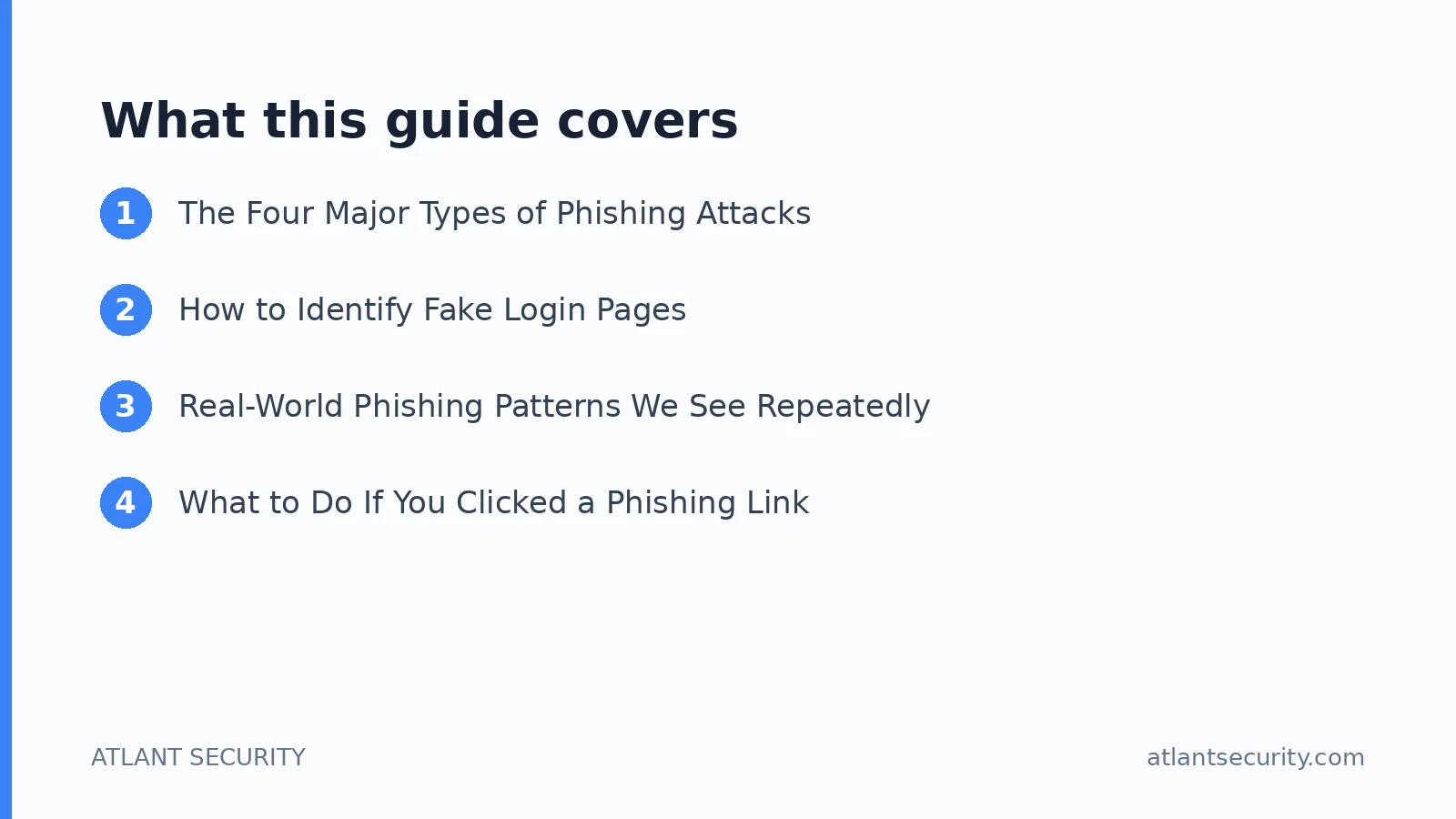
Not all phishing attacks are created equal. Understanding the different categories helps you recognize them faster and train your team more effectively.
| Type | How It Works | Typical Target | Danger Level |
|---|---|---|---|
| Credential Harvesting | Mass emails directing users to fake login pages that capture usernames and passwords | All employees, especially those with cloud service accounts | High - most common and most successful |
| Spear Phishing | Highly targeted emails using personal information about the victim to build credibility | Executives, IT admins, finance team members | Very High - harder to detect due to personalization |
| Business Email Compromise (BEC) | Attacker impersonates a CEO, CFO, or vendor to authorize fraudulent wire transfers or data exports | Finance departments, accounts payable, executive assistants | Critical - average loss per incident exceeds $125,000 |
| Smishing & Vishing | Phishing via SMS (smishing) or phone calls (vishing), often impersonating IT support or banks | Mobile-heavy workforces, remote employees, executives | High - bypasses email security entirely |
Credential Harvesting: The Workhorse of Cybercrime
Credential harvesting is the most common phishing attack by volume. The attacker sends an email that mimics a legitimate service - Microsoft 365, Google Workspace, Zoom, DocuSign, a banking portal - and directs the user to a fake login page. The page looks identical to the real one. The user enters their credentials, the attacker captures them, and the user is typically redirected to the real service so they never realize what happened.
The pattern is always the same: create urgency (your account will be suspended, you have a pending document, your mailbox is full), then require an action (click this link, log in to verify), and the action leads to a credential capture form. Legitimate services will never ask you to log in through an email link to prevent account suspension.
Spear Phishing: When They Know Your Name
Spear phishing is credential harvesting with research. The attacker studies the target using LinkedIn, company websites, social media, and previous data breaches. They craft an email that references a real project, a real colleague, or a real event. In 2026, AI tools make this trivially easy - an attacker can feed your LinkedIn profile and recent company press releases into a language model and generate a convincing, personalized email in seconds.
A typical spear phishing email might reference a specific meeting that happened last week, come from a domain that is one character off from a legitimate vendor, and include a link to a document review portal that requires you to log in. Because the context feels right, the victim is far less likely to scrutinize the URL.
Business Email Compromise: Following the Money
BEC attacks are the most financially devastating category of phishing. The FBI’s Internet Crime Complaint Center reported BEC losses exceeding $2.9 billion in a single year. These attacks do not always use fake login pages - instead, they use social engineering to get someone with financial authority to take a specific action: wire money to a new account, change vendor payment details, or send sensitive employee data (W-2 forms, payroll information).
The most effective BEC attacks compromise the actual email account of a CEO or CFO (often through a prior credential harvesting attack) and then send requests from the legitimate account. This makes them nearly impossible to detect based on email headers alone.
Smishing and Vishing: Phishing Beyond Email
As email filtering has improved, attackers have shifted to SMS and voice channels where defenses are weaker. Smishing messages often impersonate delivery services, banks, or IT departments, directing victims to login pages or asking them to call a number. Vishing (voice phishing) involves callers impersonating IT support, asking employees to provide credentials or install remote access tools. These attacks are particularly effective against mobile workforces and executives who may be less suspicious of a phone call than an email.
Detection Guide
How to Identify Fake Login Pages
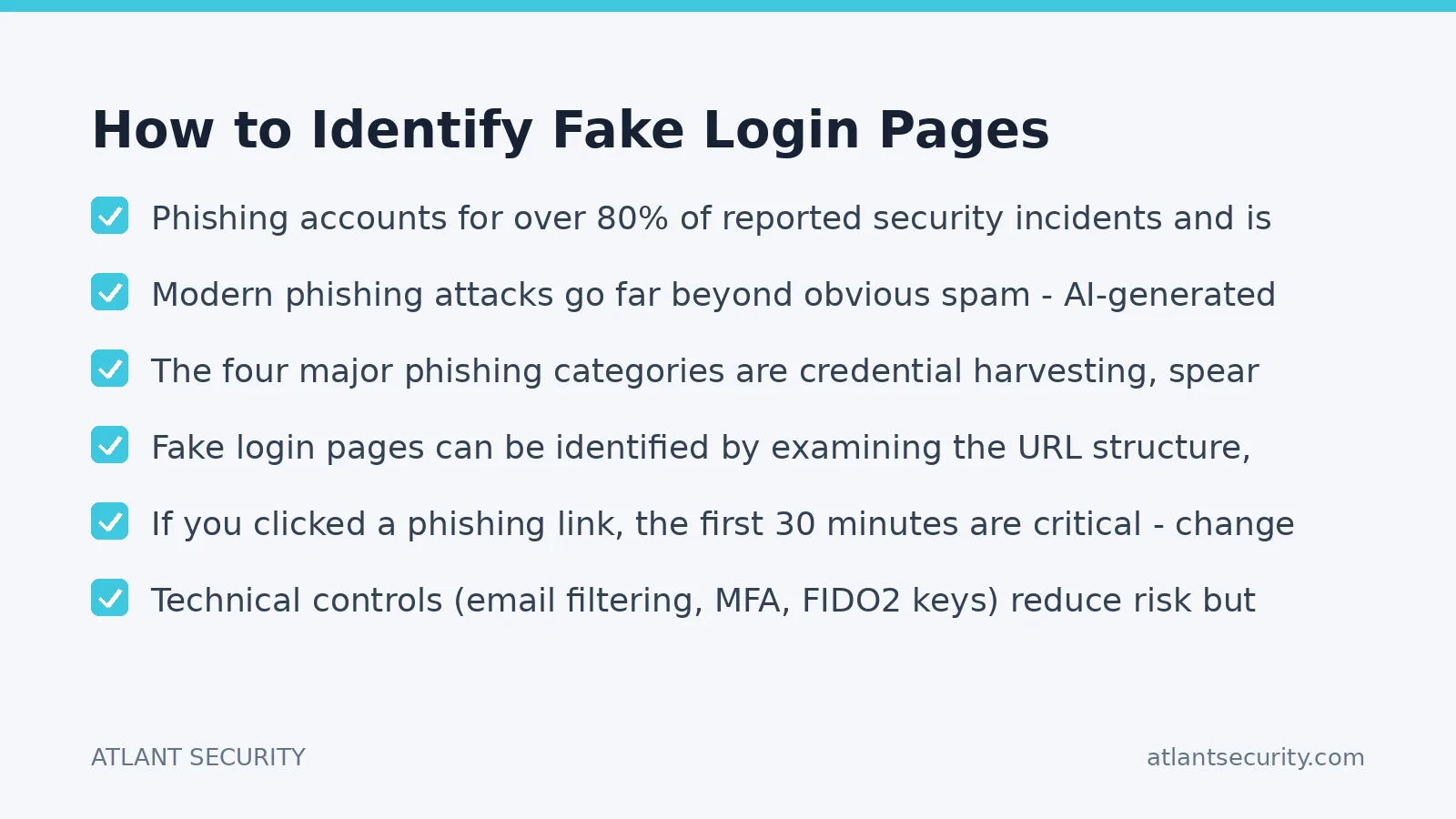
Modern phishing pages are visually indistinguishable from legitimate login pages. Attackers use tools that clone the real page pixel-for-pixel, complete with logos, fonts, and even dynamic elements. The visual appearance of the page tells you nothing. Instead, you need to examine the technical indicators:
| Check | What to Look For | Red Flag |
|---|---|---|
| URL Domain | The actual domain name in the address bar (not the subdomain or path) | login.microsoftonline.com is legitimate. microsoftonline.login-verify.com is not. The domain is what comes before the first single slash. |
| SSL Certificate | Click the padlock icon and inspect the certificate issuer and domain | A valid HTTPS certificate does not mean the site is legitimate. Free certificates from Let’s Encrypt are used by attackers. Check that the certificate was issued to the expected organization. |
| Form Behavior | What happens when you enter an incorrect password | Many phishing forms accept any password on the first try (they are just capturing input) or always show “incorrect password” to collect multiple credential attempts |
| Page Functionality | Do links like “Forgot password”, “Sign up”, and “Help” actually work? | Phishing pages usually only have the login form functional. All other links are either dead, point to the real site, or redirect to the same phishing page |
| URL Encoding Tricks | Check for lookalike characters, extra subdomains, and URL shorteners | Attackers use Cyrillic characters that look identical to Latin ones, excessive subdomains to push the real domain off-screen, and URL shorteners to hide the destination |
The Universal Rule for All Phishing
Every phishing attack follows the same logic: it sends a message that asks you to perform an action (click, log in, call, approve) in order to see or protect something (a document, your account, a payment). Legitimate services send you the content directly. They do not require you to re-authenticate through an email link to view a fax, a Zoom invite, or a document. If an email is asking you to act to reveal content, it is almost certainly fraudulent.
Case Patterns
Real-World Phishing Patterns We See Repeatedly
Based on incidents we have investigated and phishing simulations we have run for clients, these are the patterns that succeed most often:
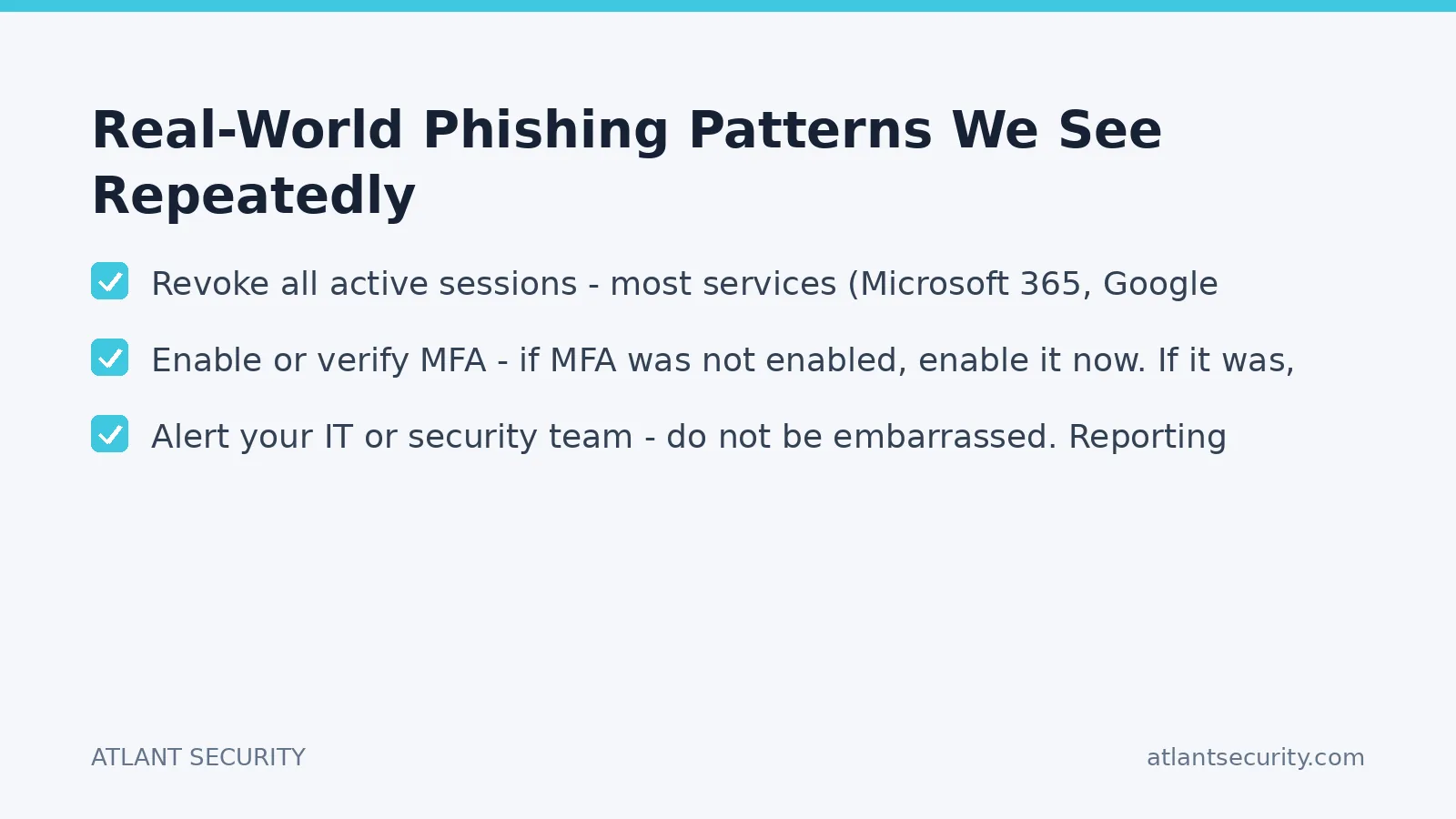
The fake Zoom or Teams invitation. An email arrives that looks exactly like a Zoom meeting invitation from a colleague or client. The “Join Meeting” button leads to a Microsoft 365 login page. The victim logs in, thinking they need to authenticate to join the meeting. The attacker now has their Microsoft 365 credentials. This pattern has an extremely high success rate because people receive dozens of legitimate meeting invitations daily and click them reflexively.
The document sharing notification. An email mimics a SharePoint, Google Drive, or DocuSign notification claiming someone has shared a document with you. The “View Document” link leads to a fake login page. This is effective because document sharing notifications are common in every organization and the expected behavior is to click and authenticate.
The IT security alert. An email claims to be from your IT department, warning that your account has been flagged for suspicious activity and you must verify your identity immediately. This creates urgency and leverages authority - two of the most powerful social engineering triggers.
The voicemail or fax notification. Emails claiming you have a new voicemail or fax that requires you to log in to listen or view. Despite fax being nearly obsolete, these remain surprisingly effective because they trigger curiosity and the login request seems plausible for a web-based communication portal.
The mailbox full or quota exceeded alert. An email warns that your mailbox has reached its storage limit and you must log in to a portal to free up space or prevent messages from being rejected. This targets the fear of missing important communications.
What All These Patterns Have in Common
Every single one follows the same formula: a plausible pretext, a sense of urgency or curiosity, and a call to action that leads to a credential capture form. Train your team to recognize the pattern, not just the specific examples. New pretexts are created daily, but the underlying logic never changes.
Emergency Response
What to Do If You Clicked a Phishing Link
If you entered credentials on a phishing page, the first 30 minutes are critical. Here is your action plan:
Immediate Actions (First 30 Minutes)
- Change your password immediately - go directly to the real service (type the URL manually, do not use any link from the phishing email) and change your password
- Revoke all active sessions - most services (Microsoft 365, Google Workspace) allow you to sign out all devices from the security settings
- Enable or verify MFA - if MFA was not enabled, enable it now. If it was, verify it has not been modified by the attacker
- Check for mail forwarding rules - attackers commonly create email forwarding rules to an external address. In Outlook, check Rules and Forwarding settings. In Gmail, check Filters and Forwarding
- Alert your IT or security team - do not be embarrassed. Reporting quickly limits the damage. Delayed reporting makes everything worse
Follow-up actions. Change passwords on any other service where you used the same or similar password. Review your account activity logs for any unauthorized access that occurred between the compromise and the password change. Check for any new OAuth app consents or API permissions that the attacker may have granted. If you are an administrator, check for new accounts, permission changes, or configuration modifications across your environment.
If you only clicked the link but did not enter credentials, the risk is lower but not zero. Some phishing pages deploy drive-by download malware or exploit browser vulnerabilities. Run a malware scan, check your browser extensions for anything new, and monitor your accounts for any unusual activity.
Technical Controls
How Organizations Should Defend Against Phishing
Awareness training alone is not enough. A layered defense strategy combines technical controls with human awareness:
| Layer | Control | What It Prevents |
|---|---|---|
| Email Gateway | SPF, DKIM, DMARC enforcement; advanced email filtering | Blocks spoofed emails and known phishing domains before they reach the inbox |
| Authentication | FIDO2/WebAuthn hardware keys, phishing-resistant MFA | Makes stolen passwords useless. FIDO2 keys are cryptographically bound to the real domain and cannot be phished |
| Endpoint | Browser isolation, DNS filtering, endpoint detection | Blocks access to known phishing domains and detects malware from drive-by downloads |
| Awareness | Regular phishing simulations, training on current attack patterns | Reduces click rates by 50-80% when done consistently. Builds a culture of healthy skepticism |
| Policy | Out-of-band verification for financial transactions and credential changes | Stops BEC attacks by requiring phone or in-person verification for wire transfers and vendor changes |
Common Questions
Frequently Asked Questions
Can phishing emails get past spam filters?
Yes. Modern phishing campaigns are specifically designed to evade email filters. Attackers use legitimate email services, clean domains with no prior history, and carefully crafted content that avoids common spam trigger words. Some campaigns use compromised legitimate business email accounts to send phishing from trusted domains. No email filter catches 100% of phishing emails, which is why human awareness and MFA are essential additional layers.
Does MFA fully protect against phishing?
Standard MFA (SMS codes, authenticator apps) significantly reduces risk but does not eliminate it. Advanced phishing toolkits like Evilginx act as a real-time proxy between the victim and the legitimate service, capturing both the password and the MFA token as the victim enters them. The only MFA method that is truly phishing-resistant is FIDO2/WebAuthn (hardware security keys), which cryptographically verifies the domain and refuses to authenticate on fake sites.
How often should we run phishing simulations?
Monthly or quarterly, depending on your organization’s size and risk profile. The goal is not to trick employees - it is to build pattern recognition through repeated exposure. Vary the simulation scenarios to cover credential harvesting, BEC, smishing, and document-sharing pretexts. Track click rates and completion of post-click training over time to measure improvement.
What makes AI-generated phishing emails different?
AI-generated phishing emails are grammatically perfect, contextually relevant, and can be produced at massive scale. The traditional advice to “look for spelling errors and awkward grammar” is increasingly obsolete. AI tools can mimic the writing style of specific individuals, reference real events, and generate unique content for each target. This makes pattern recognition (the underlying logic of the attack) more important than surface-level indicators (spelling, grammar).
Should we punish employees who click phishing emails?
No. Punitive approaches create a culture where people are afraid to report incidents, which makes the damage worse. When someone clicks a phishing link and is afraid to report it, the attacker has hours or days of undetected access instead of minutes. Focus on building a culture where reporting is encouraged and fast reporting is praised. Use failed simulation clicks as a training opportunity, not a disciplinary one.
What is the single most effective defense against phishing?
FIDO2 hardware security keys. They are the only authentication method that is cryptographically immune to phishing - the key verifies the domain before authenticating, so it physically cannot authenticate on a fake site. Google deployed FIDO2 keys to all 85,000+ employees and reported zero successful phishing attacks after deployment. For organizations that cannot deploy hardware keys universally, a combination of advanced email filtering, conditional access policies, and regular awareness training provides the best available protection.
Want to Test Your Organization’s Phishing Defenses?
We run realistic phishing simulations, assess your email security configuration, and build awareness training programs tailored to your organization.
From SPF/DKIM/DMARC hardening to FIDO2 deployment and employee training, we help you build every layer of phishing defense.
Published: March 2026 · Author: Alexander Sverdlov
This article is for educational purposes and does not reproduce actual phishing content. The attack patterns described are based on real-world incidents and publicly documented techniques. If you are currently experiencing a phishing incident, contact your IT security team immediately.
Related services from Atlant Security: IT Security Audit, Virtual CISO, All Services. Book a discovery call to discuss your specific situation.
Smaller company, no security team?
Most small companies need six controls, not a fourteen-point programme. We tell you which six, fix them with you, and are straight about what you can safely skip.
See small business cybersecurity