The Growing Threat of Ransomware: How to Protect Your Business
Alexander Sverdlov
Security Analyst

I have run more than 200 security assessments since 2013, across 14 countries, and I can tell you that ransomware is rarely the beginning of an incident. It is the ending. By the time a business sees the ransom note, the attacker has usually been inside the network for days or weeks: reading email, mapping file shares, stealing credentials, and quietly deleting or corrupting backups. The encryption is the last act, not the first. If you want to protect your business, you have to defend against the entire attack chain, not just the moment the screens turn red.
This article is written for owners, IT managers, and executives who want a realistic, technically grounded view of how ransomware actually works and what genuinely reduces your risk. I have stripped out the fear-selling. What follows is what I would tell a client sitting across the table from me.
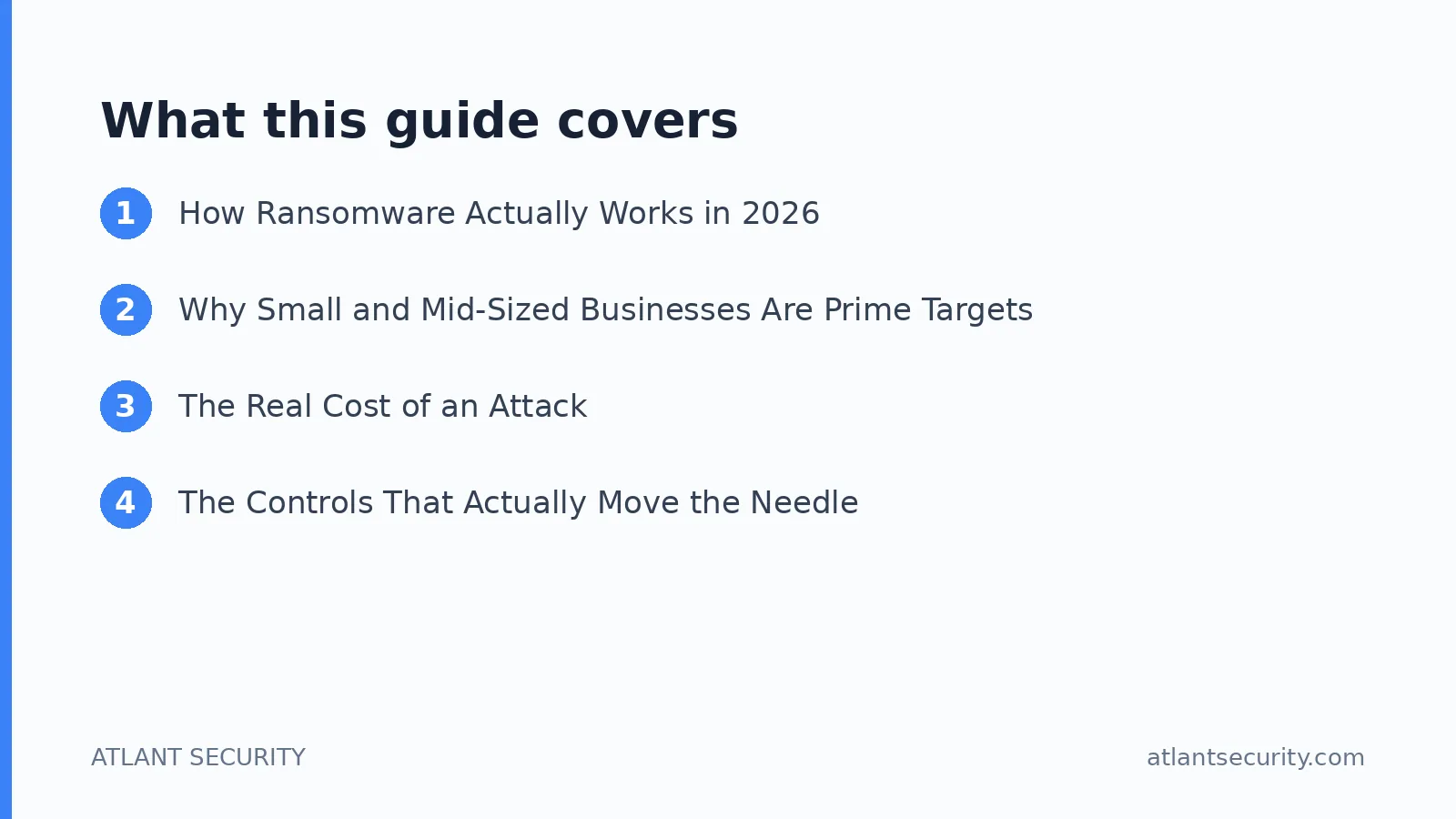
How Ransomware Actually Works in 2026
The romantic image of a lone hacker is long gone. Modern ransomware is an industry with specialized roles. Initial access brokers break into companies and sell that access. Affiliates rent ransomware toolkits from operators under a "ransomware-as-a-service" model and keep a cut of any payment. Negotiators, launderers, and even help desks exist. This division of labor is why attacks are so frequent and so competent.
A typical intrusion follows a recognizable path:
- Initial access. Most commonly a phishing email, a stolen or reused password on a remote access portal, an exposed VPN or RDP service, or an unpatched internet-facing application.
- Establishing a foothold. The attacker installs a remote access tool and makes sure they can get back in even if you notice one door and close it.
- Privilege escalation and credential theft. They harvest passwords from memory, misconfigured file shares, and password managers, aiming for a domain administrator or cloud administrator account.
- Lateral movement and reconnaissance. They quietly move across servers, identify your most valuable data, and locate your backups.
- Data exfiltration. They copy sensitive data out before doing anything visible. This enables "double extortion": pay to decrypt, and pay again so we do not publish your data.
- Backup destruction and encryption. They delete shadow copies, wipe or encrypt backups, then trigger encryption everywhere at once, usually at night or on a holiday weekend.
The single most important takeaway is this: defenses that only trigger at step six are almost worthless. The money and the leverage are already lost. Real protection lives in steps one through four.
Why Small and Mid-Sized Businesses Are Prime Targets
A persistent myth is that attackers only chase large enterprises. In practice, small and mid-sized businesses are attacked constantly, precisely because they tend to have weaker controls, no dedicated security staff, and enough revenue to justify a mid-five-figure or six-figure ransom demand. Attackers do not need to target you personally. They scan the entire internet for exposed services and weak passwords, and you either show up on that list or you do not.
The industries I see hit hardest are the ones that cannot tolerate downtime: healthcare, professional services, manufacturing, logistics, and e-commerce. When your operations stop, your motivation to pay quickly goes up, and attackers know it. If you run an online store, the operational and reputational stakes are especially high, which is why I treat e-commerce security as its own discipline.
The Real Cost of an Attack
The ransom is often the smallest line item. The costs that actually hurt include:
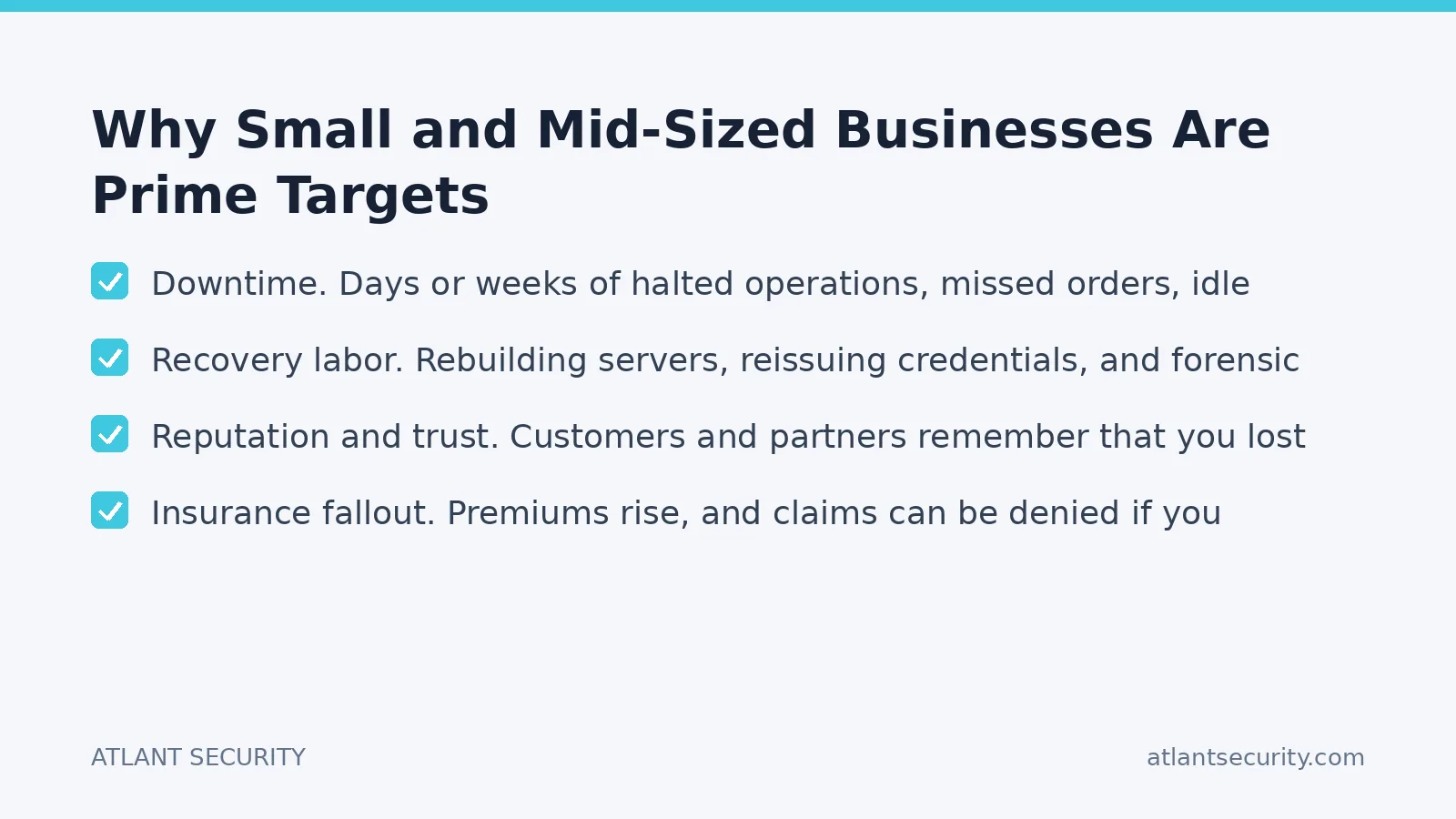
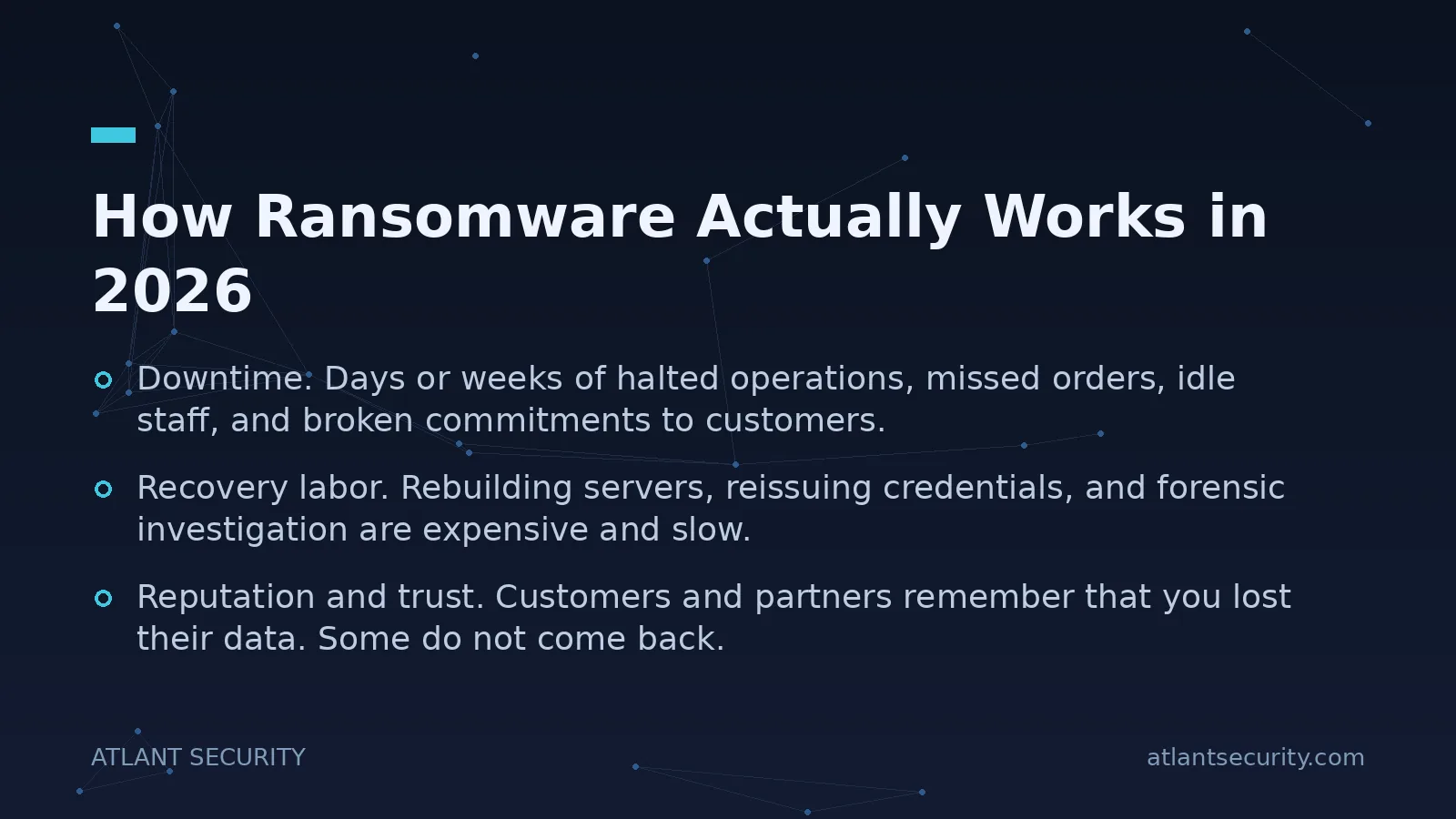
- Downtime. Days or weeks of halted operations, missed orders, idle staff, and broken commitments to customers.
- Recovery labor. Rebuilding servers, reissuing credentials, and forensic investigation are expensive and slow.
- Data exposure liability. If regulated data is stolen, you face breach notification duties, regulatory scrutiny, and potential penalties under HIPAA, GDPR, or sector rules.
- Reputation and trust. Customers and partners remember that you lost their data. Some do not come back.
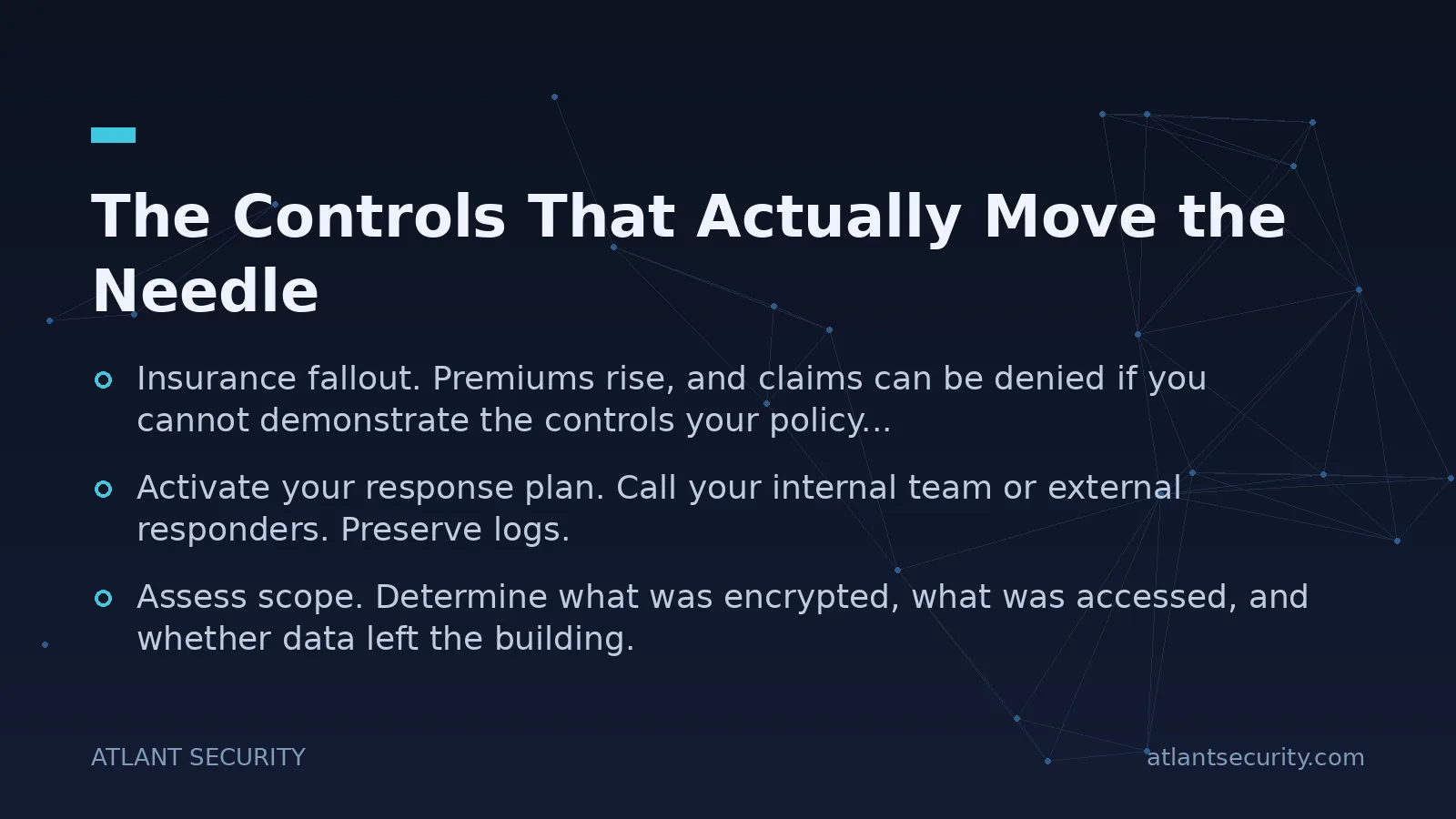
- Insurance fallout. Premiums rise, and claims can be denied if you cannot demonstrate the controls your policy required.
Paying a ransom does not make these costs disappear. Decryptor tools are frequently slow and buggy, some files never come back, and payment marks you as a business willing to pay, which invites a repeat visit.
The Controls That Actually Move the Needle
Over hundreds of assessments, the organizations that survived ransomware attempts without paying almost always had a small set of unglamorous controls in place. Here is where I tell clients to spend their attention and budget, roughly in order of impact.
1. Multi-Factor Authentication Everywhere That Matters
Stolen and reused passwords are the number one way attackers get in. Enforce phishing-resistant MFA on all remote access, email, VPN, cloud administration, and any internet-facing application. No exceptions for executives, and no exceptions for "just this one service account." If a single control could prevent the majority of intrusions I investigate, this is it.
2. Backups That an Attacker Cannot Reach
Follow the 3-2-1 rule: at least three copies of your data, on two different media, with one copy off-site and offline or immutable. The critical property is that your backups must be isolated from the identity and network your production systems use. If a domain administrator account can delete your backups, so can the attacker who steals that account. Test restoration regularly. A backup you have never restored is a hope, not a plan.
3. Endpoint Detection and Response, Not Just Antivirus
Traditional signature antivirus misses modern intrusions. Endpoint Detection and Response (EDR) watches for behaviour: credential dumping, suspicious PowerShell, mass file changes. Just as important, someone has to actually watch the alerts. A tool that fires an alarm nobody reads at 2am on Saturday is not protecting you.
4. Rapid, Prioritized Patching of Internet-Facing Systems
Attackers weaponize new vulnerabilities in VPNs, firewalls, and web applications within days. Your internet-facing systems must be patched first and fast. Everything exposed to the internet should be inventoried and monitored. If you do not know what you have exposed, a vulnerability assessment is the fastest way to find out, and a penetration test shows you how those weaknesses chain together in practice.
5. Least Privilege and Network Segmentation
Most people do not need administrator rights on their machines, and most servers do not need to talk to every other server. Reducing standing privileges and segmenting your network limits how far an intruder can spread from a single compromised laptop. This is the difference between one encrypted workstation and your entire company going dark.
6. Email and Phishing Defenses
Since phishing remains a top entry point, combine technical filtering with realistic user training. Teach people what a credential-harvesting page looks like. I keep a library of real phishing examples precisely because seeing the actual bait is far more effective than abstract warnings.
7. A Tested Incident Response Plan
Decide in advance who you call, how you isolate systems, where your clean backups are, and what your legal and notification obligations are. The worst time to write a plan is during the incident. If you do not have an internal team, an incident response retainer gives you a number to call before the panic sets in.
Prevention Layers at a Glance
| Attack Stage | Primary Defense | Why It Works |
|---|---|---|
| Initial access | MFA, patching, email filtering | Closes the front doors attackers scan for |
| Foothold and escalation | EDR, least privilege | Detects and limits attacker tooling and rights |
| Lateral movement | Network segmentation | Contains the blast radius to one segment |
| Exfiltration | Monitoring, egress controls | Catches large or unusual outbound transfers |
| Encryption | Immutable, isolated backups | Lets you recover without paying |
If You Are Hit: The First Hour
Speed and discipline matter more than heroics. In order:
- Isolate, do not power off. Disconnect affected machines from the network to stop spread, but avoid shutting them down, which can destroy forensic evidence in memory.
- Activate your response plan. Call your internal team or external responders. Preserve logs.
- Assess scope. Determine what was encrypted, what was accessed, and whether data left the building.
- Do not rush to pay. Understand your backup position first, and get legal and specialist advice. Payment may also carry legal restrictions depending on who the attacker is.
- Meet your obligations. If regulated data was exposed, notification deadlines start ticking immediately.
I walk through exactly how one of these unfolds in a real-world incident response case study, which shows how quickly cloud credential theft can escalate.
Where an Outside Expert Helps
Most businesses do not need a large security team. They need clarity about the handful of things that matter and help implementing them correctly. That is the core of the work I do through virtual CISO services: an experienced security leader who sets priorities, fixes the highest-risk gaps first, and builds a defensible program without the overhead of a full-time hire. For smaller organizations, small business cybersecurity services deliver the same discipline scaled to your size and budget. And if you simply want to know where you stand today, an IT security audit maps your real exposure against the attack chain above.
Frequently Asked Questions
Should we pay the ransom if we get hit?
My default answer is no, and you should design your business so you never have to. Payment does not guarantee recovery, decryptor tools are often unreliable, it funds future attacks, and it can carry legal exposure depending on who the attacker is. The only reason businesses pay is that they have no working backups, which is a problem to solve before an incident, not during one.
Does cyber insurance make ransomware protection unnecessary?
No. Insurance can help with recovery costs, but insurers now require you to prove you have specific controls, such as MFA and tested backups, before they pay. Weak security can void your claim. Treat insurance as a financial backstop, not a substitute for defenses.
We are a small company. Are we really a target?
Yes. Most ransomware is opportunistic and automated. Attackers scan the entire internet for exposed services and weak passwords, and small companies frequently have both. You do not have to be famous to be found.
What is the single most effective thing we can do this week?
Enforce phishing-resistant multi-factor authentication on every remote access point, email, and administrator account, and verify that your backups are isolated from your production identity so an attacker with admin rights cannot destroy them. Those two steps prevent or survive the majority of attacks I investigate.
How often should we test our backups and response plan?
Restore-test backups at least quarterly, and run a tabletop exercise of your incident response plan at least once or twice a year. Plans and backups that are never tested tend to fail exactly when you need them.
Protecting Your Business Starts Before the Attack
Ransomware is survivable, and it is largely preventable, but only if you defend the whole attack chain instead of the final screen. Get MFA everywhere, isolate your backups, deploy and monitor EDR, patch what faces the internet, and rehearse your response. Those fundamentals, done properly, put you ahead of the vast majority of businesses attackers find easy to victimize. If you want an experienced set of eyes on your specific environment, get in touch and we can talk through where your real gaps are and how to close them.

Alexander Sverdlov
Founder of Atlant Security. Author of 2 information security books, cybersecurity speaker at the largest cybersecurity conferences in Asia and a United Nations conference panelist. Former Microsoft security consulting team member, external cybersecurity consultant at the Emirates Nuclear Energy Corporation.