

We have probably seen your problem before. Our smallest client had eight employees. Our largest secures the nuclear power plant of the United Arab Emirates. Whatever shape yours is, tell us about it and we will tell you how we would fix it.
Incident Response · Case Study · March 2026
How an EdTech company found one compromised AWS credential, thought the crisis was over, and why that assumption could have cost them everything. A real incident response case study with the lessons most companies learn too late.
Key Takeaways
- Finding the source of one compromised credential does not mean you understand the full scope of a breach
- If an AWS SES key was exfiltrated, the attacker likely had access to every other secret stored alongside it
- Self-diagnosing a security incident is like self-diagnosing chest pain - you might be right, but the consequences of being wrong are catastrophic
- A proper incident response investigation covers containment, forensics, data impact assessment, and root cause analysis - not just patching the hole you found
- The average cost of an undetected data breach is $4.88M. A professional IR engagement costs a fraction of that
- Companies with self-hosted source control (GitLab, Gitea) face elevated risk - a compromised server means the entire codebase and CI/CD pipeline could be backdoored
The call came in on a Thursday morning. The CTO's voice had that specific tremor I've learned to recognize after a decade of incident response - the one that says “something is very wrong and I don't know how wrong yet.”
He introduced himself as the technical co-founder of a language learning platform I'll call LinguaFlow. They were an EdTech company serving over two million registered users across web and mobile, offering interactive language courses, AI-powered pronunciation coaching, and a marketplace of teacher-created content. A legitimate, growing product with real revenue and real users trusting them with personal data.
The problem was this: their Amazon SES API key had been compromised. Someone was using their verified sending domain to blast phishing emails and spam at industrial scale. Their domain reputation was cratering. Emails to their own customers - password resets, lesson reminders, payment receipts - were bouncing or landing in spam folders. Amazon had already flagged their account and was threatening suspension.
They needed help now. We booked an emergency consultation and started asking questions. That's when the story took a turn I've seen far too many times.
The Emergency Call
What LinguaFlow Told Us - And What They Didn't Know Yet
Our first step in any incident response engagement is understanding the environment. We asked LinguaFlow's CTO to walk us through their tech stack, and what he described was a modern, moderately complex SaaS architecture:
| Layer | Technology | IR Relevance |
|---|---|---|
| Backend | PHP 8.1+ / Symfony 5.x / Doctrine ORM | Application logic, API endpoints, environment variables holding secrets |
| Database | MySQL | 2M+ user records, PII, payment metadata |
| Frontend | React 18 / Redux | Client-side state management, API token handling |
| Infrastructure | AWS (Docker/Apache, CloudFront, S3, SQS, SES) | Every AWS service potentially accessible with stolen credentials |
| Caching | Memcached / Redis | Session data, cached queries, potentially storing auth tokens |
| Source Control & CI/CD | GitLab (self-hosted) with CI/CD pipelines | Highest risk - contains all source code, deployment secrets, pipeline definitions |
We explained our standard incident response process: containment first, then forensic investigation, then remediation and hardening. We set up a secure communication channel and began scoping the engagement. The CTO seemed relieved. Someone was taking charge.
Then, less than four hours later, we got a second call.
The Call That Changed Everything
“Hey, good news - we found the vulnerability. One of our developers had committed the SES access key to a public branch in our GitLab instance. We've rotated the key and removed the commit. We're going to handle the fix internally first and then reach out to you guys later for a broader security review.”
I paused. I had heard this exact sentence, almost word for word, at least a dozen times in my career. And every single time, the story did not end well.
We strongly recommended they continue with the investigation. We explained why finding one vulnerability is not the same as understanding the full scope of a compromise. But they were under budget pressure, their immediate problem (the spam emails) had stopped after the key rotation, and their team was confident they had found the root cause.
They thanked us for the quick response and said they'd be in touch.
This is the story I want to tell - not because LinguaFlow did something unusual, but because what they did is extraordinarily common. And it is precisely the wrong response to a security incident.
The Critical Mistake
Why “We Found It” Is the Most Dangerous Phrase in Incident Response
Let me be blunt: finding the exploit vector is not the same as understanding the full scope of a compromise. Not even close. It is the difference between finding the broken window the burglar used to enter your house and actually checking whether anything was stolen, whether they made copies of your keys, or whether they are still hiding in the basement.
In LinguaFlow's case, a developer had committed an AWS SES access key to a GitLab repository. They found it, rotated it, and removed the commit. Problem solved, right?
Here is everything that sentence does not tell you:
1. What else was in that commit - or in that repository?
In a typical Symfony application, environment variables and configuration files often contain clusters of secrets. The .env file in a Symfony project commonly holds:
- Database credentials (MySQL host, username, password, database name)
- AWS access keys (not just SES - often the same IAM key is used for S3, SQS, CloudFront, and SES)
- Redis and Memcached connection strings
- Application secrets (
APP_SECRETused for CSRF tokens, cookie encryption, password reset tokens) - Third-party API keys (payment processors, analytics, notification services)
- GitLab API tokens or deploy tokens used in CI/CD
If the SES key was committed to the repository, the question is not “was the SES key exposed?” The question is “what else was exposed, and for how long?”
2. How long did the attacker have access?
LinguaFlow detected the compromise because the attacker started sending spam through their SES account. But sophisticated attackers do not announce themselves. The fact that the key was being used for something noisy and obvious (spam) suggests one of two scenarios:
Scenario A: Opportunistic attacker. Someone scanning public repositories (or exposed GitLab instances) found the key and immediately monetized it through spam. In this case, the blast radius might genuinely be limited to SES abuse - but you cannot assume this without investigation.
Scenario B: Sophisticated attacker who already extracted everything valuable. The spam campaign was either a secondary monetization play or a deliberate distraction. While LinguaFlow's team was focused on the SES abuse, the attacker may have already exfiltrated the database, planted persistence mechanisms, and moved on. The spam was just the part they noticed.
Without analyzing AWS CloudTrail logs, there is no way to distinguish between these scenarios. And CloudTrail logs have a limited retention window - if you wait too long, the evidence disappears.
3. Was the GitLab instance itself compromised?
This is the question that should have kept LinguaFlow's CTO up at night. Their GitLab was self-hosted, which means they were responsible for patching, hardening, and monitoring it themselves. If the attacker found credentials in a GitLab repository, they may have had access to GitLab itself. And a compromised self-hosted GitLab instance is an attacker's dream:
- Full source code access - every repository, every branch, every commit history
- CI/CD pipeline manipulation - the attacker could modify
.gitlab-ci.ymlto inject malicious code into every deployment - Stored secrets - CI/CD variables often contain production database passwords, API keys, and deployment credentials
- Deploy keys and access tokens - used to push code and trigger deployments to production
- Container registry access - if they use GitLab's built-in registry, the attacker could push trojanized Docker images
4. What about persistence mechanisms?
Experienced attackers do not just exploit a vulnerability and leave. They establish multiple ways back in, so that even if the original vulnerability is patched, they retain access. Common persistence mechanisms in an environment like LinguaFlow's include:
| Persistence Method | Where to Look | Difficulty to Detect |
|---|---|---|
| IAM backdoor users or roles | AWS IAM console, CloudTrail CreateUser / CreateRole events |
Medium |
| Lambda functions (data exfil, crypto mining) | AWS Lambda console, CloudTrail CreateFunction events |
Medium |
| Modified CI/CD pipelines | GitLab commit history, pipeline run logs | Hard (hidden in legitimate-looking commits) |
| Cron jobs on Docker/Apache hosts | crontab -l, /etc/cron.d/, systemd timers |
Easy (if you look) |
| Web shells in PHP application directories | File integrity monitoring, find for recently modified .php files |
Medium (often disguised as legitimate files) |
| SSH authorized_keys additions | ~/.ssh/authorized_keys on all hosts |
Easy (if you look) |
| S3 bucket policy modifications (public access) | S3 console, CloudTrail PutBucketPolicy events |
Medium |
| Database admin accounts | MySQL user table, SELECT user FROM mysql.user |
Easy (if you look) |
Rotating the SES key addresses exactly one of these eight persistence vectors. The other seven remain completely uninvestigated.
5. What about the 2 million users?
LinguaFlow's MySQL database contained personally identifiable information (PII) for over two million users: names, email addresses, learning preferences, potentially payment information. If the database credentials were in the same .env file as the SES key - which they almost certainly were, since that is how Symfony's Doctrine ORM is typically configured - then the attacker may have had direct database access.
Without a forensic investigation, LinguaFlow cannot answer these questions:
- Was the user database accessed or exfiltrated?
- Were payment records compromised?
- Do they have a legal obligation to notify users under GDPR, CCPA, or other privacy regulations?
- Are their users now targets for credential stuffing attacks on other platforms?
The Uncomfortable Truth
If LinguaFlow cannot prove that user data was not accessed, most data protection regulations treat it as a presumed breach. “We don't think data was stolen” is not a legal defense. “We investigated thoroughly and found no evidence of data access” is. The difference between those two statements is a professional incident response investigation.
The Right Way
What a Proper Incident Response Investigation Actually Looks Like
Had LinguaFlow proceeded with the engagement, here is what a proper incident response investigation would have covered. This is not theoretical - it is the standard process we follow for every cloud credential compromise.
Phase 1: Containment (Hours 0-4)
Containment is not “rotate the key you found.” Containment is rotating every credential that could possibly have been exposed and cutting off every potential access path. For LinguaFlow's stack, that means:
- All AWS IAM access keys and secret keys - not just the SES key. Every key pair associated with every IAM user and role.
- MySQL database passwords - change the root password and all application user passwords. Audit the
mysql.usertable for unknown accounts. - Redis and Memcached authentication - if using password-protected connections, rotate those passwords. If not password-protected (common with Memcached), assess network exposure.
- Symfony APP_SECRET - this single value is used for CSRF protection, cookie signing, and password reset tokens. If compromised, an attacker can forge sessions and generate valid password reset links for any user.
- GitLab personal access tokens, deploy tokens, and CI/CD variables - all of them, for all users and projects.
- SSH keys - on all servers, for all user accounts.
- Third-party API keys - payment processors, analytics, any integrated service.
Why Comprehensive Rotation Matters
In a Symfony application using AWS services, it is extremely common for the same .env file to contain credentials for every connected service. If that file was exposed - whether committed to a repository, leaked through a misconfigured debug endpoint, or accessible via a path traversal vulnerability - then every credential in it must be considered compromised. Rotating one key while leaving the others unchanged is like changing the lock on your front door while leaving the back door wide open.
Phase 2: CloudTrail Log Analysis (Hours 4-24)
AWS CloudTrail is the single most important forensic artifact in a cloud compromise. Every API call to AWS is logged (if CloudTrail is enabled - and if it is not, that is its own problem). For LinguaFlow's investigation, we would analyze:
- All API calls made with the compromised access key - not just SES calls. Did the key also call S3 GetObject? Did it list IAM users? Did it create new resources?
- IAM modifications -
CreateUser,CreateAccessKey,AttachUserPolicy,CreateRole- any of these indicate the attacker was establishing persistent access. - S3 activity -
ListBuckets,GetObject,PutBucketPolicy- were backups, user uploads, or application data accessed? - Lambda function creation - attackers frequently deploy Lambda functions for crypto mining or as persistent data exfiltration endpoints.
- EC2 and ECS modifications - new instances, modified security groups, changed IAM instance profiles.
- SQS queue access - did the attacker read messages from queues that might contain sensitive application data?
- Source IP analysis - correlating the IP addresses making API calls to identify the attacker's infrastructure and determine whether access came from expected or unexpected geographic locations.
Phase 3: GitLab Forensics (Hours 12-48)
Because LinguaFlow's GitLab was self-hosted, this phase is critical. A managed GitLab.com account has its own security team monitoring for abuse. A self-hosted instance is entirely the customer's responsibility. We would investigate:
- GitLab audit logs - login attempts, successful logins, repository access, CI/CD pipeline modifications, user creation, permission changes.
- CI/CD pipeline history - were any pipeline definitions modified? Were new jobs added that could exfiltrate secrets or inject code?
- Repository commit history - using
git logandgit diffto look for suspicious commits, especially to.gitlab-ci.yml, Dockerfiles, and deployment scripts. - CI/CD variables - what secrets are stored as CI/CD variables? Were any accessed or modified?
- Webhooks - attackers sometimes add webhooks that send repository data to external servers on every push.
- Container registry - if LinguaFlow uses GitLab's container registry, we would verify the integrity of all Docker images used in production.
Phase 4: Infrastructure Forensics (Hours 24-72)
With Docker containers running on Apache, and caching layers in Memcached and Redis, there are multiple places an attacker could establish persistence or hide evidence:
- Docker image integrity - compare running images against known-good images from the registry. Look for modified layers.
- Running processes - check for unexpected processes inside containers and on host systems.
- Cron jobs - both inside containers and on the host OS. Attackers love cron jobs because they survive container restarts.
- File system analysis - look for web shells in the PHP application directory. A single malicious
.phpfile can give an attacker full remote command execution. - Apache configuration - check for modified virtual hosts, reverse proxy rules, or
.htaccessfiles that could redirect traffic or expose sensitive endpoints. - Network connections - analyze outbound connections for unexpected destinations (command-and-control servers, data exfiltration endpoints).
Phase 5: Data Impact Assessment (Hours 48-96)
This is the phase most companies want to skip - and the one that matters most for legal and regulatory obligations:
- Database access audit - review MySQL query logs (if enabled) or general logs for evidence of data access by unauthorized parties.
- S3 access logs - determine whether user-uploaded content (profile photos, assignment submissions, etc.) was accessed.
- PII inventory - precisely catalog what personal data was potentially exposed: names, email addresses, IP addresses, learning activity, payment data.
- Regulatory notification requirements - based on the data types and user locations, determine whether notification is required under GDPR (72-hour window), CCPA, or other applicable regulations.
- User risk assessment - if email addresses and hashed passwords were exposed, users on other platforms using the same credentials are at risk of credential stuffing attacks.
Phase 6: Root Cause Analysis & Hardening (Hours 72-168)
Only after all of the above is complete do we focus on the root cause and long-term remediation:
- How did the key get committed? Was it a developer mistake? A misconfigured
.gitignore? A merge conflict that accidentally included the.envfile? - Secrets management implementation - move from
.envfiles to AWS Secrets Manager, SSM Parameter Store, or HashiCorp Vault. - Pre-commit hooks - implement tools like
git-secrets,trufflehog, orgitleaksto prevent secrets from being committed in the first place. - IAM least privilege - ensure AWS access keys have only the permissions they need, not broad
AdministratorAccessor wildcard policies. - GitLab hardening - enable two-factor authentication, restrict IP access, implement audit logging, and consider moving to GitLab's managed offering.
- Monitoring and alerting - set up AWS GuardDuty, CloudWatch alarms for IAM changes, and SES sending anomaly detection.
Step-by-Step Playbook
The AWS SES Key Compromise Response Playbook
If you are reading this because your organization is currently dealing with a compromised AWS SES key, here is the immediate action checklist. Do these in order, do them now, and then call a professional incident response team.
Immediate Actions (First 60 Minutes)
Step 1: Disable the compromised IAM access key. Do not delete it yet - you need it for forensics. Go to IAM → Users → Security credentials → Make the key inactive.
Step 2: Check IAM for unknown users, roles, and policies. Look for any IAM entity you do not recognize. Pay special attention to users with programmatic access only (no console password) and roles with trust policies allowing external account access.
Step 3: Review SES sending statistics. Go to SES → Account dashboard. Check the sending statistics for volume spikes. Review the Suppression list for bounce and complaint addresses. Document everything.
Step 4: Check S3 bucket policies and ACLs. An attacker with S3 access often modifies bucket policies to grant public read access or cross-account access for later exfiltration. Check every bucket.
Step 5: Audit CloudFront distributions. Verify all origin configurations point to your legitimate S3 buckets and load balancers. Check for unknown custom origins or modified behaviors that could redirect traffic.
Step 6: Review SQS queue permissions. Check that no unknown accounts have been granted SendMessage or ReceiveMessage permissions on your queues.
Step 7: Check for Lambda functions you did not create. Go to Lambda in every region your account uses - and check regions you do not use too. Attackers deploy crypto miners in regions you are unlikely to monitor.
Step 8: Rotate ALL secrets. Every AWS key, every database password, every application secret, every API token. If it is a credential and it existed alongside the compromised key, it must be rotated.
Follow-Up Actions (Hours 2-24)
Step 9: Pull CloudTrail logs. Export and preserve all CloudTrail data for the compromised access key. Cross-reference timestamps with the known exposure period.
Step 10: Review GitLab CI/CD variables. Audit all project-level and group-level CI/CD variables for exposed secrets. Check if any pipelines were modified to echo or exfiltrate variable values.
Step 11: Enable AWS GuardDuty (if not already enabled) for ongoing threat detection.
Step 12: Engage a professional incident response firm to conduct a full investigation. The steps above are triage - they are not a substitute for a thorough forensic analysis.
Warning Signs
Red Flags That Your “Fix” Is Not Enough
After years of responding to cloud credential compromises, I have developed a list of indicators that tell me a breach goes deeper than the initial finding. If any of these apply to your situation, do not attempt to handle the incident internally:
1. The key was valid for a long time before misuse was detected
If the SES key existed in the repository for weeks or months before the spam campaign started, the attacker may have been quietly using it for other purposes first. Patient attackers exfiltrate data slowly, in small batches, to avoid detection. They only get “noisy” when they have finished extracting what they want or when they sell access to a less sophisticated actor.
2. Other AWS services show unusual access patterns
If your quick check of CloudTrail reveals that the compromised key was used for anything besides SES - listing S3 buckets, describing EC2 instances, querying IAM - the attacker was doing reconnaissance. This is not a script kiddie; this is a threat actor with a methodology.
3. Your source control is self-hosted
Self-hosted GitLab, Gitea, or Bitbucket instances are high-value targets. If the attacker had network access to this server - which is likely if they had AWS credentials and the server runs on AWS infrastructure - they potentially have your entire codebase, every historical commit (including previously “deleted” secrets), and the ability to modify CI/CD pipelines to inject backdoors into future deployments.
4. Docker or Apache configuration could be hiding web shells
PHP applications running on Apache are classic targets for web shell implantation. A single .php file dropped into the web root gives the attacker a persistent backdoor that survives credential rotation. If the attacker had access to deploy code (via Git or direct server access), verifying application file integrity is essential.
5. You do not have comprehensive logging enabled
If CloudTrail was not enabled for all regions, if S3 access logging was not turned on, if MySQL query logging was not active - you cannot prove a negative. The absence of evidence is not evidence of absence, especially when the logging infrastructure itself may be insufficient.
6. The compromise was discovered by external symptoms, not monitoring
LinguaFlow discovered the breach because their emails started bouncing - an external symptom they could not miss. If your security monitoring did not detect the compromise, that means the monitoring is insufficient to detect quieter activities like data exfiltration, lateral movement, or persistence establishment. What else is happening that your monitoring is not catching?
Lessons for Every Organization
What LinguaFlow's Story Should Teach You
Whether or not LinguaFlow's breach went deeper than the SES key, the point is this: they do not know, and now they cannot know. The window for effective forensic investigation closes rapidly. CloudTrail logs age out. Containers get redeployed. Memory-resident evidence vanishes. Every day without a proper investigation is a day where evidence is being lost and risk is compounding.
Here are the lessons that apply to every organization, not just LinguaFlow:
1. Never self-diagnose a security incident
Your internal team knows your systems better than anyone. That is genuinely valuable during an incident. But incident response is a specialized discipline that requires a different mindset than building and maintaining systems. Your developers will look for bugs. An IR specialist looks for evidence of adversarial activity - a fundamentally different lens. Bring in external incident response expertise immediately, even if your team is highly capable.
2. “Finding the bug” and “understanding the breach” are fundamentally different
Finding the bug means identifying how the attacker got in. Understanding the breach means answering: what did they access? How long were they inside? What did they change? What did they take? What did they leave behind? Finding the bug is step one of a multi-step process. Stopping at step one is like a doctor diagnosing a broken arm and sending you home without checking for internal bleeding.
3. The math is not complicated
The Cost Comparison
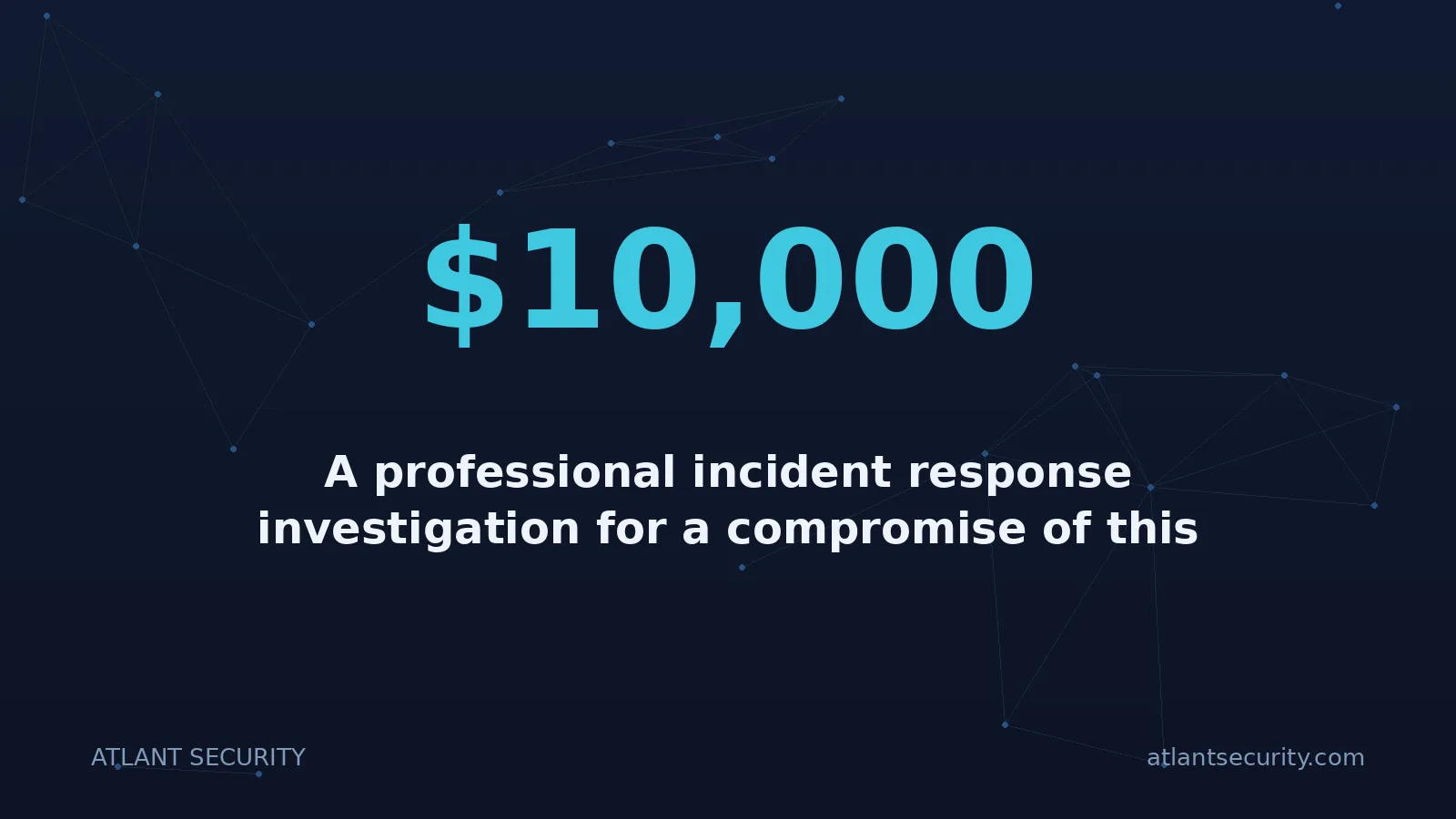
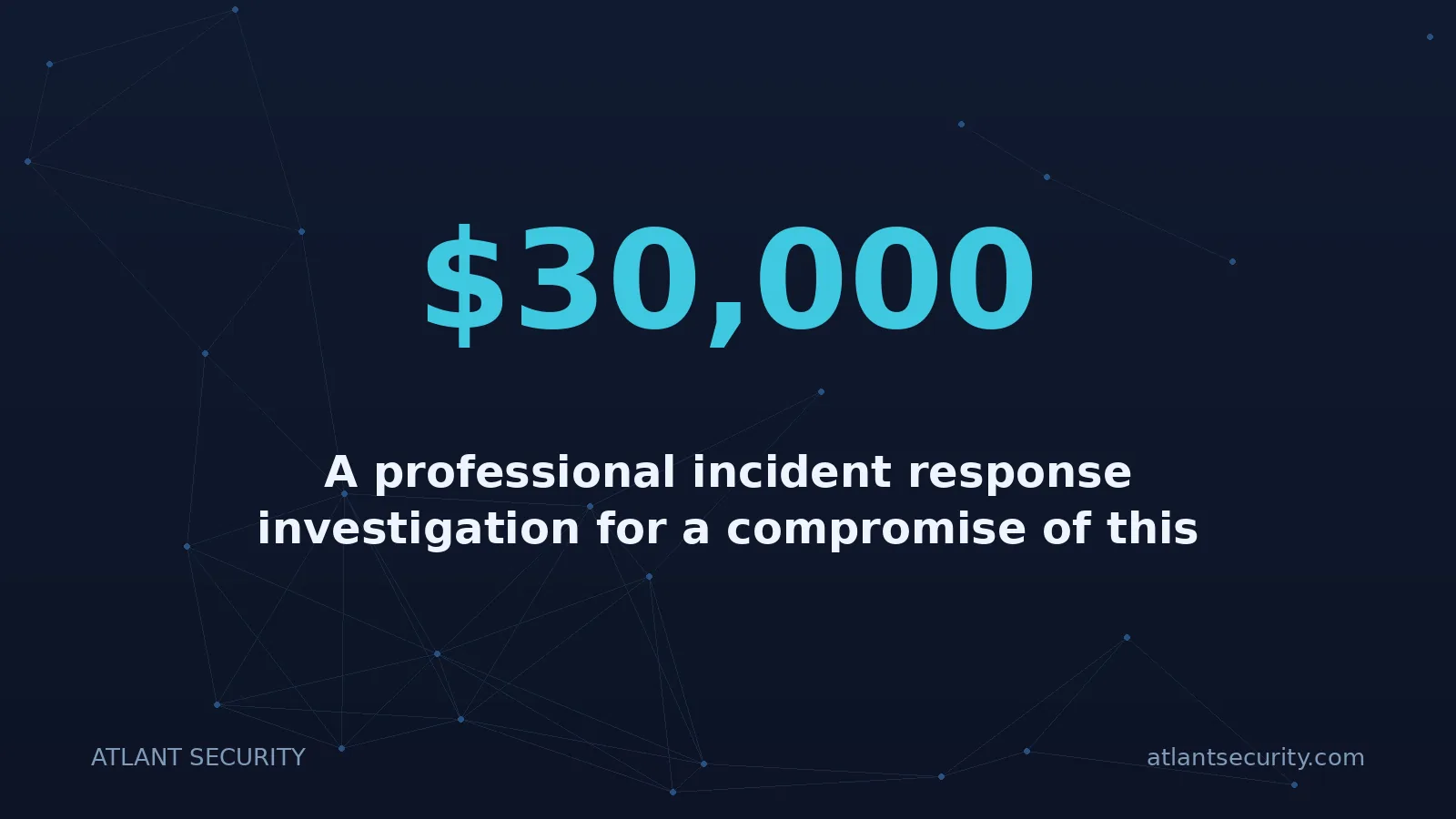
A professional incident response investigation for a compromise of this scope typically costs $10,000-$30,000.
The average cost of a data breach in 2025: $4.88 million (IBM Cost of a Data Breach Report).
GDPR fines for failure to notify affected users within 72 hours: up to $10 million or 2% of global annual turnover.
The IR investigation is not a cost. It is insurance. And unlike most insurance, it pays off in definitive answers - either confirming the breach was limited or identifying additional compromise that can be remediated before it causes catastrophic damage.
4. Credential rotation must be comprehensive, not targeted
When one credential is compromised, assume they all are. This is especially true in environments that use .env files, CI/CD variables, or any other mechanism that stores multiple credentials together. Rotating the SES key but leaving the database password, the Redis password, the Symfony APP_SECRET, and the GitLab deploy tokens unchanged is not containment. It is wishful thinking.
5. Self-hosted source control is a crown jewel - treat it accordingly
If you choose to self-host your source control (GitLab, Gitea, Bitbucket), you are accepting responsibility for its security. That means: two-factor authentication for all users, IP-based access restrictions, regular security updates, comprehensive audit logging, network segmentation to limit access from other parts of your infrastructure, and regular security audits. If you cannot commit to all of these, use a managed service.
6. Prevention is cheaper than response
The entire LinguaFlow incident could have been prevented by any of the following:
- A pre-commit hook running
gitleaksorgit-secretsto block credential commits - Using AWS Secrets Manager or SSM Parameter Store instead of
.envfiles - IAM policies scoped to minimum required permissions (so an SES key literally cannot access S3 or IAM)
- GitLab push rules configured to reject commits containing strings matching secret patterns
- A periodic cloud security review that would have identified these gaps before an attacker did
- Engaging a virtual CISO to establish security governance and ensure these controls are implemented and maintained
Every single one of these measures is less expensive than the incident response investigation that became necessary when they were absent.
Common Questions
Frequently Asked Questions
How quickly should we engage an incident response team after discovering a compromised credential?
Immediately. Within hours, not days. The single most important factor in effective incident response is speed. Evidence degrades over time - CloudTrail logs have retention limits, containers get redeployed, and memory-resident artifacts are lost on reboot. Every hour you wait is an hour of evidence potentially lost. Many IR firms, including ours, offer 24/7 emergency response for exactly this reason.
Our compromised key only had SES permissions. Is a full investigation still necessary?
Yes, for two reasons. First, verify that the key truly only had SES permissions - check the IAM policy history, as policies can be modified and reverted. Second, and more importantly, the question is not “what could the key do?” but “how did the attacker get the key, and what else did they access through that same vector?” If the key was in an .env file alongside database credentials, the SES key permissions are irrelevant - the database credentials have their own, much broader access.
How much does a professional incident response investigation cost?
For a cloud credential compromise similar to the scenario described in this article, a professional IR investigation typically costs between $10,000 and $30,000, depending on the complexity of the environment, the number of AWS services involved, and the depth of forensic analysis required. This is a fraction of the cost of an undetected data breach ($4.88M average) or regulatory penalties for failure to properly investigate and notify affected parties.
We rotated the compromised key and the spam stopped. Doesn't that mean we've fixed the problem?
It means you have stopped one symptom. The spam stopped because the specific key being used for sending was deactivated. But the attacker may have already created new IAM users, planted backdoors in your CI/CD pipeline, modified S3 bucket policies, deployed web shells in your application, or exfiltrated your database. None of those are affected by rotating a single SES key. Think of it this way: if someone broke into your house and you changed the front door lock, you have stopped them from using that specific entry point. You have not checked whether they copied your house keys, found your safe combination, or left a window unlocked for next time.
Do we need to notify our users about a compromised AWS key?
It depends on whether user data was accessed. Under GDPR, you must notify your supervisory authority within 72 hours if a breach involves personal data, and notify affected individuals if the breach poses a high risk. Under CCPA and similar state laws in the US, notification requirements vary. The critical point is that you need a forensic investigation to determine whether user data was accessed - “we don't think so” does not satisfy regulatory requirements. If you cannot demonstrate that user data was not compromised, most regulatory frameworks will treat it as a presumed breach requiring notification.
Can we do the incident response investigation ourselves with an experienced DevOps team?
An experienced DevOps team can handle the containment phase (credential rotation, disabling compromised keys) and perform basic checks. However, forensic investigation requires specialized skills and tools that most DevOps teams do not use daily: CloudTrail log analysis at scale, memory forensics, file integrity analysis, and correlation across multiple log sources. Additionally, an external team provides objectivity - they are not looking for evidence that confirms the team did nothing wrong, they are looking for the truth. For legal and compliance purposes, a third-party investigation also carries significantly more weight than a self-assessment.
How do we prevent AWS credential leaks from happening in the first place?
Implement a layered defense: (1) Never store credentials in code repositories - use AWS Secrets Manager, SSM Parameter Store, or environment-level injection from your CI/CD system. (2) Install pre-commit hooks using tools like gitleaks, git-secrets, or trufflehog to detect secrets before they enter version control. (3) Apply IAM least-privilege policies so each access key can only do exactly what it needs to. (4) Use IAM roles with temporary credentials instead of long-lived access keys wherever possible. (5) Enable AWS GuardDuty and CloudTrail for continuous monitoring. (6) Conduct regular cloud security reviews to identify misconfigurations before attackers do.
What is the most commonly missed persistence mechanism after a cloud credential compromise?
In our experience, modified CI/CD pipelines are the most frequently missed persistence mechanism. Attackers add a single line to a build script or .gitlab-ci.yml that exfiltrates environment variables or injects a backdoor during the build process. Because CI/CD changes are committed through the same version control workflow as normal code changes, they blend in with legitimate development activity. This is especially dangerous in self-hosted GitLab environments where the attacker may have had direct access to the server and could modify pipeline definitions without leaving obvious traces in the commit history.
Suspect a Credential Compromise? Don't Wait.
Every hour without a professional investigation is an hour of lost evidence and compounding risk.
Our incident response team is available 24/7 for emergency engagements. We provide: immediate containment guidance, full forensic investigation, data impact assessment, regulatory notification support, and root cause analysis with hardening recommendations.
Published: March 2026 · Author: Alexander Sverdlov
This article is based on a real incident response engagement with details anonymized to protect the client. Company names, individual names, and certain technical specifics have been altered. The investigation methodology, technical recommendations, and lessons learned are presented accurately. This article is for informational purposes only and does not constitute legal or professional advice. If you are currently experiencing a security incident, contact a qualified incident response firm immediately.
Dealing with an incident, or worried about the next one?
Incident response led by people who have run these before: contain it, work out what actually happened, and close the route in. We also build the plan in advance so the first hour is not improvised.
See incident response