Embrace Zero Trust Security with Atlant Security's Expertise
Alexander Sverdlov
Security Analyst

Most breaches I investigate do not start with some genius zero-day. They start with one set of stolen credentials, a flat network, and an attacker who moves sideways for weeks because nothing inside the perimeter ever questions who they are. That is the exact failure zero trust is built to stop. The old model assumed that once you were inside the firewall, you were trustworthy. Attackers learned to abuse that assumption a long time ago, and after running more than 200 security assessments since 2013, I can tell you the "castle and moat" is the single most common architectural weakness I still find in mid-market companies.
Zero trust is not a product you buy and switch on. It is a design principle: no user, device, workload, or network segment is trusted by default, no matter where it sits. Every access request gets authenticated, authorized, and continuously evaluated. Done properly, it shrinks the blast radius of the inevitable compromise from "the whole company" to "one account, one segment, caught in minutes." This article explains the principles, the components that actually matter, the honest trade-offs, and how to sequence the work so you do not stall six months in.
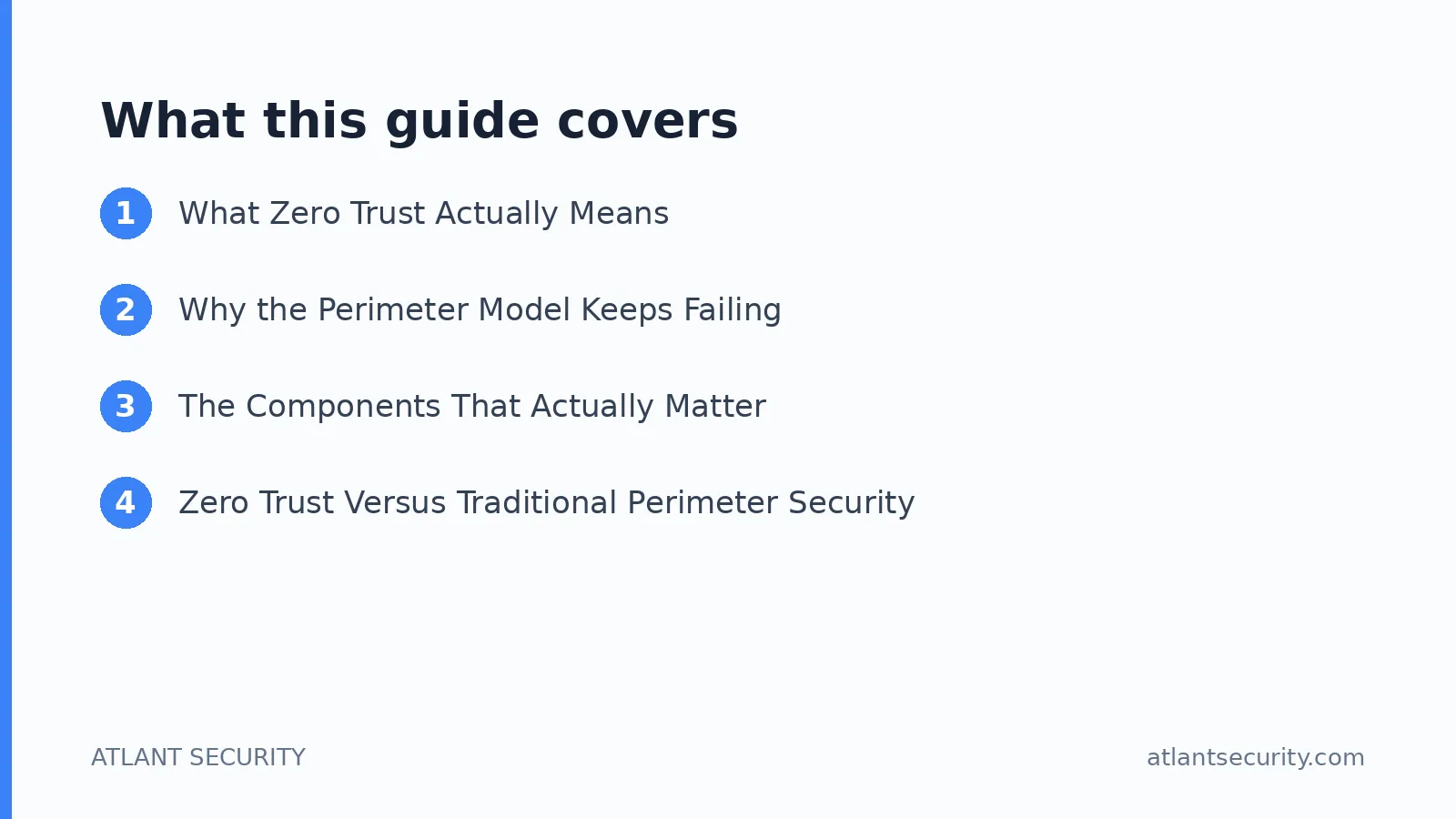
What Zero Trust Actually Means
The phrase gets abused by marketing, so let me anchor it. Zero trust is defined well in NIST Special Publication 800-207, and the core idea is simple: stop granting access based on network location. A device on your corporate LAN should get no more implicit trust than a laptop in a coffee shop. Trust is earned per request, based on identity, device health, and context, and it is re-evaluated constantly.
Three principles carry most of the weight:
- Verify explicitly. Authenticate and authorize every request using multiple signals: user identity, device posture, location, sensitivity of the resource, and behavioral anomalies. A valid password alone is never enough.
- Enforce least privilege. Grant the minimum access needed to do the job, ideally time-bound and just-in-time. If an account is compromised, the attacker inherits only that narrow slice, not the keys to the kingdom.
- Assume breach. Design as if an attacker is already inside. Segment aggressively, encrypt end to end, log everything, and build detection that assumes the perimeter has already failed. Because sooner or later, it has.
Why the Perimeter Model Keeps Failing
When I walk into an Active Directory environment for an assessment, the pattern repeats. Domain Admin is handed out like candy. Service accounts have passwords that have not changed since 2016. A single compromised workstation can reach the finance server, the file shares, and the domain controller, because the network is flat and the trust is implicit. An attacker who phishes one employee does not need another exploit. They just need to move.
Remote work, SaaS, cloud workloads, and contractor laptops have dissolved the perimeter entirely. Your data lives in Microsoft 365, Salesforce, and a dozen other tenants you do not control the network for. There is no moat left to defend. Zero trust is the response to that reality, and it is why I now build most of my Active Directory security assessments around identity and segmentation rather than firewall rules.
The Components That Actually Matter
Vendors will sell you a "zero trust platform." Ignore the label and focus on the capabilities. In practice, a workable implementation rests on five pillars.
1. Identity and Access Management
Identity is the new perimeter, so this is where you start. That means enforced multifactor authentication everywhere (phishing-resistant methods like FIDO2 or passkeys wherever possible), single sign-on to reduce password sprawl, and role-based access control mapped to real job functions rather than "whatever they asked for." Conditional access policies should evaluate device and risk signals before granting a session. If you get identity right, you have solved the majority of the zero trust problem.
2. Device Trust and Endpoint Health
A verified user on a compromised laptop is still a threat. Devices should be enrolled, managed, and continuously checked for posture: disk encryption on, endpoint detection running, OS patched, no jailbreak or unmanaged status. Unhealthy devices get limited or blocked access. This is the signal most companies skip, and it is the one attackers love, because a stolen session cookie from an unmanaged machine bypasses even good MFA.
3. Network Micro-Segmentation
Break the flat network into small, isolated zones so that compromising one does not expose the rest. Segment by sensitivity and function: finance systems, developer environments, production databases, and general user traffic should not sit in one broadcast domain. Micro-segmentation is what turns a company-wide incident into a contained one. It is also the pillar that takes the most engineering effort, so it usually comes after identity.
4. Data Security
Protect the data itself, not just the paths to it. Encrypt at rest and in transit, classify sensitive data so you know what you are protecting, and apply data loss prevention to catch exfiltration. Access to data should follow the same least-privilege and continuous-verification rules as everything else.
5. Continuous Monitoring and Analytics
Zero trust generates rich telemetry precisely because everything is verified and logged. Feed that into monitoring that can spot anomalies: a user authenticating from two continents in an hour, a service account suddenly touching HR data, lateral movement patterns. Assume breach means nothing if no one is watching the logs. This is often where a virtual CISO earns their keep, because building and tuning detection is ongoing work, not a one-time setup.
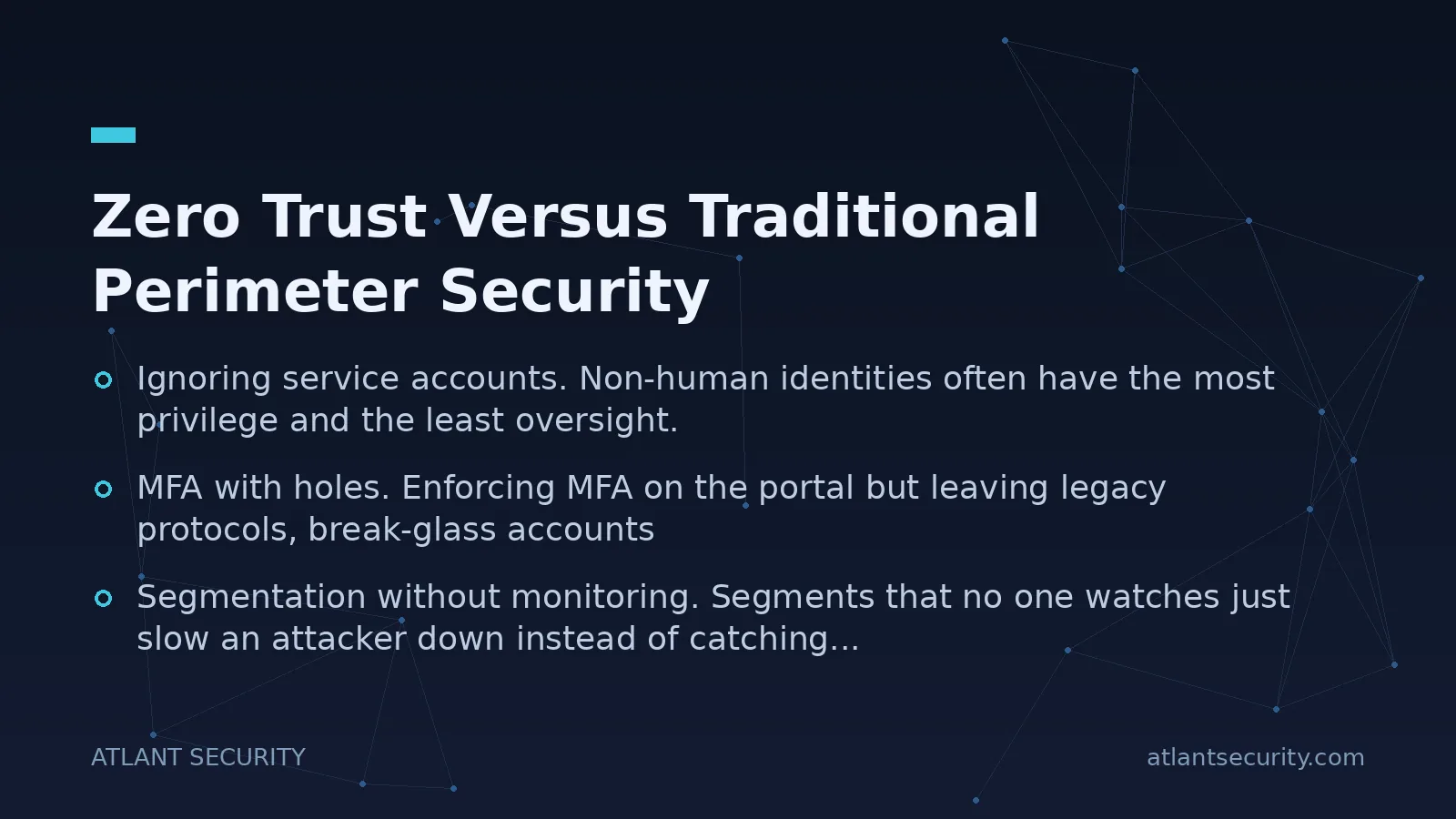
Zero Trust Versus Traditional Perimeter Security
| Dimension | Perimeter Model | Zero Trust |
|---|---|---|
| Default trust | Inside network is trusted | Nothing trusted by default |
| Access basis | Network location | Identity, device, context |
| Lateral movement | Easy once inside | Blocked by segmentation |
| Verification | Once at the edge | Continuous, per request |
| Breach blast radius | Often company-wide | Contained to one segment |
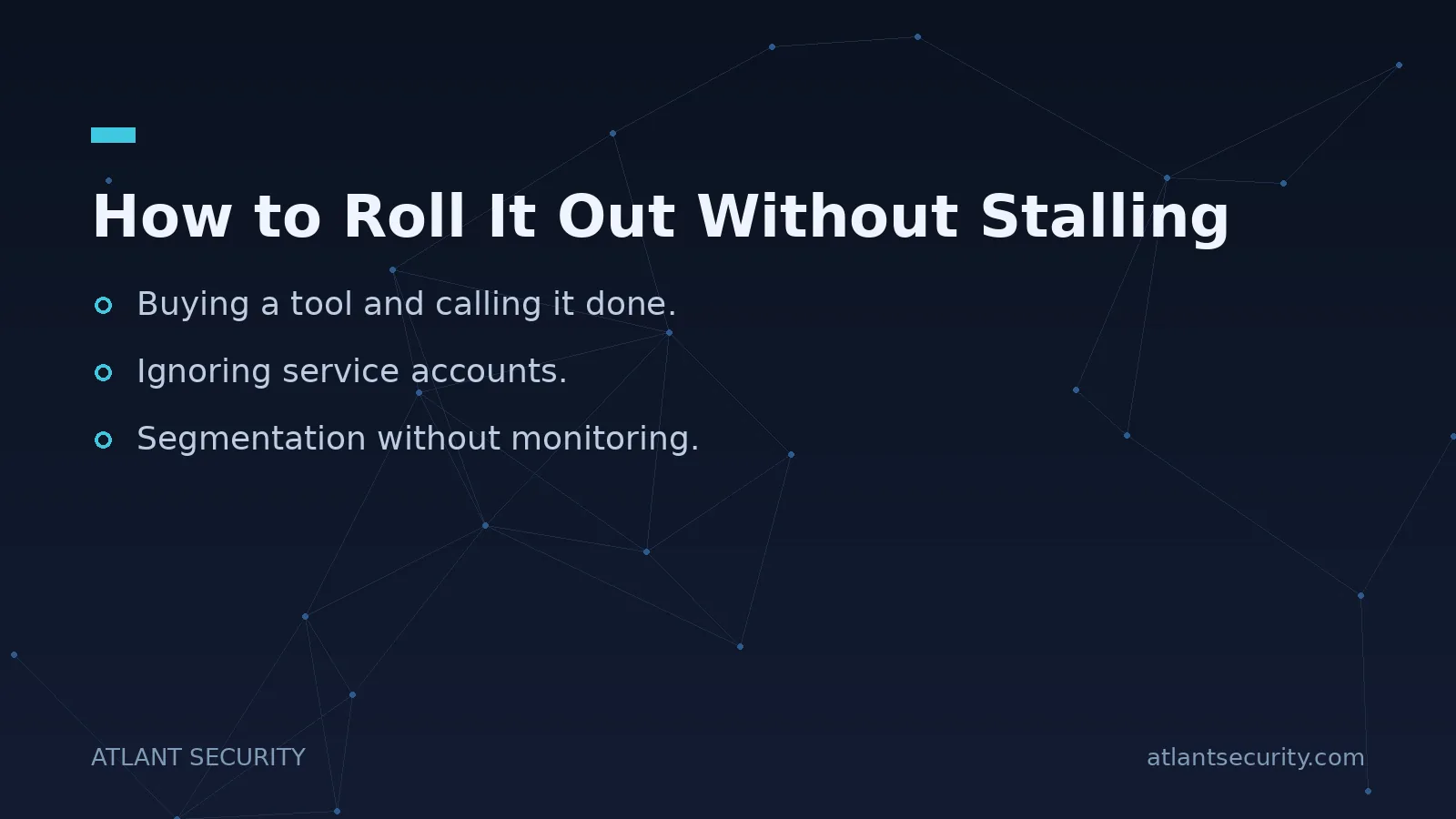
How to Roll It Out Without Stalling
The reason most zero trust projects die is that teams try to boil the ocean. They announce a grand architecture, spend nine months on procurement, and deliver nothing usable. Sequence it instead. Here is the order I use with clients.
- Inventory and prioritize. You cannot protect what you have not mapped. Catalog your users, devices, applications, data stores, and the trust relationships between them. Identify the crown jewels, the systems that would hurt most if compromised.
- Fix identity first. Enforce MFA everywhere, kill legacy authentication protocols that bypass it, clean up privileged accounts, and implement conditional access. This delivers the biggest risk reduction per hour of effort, which is why I always start here.
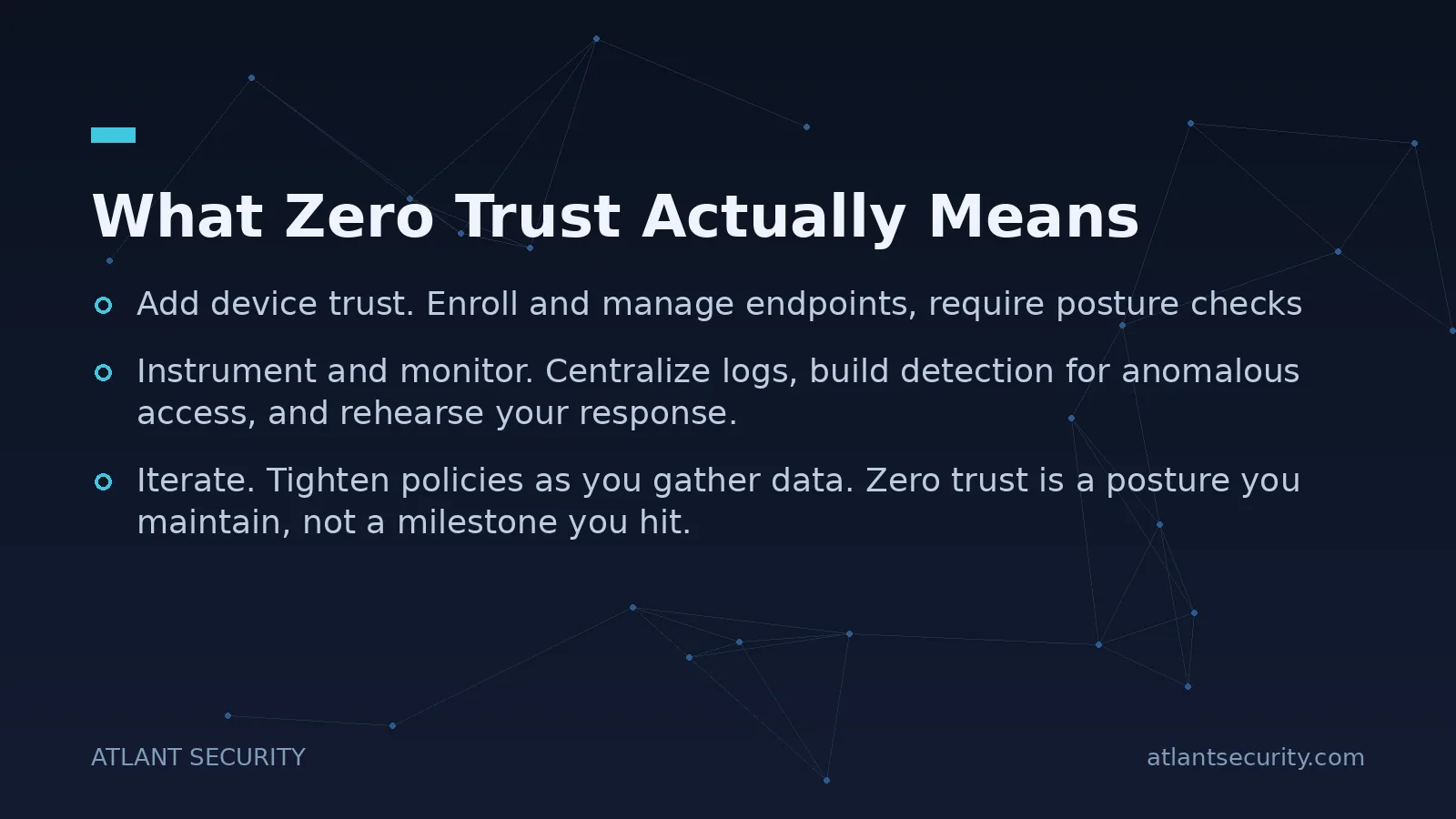
- Add device trust. Enroll and manage endpoints, require posture checks, and tie device health into your access policies.
- Segment the network. Start by isolating the crown jewels, then expand. Even coarse segmentation between user, server, and production tiers stops most lateral movement.
- Instrument and monitor. Centralize logs, build detection for anomalous access, and rehearse your response. Assume breach only works if you can see the breach.
- Iterate. Tighten policies as you gather data. Zero trust is a posture you maintain, not a milestone you hit.
Companies with regulatory pressure often find that zero trust and compliance reinforce each other. The access controls, encryption, and logging that frameworks like SOC 2 and HIPAA demand are the same controls zero trust requires, so the work counts twice. If you are also running cloud workloads, pairing this with dedicated cloud security consulting keeps the identity model consistent across on-premises and cloud.
Common Mistakes I See
- Buying a tool and calling it done. A "zero trust network access" product does not give you zero trust if your identity hygiene is a mess and your admins still share accounts.
- Ignoring service accounts. Non-human identities often have the most privilege and the least oversight. Attackers know this. Inventory and constrain them.
- MFA with holes. Enforcing MFA on the portal but leaving legacy protocols, break-glass accounts, or unmanaged SaaS wide open defeats the point.
- Segmentation without monitoring. Segments that no one watches just slow an attacker down instead of catching them.
- Treating it as an IT-only project. Least privilege changes how people work. Without executive backing and clear communication, exceptions pile up until the model is meaningless.
Frequently Asked Questions
Is zero trust only for large enterprises?
No. Small and mid-sized companies often benefit most, because they usually run flat networks and shared admin accounts that make a single phishing email catastrophic. The identity-first steps are affordable and high-impact, and they scale down cleanly. I regularly build zero trust roadmaps for teams of 20 to 200 people.
How long does a zero trust implementation take?
The identity foundation (MFA, conditional access, privileged account cleanup) can be substantially in place within weeks. Full micro-segmentation and mature monitoring take months and evolve continuously. Treat it as a phased program, not a single project with an end date. Sequencing matters far more than speed.
Will zero trust slow down my employees?
Done well, it is largely invisible. Single sign-on and passkeys often make daily logins easier, not harder. Friction appears only when access is genuinely risky, which is exactly when you want it. The friction people complain about usually comes from poorly designed policies, not from zero trust itself.
Do I need to replace my existing security tools?
Usually not. Most organizations already own the core pieces inside their identity provider, endpoint management, and cloud platforms. Zero trust is more about configuring and connecting what you have around a coherent policy than about ripping and replacing. Fresh spend tends to go toward monitoring and segmentation, not identity.
How does zero trust relate to compliance frameworks?
They overlap heavily. The strong access controls, least privilege, encryption, and audit logging that zero trust demands are also core requirements of SOC 2, ISO 27001, HIPAA, and PCI DSS. Building toward zero trust generally moves you closer to compliance at the same time, which is why I often combine the two efforts.
Where should I start if my environment is a mess?
Start with an honest assessment of your identity and Active Directory footprint, because that is where attackers begin. Map privileged accounts, enforce MFA, and remove standing admin rights. From there, a prioritized roadmap turns the chaos into a sequence of manageable steps.
If you want a second set of eyes on your current posture and a realistic, sequenced roadmap rather than a vendor pitch, book a discovery call. I will tell you honestly where your biggest gaps are and what to fix first, whether that is an IT security audit or a focused identity project.

Alexander Sverdlov
Founder of Atlant Security. Author of 2 information security books, cybersecurity speaker at the largest cybersecurity conferences in Asia and a United Nations conference panelist. Former Microsoft security consulting team member, external cybersecurity consultant at the Emirates Nuclear Energy Corporation.