
Put this guidance into practice. Explore Atlant Security’s ecommerce security assessment for platform reviews, payment and API testing, prioritized remediation, and ongoing security leadership.
Shopify handles a large part of your security for you, and that is exactly why so many store owners get a nasty surprise. The platform secures its own infrastructure and payment handling, but everything you add on top, apps, custom theme code, staff accounts, third party integrations, and the way you configure it all, is your responsibility. In the assessments I have run for online retailers, the breach almost never comes from Shopify itself. It comes from a malicious or vulnerable app, a skimmer injected into theme code, a staff account with a reused password, or an integration nobody remembered was still connected.
This guide walks through how to actually audit the security of a Shopify store or any hosted ecommerce business. It is written for the person who owns the risk: the founder, the operations lead, or the CTO who will have to explain to customers what happened if card data leaks. No tooling worship, no scare tactics, just the checks that matter and the order to do them in.
Understand the Shared Responsibility Line First
Before you audit anything, be clear about what is yours to secure. Shopify, like every major hosted platform, operates a shared responsibility model. They are responsible for the underlying servers, the core checkout, and maintaining their own PCI compliance as a service provider. You are responsible for:
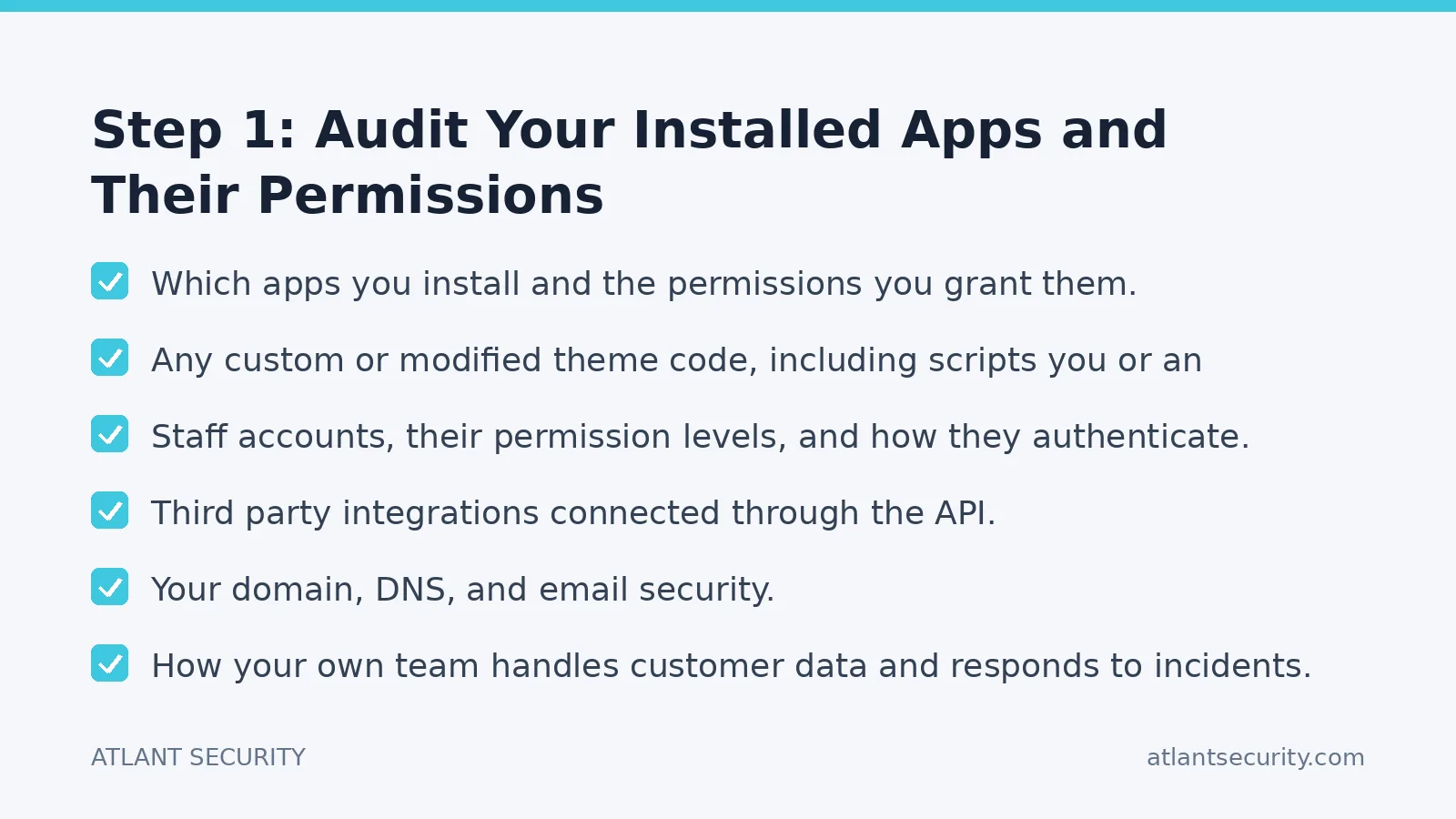
- Which apps you install and the permissions you grant them.
- Any custom or modified theme code, including scripts you or an agency add.
- Staff accounts, their permission levels, and how they authenticate.
- Third party integrations connected through the API.
- Your domain, DNS, and email security.
- How your own team handles customer data and responds to incidents.
Almost every real ecommerce compromise I have investigated lives on your side of that line. So that is where the audit focuses.
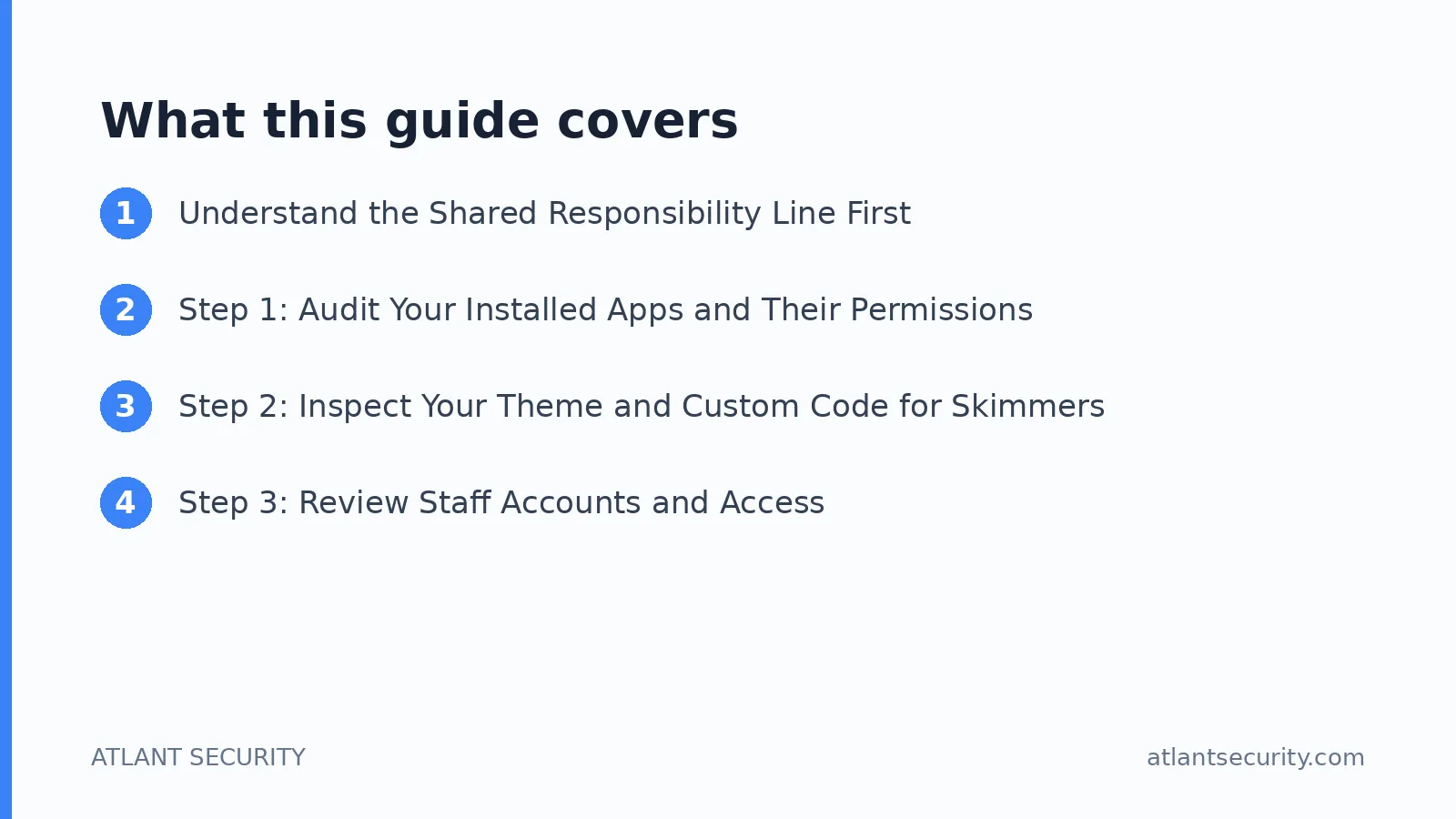
Step 1: Audit Your Installed Apps and Their Permissions
Apps are the single biggest attack surface on a Shopify store. Each one you install can request broad access to your storefront, your orders, and your customer data. Over time, stores accumulate apps that were trialled once and never removed, each still holding live API access.
Work through this:
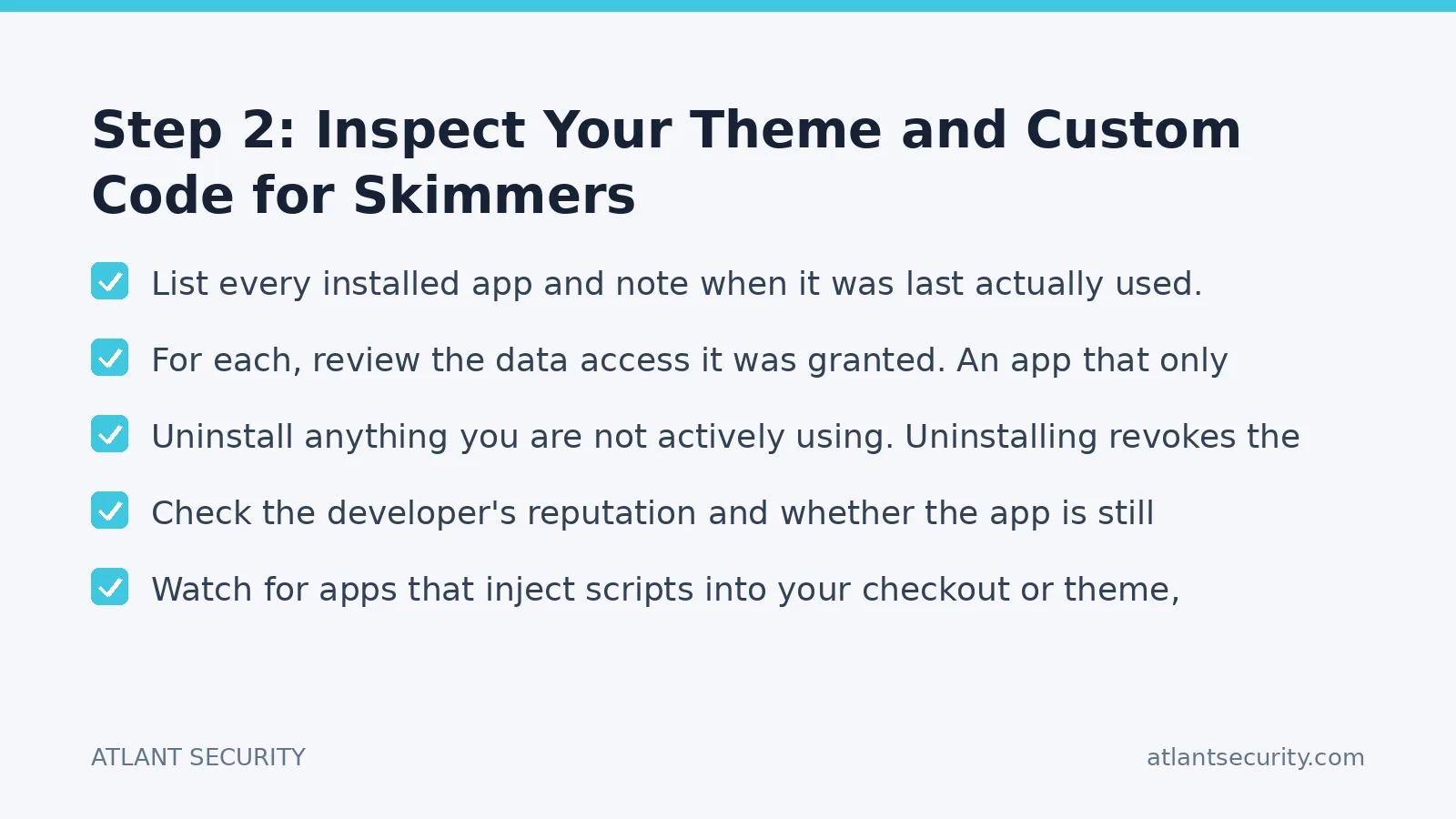
- List every installed app and note when it was last actually used.
- For each, review the data access it was granted. An app that only needs to read products should not have write access to customer records or orders.
- Uninstall anything you are not actively using. Uninstalling revokes the API access, which is the point.
- Check the developer's reputation and whether the app is still maintained. Abandoned apps are a liability because they stop receiving security fixes.
- Watch for apps that inject scripts into your checkout or theme, because that is a common route for card skimming.
The principle is least privilege applied to software. If an app does not need access, it should not have it, and if you do not need the app, it should not be installed. This is the same discipline a broader IT security audit applies across your whole environment.
Step 2: Inspect Your Theme and Custom Code for Skimmers
Magecart style attacks work by injecting a few lines of JavaScript into your storefront that quietly copy customer card and personal data as it is typed, then send it to an attacker controlled server. On a hosted platform the injection usually arrives through a compromised app, a stolen admin login, or malicious code slipped into a custom theme by a third party developer.
To audit for this:
- Review your theme's code, especially anything added outside the standard theme, for scripts pointing at unfamiliar external domains.
- Compare your live theme against a known good version if you keep one in version control.
- Be suspicious of obfuscated or minified code you did not add and cannot explain.
- Lock down who can edit theme code, and require that changes go through review rather than being pasted directly into production.
If you cannot confidently read the code yourself, this is a good place to bring in help. A focused ecommerce cybersecurity review will check the storefront for injected scripts and tampering that is easy to miss by eye.
Step 3: Review Staff Accounts and Access
Stolen or weak staff credentials are one of the most common ways attackers get into an admin panel, and from there they can install a malicious app, edit the theme, or export customer data. Audit accounts ruthlessly:
- List every staff account and confirm each belongs to a current employee or contractor who still needs access.
- Remove accounts for anyone who has left. Stale accounts are pure risk with no benefit.
- Apply least privilege. Not everyone needs full admin. Give people only the permissions their role requires.
- Enforce multi factor authentication on every account, without exception. This single control blocks the overwhelming majority of credential based attacks.
- Check for shared logins and eliminate them, because you cannot hold anyone accountable for an account three people use.
Access reviews are not a one time job. Put a recurring reminder in place to repeat this every quarter and whenever someone leaves.
Step 4: Check Your Payment and PCI Posture
If you use Shopify Payments or a similar integrated processor, the sensitive card data is handled within the payment provider's environment rather than touching your servers, which dramatically reduces your PCI scope. That is a genuine advantage, but it does not make PCI irrelevant. You still need to:
- Confirm you are using the integrated, hosted payment flow rather than anything that routes card data through your own code.
- Complete the correct Self Assessment Questionnaire for your setup.
- Keep any custom scripts near the checkout under tight control, because that is where skimmers do their damage.
If you have added custom checkout behaviour, third party payment apps, or you operate at higher transaction volumes, the requirements get more involved. Our PCI compliance help covers scoping this correctly so you are neither over engineering nor leaving a gap.
Step 5: Run a Vulnerability Assessment on What You Expose
Beyond the storefront, most ecommerce businesses expose other things to the internet: a marketing site, a subdomain running a separate app, an admin tool, an API, or a staging environment that was never taken down. Attackers scan for exactly these.
A vulnerability assessment maps everything you have exposed and identifies outdated software, misconfigurations, and known weaknesses. For anything you built yourself, such as a custom app connected to your store or a headless frontend, a penetration test goes further and tries to actually exploit the flaws the way a real attacker would. Automated scanning finds the obvious problems; a skilled tester finds the business logic flaws that scanners miss, like being able to manipulate prices or access another customer's order.
Step 6: Audit Domain, DNS, and Email Security
This gets overlooked constantly. Your domain and email are part of your store's security whether you think about them or not.
- Confirm your DNS records are correct and that no stale entries point to services you no longer control, which is a route to subdomain takeover.
- Set up SPF, DKIM, and DMARC so attackers cannot easily spoof emails from your domain to phish your customers or staff.
- Protect the account at your domain registrar with strong authentication, because whoever controls your domain effectively controls your store's identity.
Step 7: Test Your Incident Readiness
The final audit question is not technical: if a breach happened tonight, would you know, and would you know what to do? Walk through it honestly.
- How would you detect a compromise? Would anything alert you, or would you find out from a customer or your payment provider?
- Who makes decisions, and how do you reach them out of hours?
- Do you have current backups of your store configuration and data, and have you ever tested restoring them?
- What are your legal obligations to notify customers and regulators, and how quickly?
You do not need a hundred page plan. You need a short, realistic runbook that the people who would actually respond have read.
A Priority Order for Fixes
| Priority | Focus area | Why it comes first |
|---|---|---|
| 1 | MFA and stale staff accounts | Cheapest fix, blocks the most common intrusion route |
| 2 | App inventory and permissions | Largest attack surface on a Shopify store |
| 3 | Theme and checkout code review | Directly protects card and customer data from skimmers |
| 4 | Vulnerability assessment of exposed systems | Finds the known weaknesses attackers scan for |
| 5 | Domain, DNS, and email hardening | Prevents spoofing and takeover |
| 6 | Incident readiness | Limits the damage when something does get through |
Work top to bottom. The early items are cheap and high impact, which is exactly the order you want when time and budget are limited.
When to Bring in Outside Help
A store owner can do a lot of this audit alone, and I would encourage you to start. Where outside help pays for itself is in reading code you cannot verify, testing your own custom applications, and interpreting PCI scope. If security keeps coming up in your sales conversations or you simply want an expert to own it, our ecommerce cybersecurity services and small business security support are built for exactly this kind of business. If you would rather just get a straight assessment of where you stand, contact us and we will tell you what actually needs fixing.
Frequently Asked Questions
Is Shopify secure enough on its own?
Shopify secures its own infrastructure and core checkout well, but it cannot secure the apps you install, the code you add, your staff accounts, or your integrations. Those are your responsibility and are where nearly all ecommerce breaches actually occur, so an audit of your side of the platform is still essential.
How often should I audit my ecommerce store's security?
Do a full review at least once a year, and repeat the quick, high value checks, staff access and MFA, installed apps, and any recent theme changes, every quarter. Also review immediately after staff changes, a website redesign, or connecting a new integration.
What is a Magecart or card skimming attack?
It is when an attacker injects malicious JavaScript into your storefront that silently copies customers' card and personal data during checkout and sends it to a server they control. On hosted platforms it usually arrives through a compromised app, a stolen admin login, or malicious code added to a custom theme, which is why app and theme audits matter so much.
Do I still need to worry about PCI compliance on Shopify?
Yes, though using an integrated payment flow keeps card data out of your systems and greatly reduces your scope. You still need to complete the correct Self Assessment Questionnaire and keep custom scripts near the checkout under control. Higher volumes and custom payment setups increase the requirements.
Can I audit my Shopify store myself or do I need an expert?
You can do a great deal yourself, especially the app inventory, access review, and MFA enforcement. Bring in an expert for reading unfamiliar code, testing custom applications you built, and confirming PCI scope, since those are the areas where a missed detail causes real damage.
What is the single most important security fix for an online store?
Enforcing multi factor authentication on every staff account and removing accounts for people who have left. It costs nothing, takes minutes, and blocks the most common way attackers get into an ecommerce admin panel in the first place.
Developing or assessing a Shopify app? Read our guides to Shopify app security, app penetration testing and app security audits for backend, hosting, development and verification considerations.
