Securing Your Small Business: A Comprehensive Guide to Cybersecurity Best Practices
Alexander Sverdlov
Security Analyst

Most small business owners I meet believe they are too small to be a target. That belief is the single most exploited assumption in cybercrime. Attackers do not hand-pick you off a list of famous companies. They run automated tools that spray the entire internet, find an exposed remote desktop port or an unpatched firewall, and walk in. Your business is not attacked because it is important. It is attacked because it is reachable.
I have run more than 200 security assessments across 14 countries since 2013, and the pattern in small businesses is remarkably consistent. The technology is rarely the problem. The problem is that nobody owns security, so basic controls that would stop the overwhelming majority of real-world attacks are simply never turned on. This guide walks through what actually matters for a company with limited budget and no dedicated security staff, in the order I would fix it if I sat down at your desk this morning.
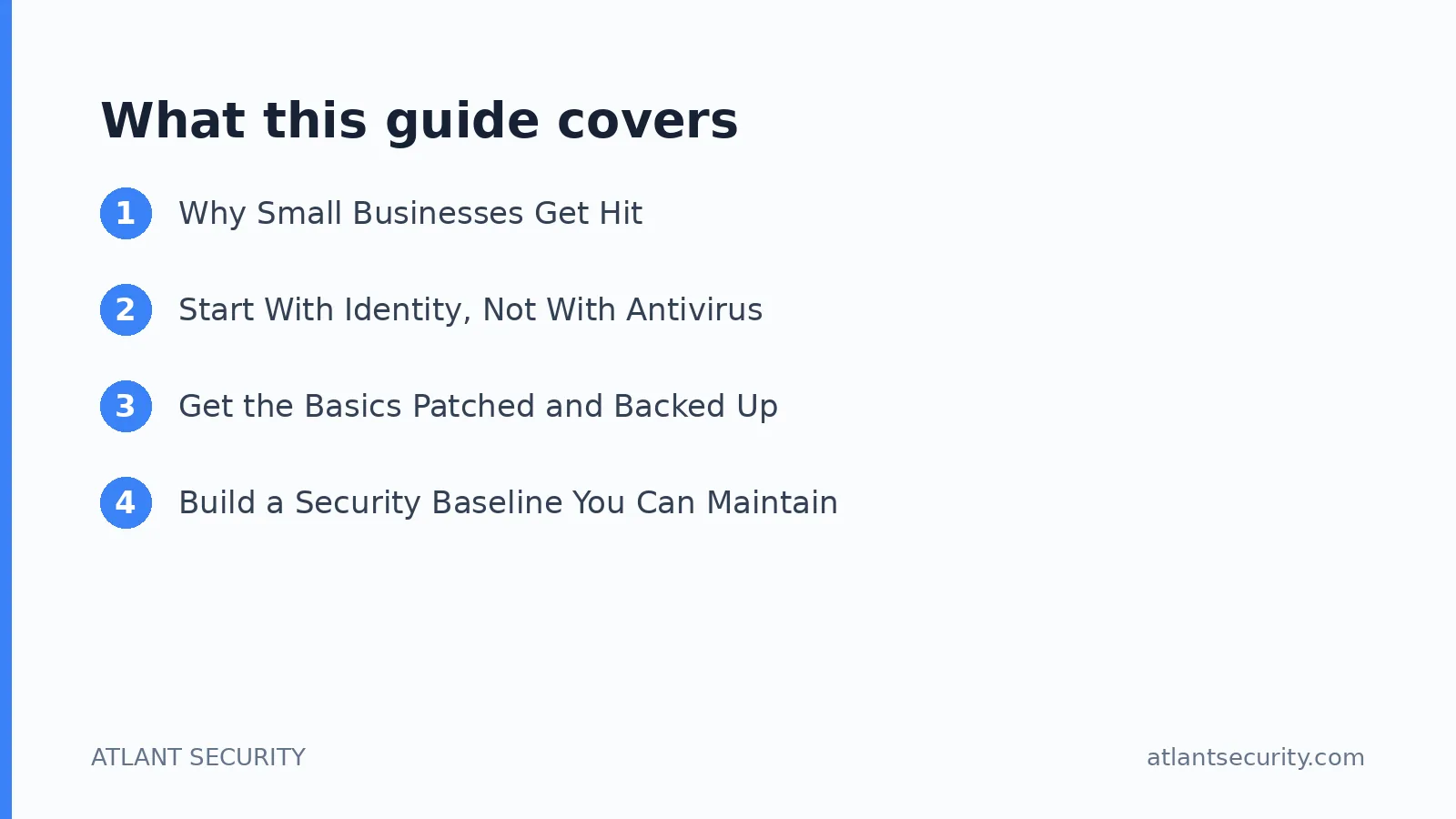
Why Small Businesses Get Hit
Before spending a single dollar, understand what you are defending against. The threats that actually damage small businesses are not exotic nation-state exploits. They are boring, repeatable, and financially motivated.
- Business email compromise (BEC). An attacker gets into one mailbox, watches your invoicing conversations for a few weeks, then sends a payment-redirect email at exactly the right moment. This is the most expensive attack most small businesses will ever experience, and it needs no malware at all.
- Ransomware. Usually delivered through a phishing email or an exposed remote access service. It encrypts your files and your backups too, if the backups are reachable from the same network.
- Credential theft. Reused or weak passwords get dumped from an unrelated breach, and attackers try them against your Microsoft 365 or Google Workspace login. Without multi-factor authentication, that is game over.
- Stolen customer data. Even a modest customer database has resale value, and a breach can trigger legal and regulatory obligations you did not know you had.
Notice what these have in common. Every one of them is defeated or badly weakened by a handful of controls that cost little or nothing. That is the good news for small businesses: you do not need an enterprise budget, you need discipline.
Start With Identity, Not With Antivirus
If you do only one thing after reading this article, enforce multi-factor authentication (MFA) on every account that matters, starting with email. Email is the master key to your business. Whoever controls your inbox can reset the password on almost every other service you use.
- Turn on MFA everywhere. Microsoft 365, Google Workspace, your banking, your accounting software, your domain registrar, and any remote access tool. Prefer an authenticator app or a hardware security key over SMS codes, because SMS can be intercepted through SIM swapping.
- Kill password reuse. Deploy a password manager for the whole team. It is the only realistic way for humans to use a unique, long password for every service. This one change quietly eliminates an entire category of attack.
- Apply least privilege. Do not let everyone be an administrator. Give each person access only to what their job requires. When someone leaves, disable their accounts the same day, not next quarter.
- Watch your admin and domain accounts. These are the crown jewels. If your business runs on Windows and a domain, the accounts that control it deserve special protection. Companies that depend on Active Directory should review it specifically, and a focused Active Directory security assessment often uncovers privilege paths owners never knew existed.
Get the Basics Patched and Backed Up
Two unglamorous controls prevent most catastrophic outcomes: patching and backups. Neither is exciting, and that is precisely why they get neglected.
Patch Management
Attackers weaponize known vulnerabilities within days of disclosure. The fix is almost always available before the exploit becomes widespread, which means unpatched systems are hit not because defense is hard but because nobody applied an update. Turn on automatic updates for operating systems, browsers, and business applications. For anything that cannot auto-update, put a recurring calendar reminder on it and treat it as a real task. Pay special attention to internet-facing devices such as firewalls, VPN gateways, and routers, because those are the ones attackers reach first.
Backups That Actually Survive an Attack
Ransomware operators specifically hunt for and delete backups before they trigger encryption. A backup that is always connected is not a backup, it is a second copy waiting to be encrypted. Follow the 3-2-1 rule: three copies of your data, on two different types of media, with one copy offline or immutable and off-site. Then do the part everyone skips: test a restore. A backup you have never restored from is a hope, not a plan.
Build a Security Baseline You Can Maintain
A written policy nobody reads is worthless, but a short, practical baseline that your team actually follows is worth a great deal. Keep it concrete and specific to how your business works.
| Control area | Minimum for a small business | Why it matters |
|---|---|---|
| Accounts | MFA on all critical services, password manager, least privilege | Stops the most common breach path |
| Devices | Disk encryption, auto-updates, reputable endpoint protection | Limits damage from a lost laptop or malware |
| Anti-phishing filtering, SPF/DKIM/DMARC configured | Blocks spoofing and reduces BEC risk | |
| Data | 3-2-1 backups with tested restores, encryption at rest | Makes ransomware survivable |
| People | Short, regular awareness training, clear reporting path | Turns staff into sensors, not liabilities |
You do not need every advanced tool a vendor tries to sell you. You need this baseline implemented and kept alive. If you are not sure where you stand today, a focused IT security audit gives you an honest map of what is missing and what to prioritize first, without the guesswork.
Secure Your Network and Endpoints
Your firewall is a perimeter, not a solution, but a misconfigured one is an open door. Close every inbound port you do not absolutely need. If you use remote access, never expose Remote Desktop Protocol directly to the internet, put it behind a VPN or a zero-trust access tool with MFA. Segment your network so that a compromised point-of-sale terminal or guest Wi-Fi device cannot reach your servers and accounting systems.
On the endpoints themselves, enable full-disk encryption on every laptop and phone that touches business data. Deploy endpoint protection that includes behavioral detection, not just signature-based antivirus, because modern malware changes its fingerprint constantly. Make sure devices lock automatically and require a strong login. If you want to know how these defenses hold up against a determined attacker rather than a checklist, a penetration test is the honest way to find out.
Train Your People, Because Attackers Target Them First
Every technical control eventually meets a human who can be tricked into clicking. Awareness training is not a one-time compliance box, it is a recurring habit. Keep it short and frequent rather than long and annual. Teach your team to recognize the two attacks that hurt small businesses most: phishing emails asking for credentials, and payment-change requests that seem to come from a supplier or an executive.
Establish a simple, blame-free rule: any request to move money or change bank details must be verified by a second channel, such as a phone call to a known number, before anyone acts. That single procedure defeats the majority of business email compromise attempts. Make it a policy, not a suggestion, and make it socially acceptable for a junior employee to question an email that appears to come from the CEO.
Prepare for the Incident You Hope Never Comes
Assume that at some point something will get through. The businesses that recover fastest are the ones that decided in advance who does what. Your incident response plan does not need to be a hundred pages. It needs to answer a few questions clearly:
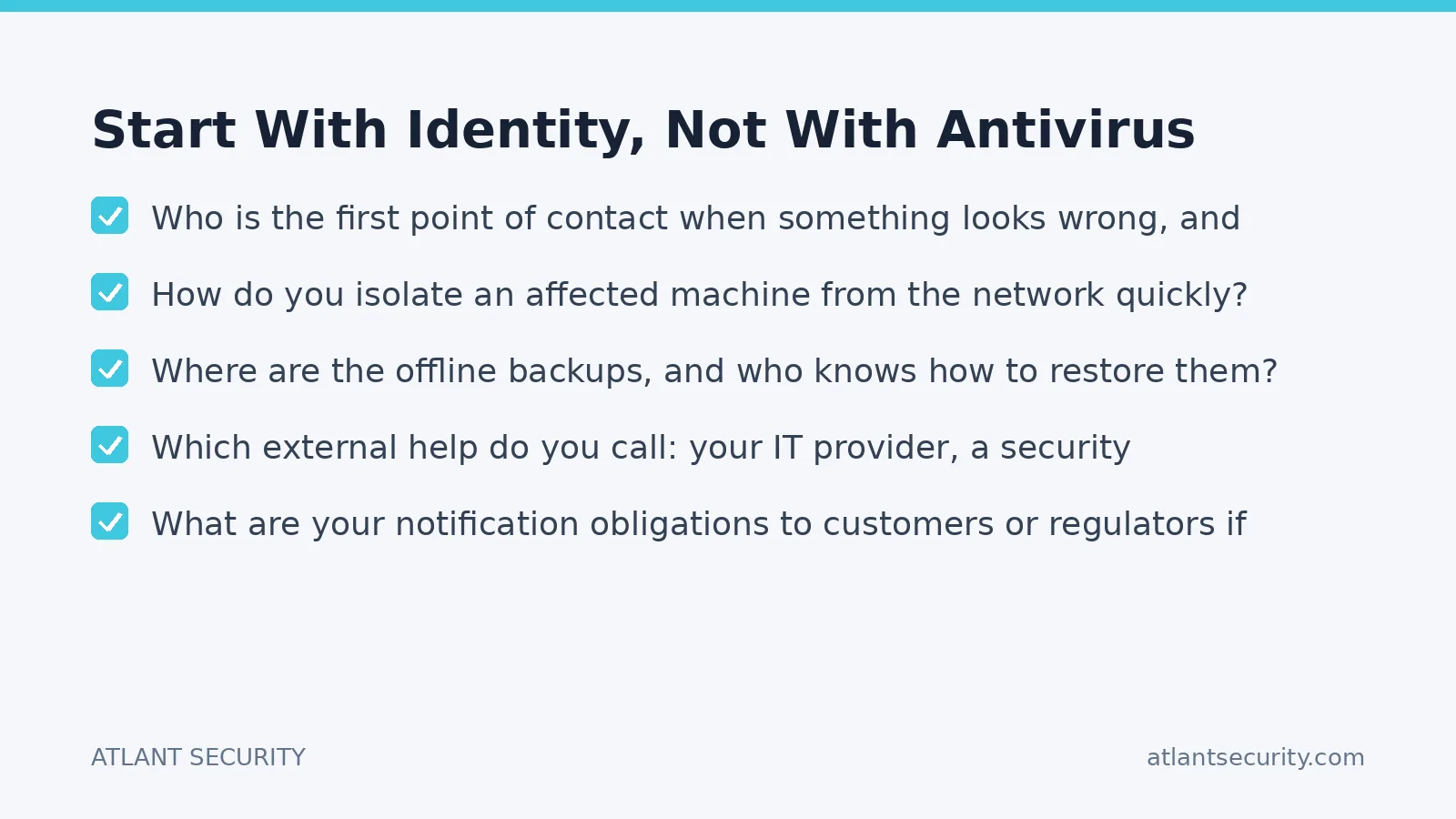
- Who is the first point of contact when something looks wrong, and how are they reached after hours?
- How do you isolate an affected machine from the network quickly?
- Where are the offline backups, and who knows how to restore them?
- Which external help do you call: your IT provider, a security consultant, your bank, your insurer, legal counsel?
- What are your notification obligations to customers or regulators if data is exposed?
Write it down, print it, and store a copy offline. During a ransomware event your systems may be the very thing you cannot access, so a plan that lives only on the encrypted file server is no plan at all.
When to Bring in Outside Help
Small businesses rarely need a full-time security team, and hiring one is usually not realistic. What most need is periodic expert guidance to set direction and verify that controls actually work. That is exactly the model behind virtual CISO services: senior security leadership on a fractional basis, so you get the judgment of an experienced practitioner without a full-time executive salary. It is a practical fit for companies that have outgrown pure DIY security but are not ready for in-house specialists.
If your priority is simply getting a clear, prioritized plan and a partner who understands the constraints of a smaller organization, our cybersecurity services for small business are built around that reality: fix what matters most first, avoid tool sprawl, and keep it maintainable by a small team.
A Realistic 30-Day Plan
You cannot do everything at once, and you should not try. Here is a sequence that front-loads the highest-impact work.
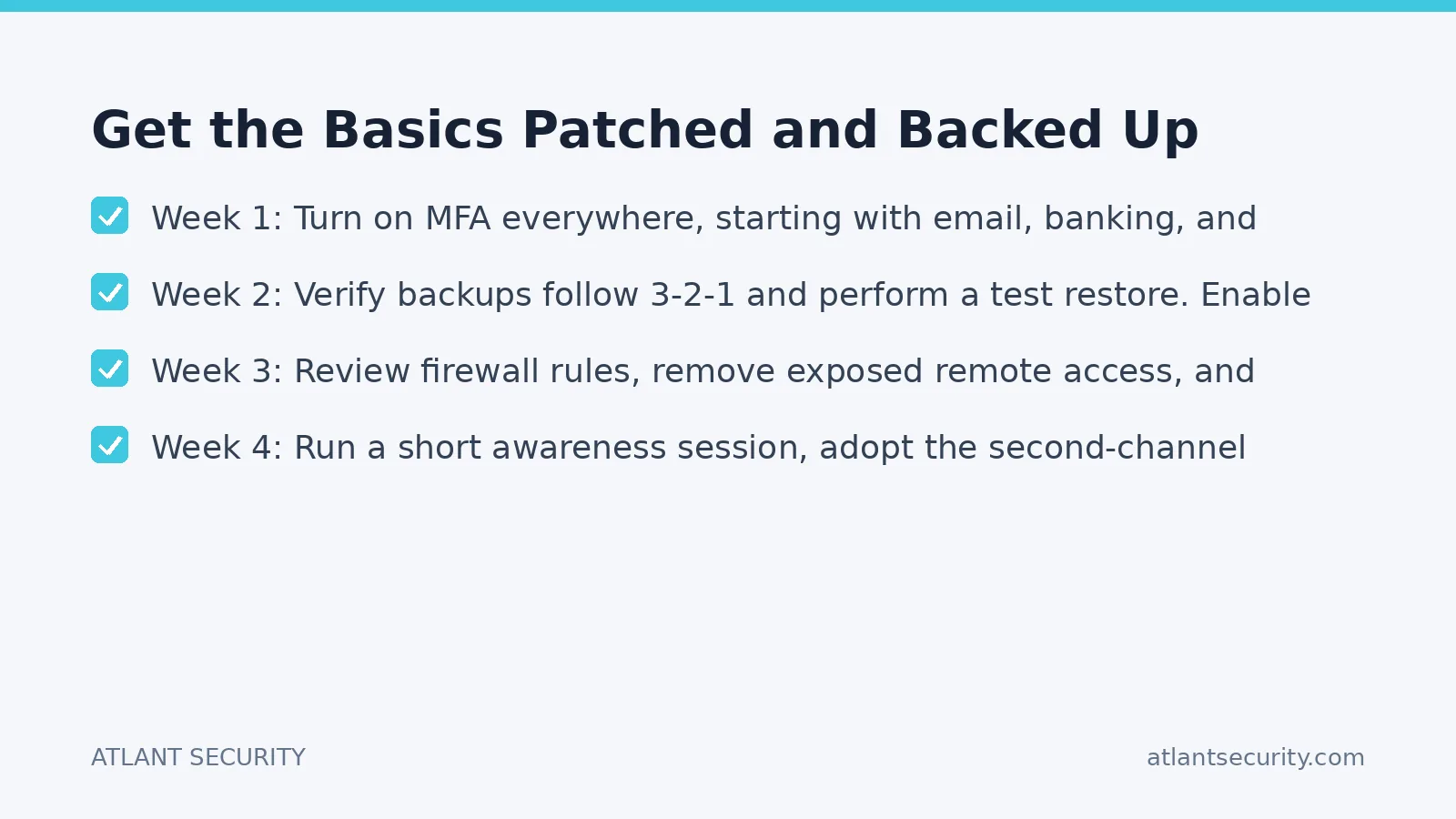
- Week 1: Turn on MFA everywhere, starting with email, banking, and your domain registrar. Deploy a password manager.
- Week 2: Verify backups follow 3-2-1 and perform a test restore. Enable automatic updates and full-disk encryption on all devices.
- Week 3: Review firewall rules, remove exposed remote access, and configure email anti-spoofing (SPF, DKIM, DMARC).
- Week 4: Run a short awareness session, adopt the second-channel payment verification rule, and write a one-page incident response plan.
After 30 days you will have closed the doors attackers use most. From there, security becomes a maintenance rhythm rather than a scramble.
Frequently Asked Questions
How much should a small business spend on cybersecurity?
There is no universal percentage, but the highest-impact controls (MFA, a password manager, backups, patching, staff awareness) cost very little relative to the damage they prevent. Spend first on these fundamentals, then invest in monitoring and expert review. Money spent on advanced tools while the basics are missing is largely wasted.
Is antivirus enough to protect my business?
No. Antivirus is one layer among many and it misses a great deal of modern malware and, obviously, any attack that involves no malware at all, such as business email compromise. Treat endpoint protection as necessary but far from sufficient. Identity controls, backups, and email security matter more against the attacks small businesses actually face.
What is the single most common weakness you find in small businesses?
Missing or inconsistent multi-factor authentication, closely followed by backups that are never tested and are reachable from the network they are supposed to protect. Both are cheap to fix and both are routinely responsible for the worst outcomes.
Do I need to worry about compliance frameworks like SOC 2 or ISO 27001?
Only if your customers or your market demand it. Many small businesses adopt a framework because a larger client requires proof of security. If that applies to you, treat frameworks such as SOC 2 or ISO 27001 as a structured way to formalize good practices you should be doing anyway, not as a separate burden.
How often should we review our security?
Review your baseline quarterly and after any major change, such as a new system, a new office, or significant staff turnover. An independent assessment once a year is a reasonable cadence for most small businesses to catch drift and blind spots that internal reviews miss.
We use cloud services for everything. Does that mean the provider handles security?
Partly. Cloud providers secure their infrastructure, but configuring your accounts, permissions, and data protection is your responsibility under the shared responsibility model. Most cloud breaches stem from customer misconfiguration, not provider failure. Your identity and access settings are yours to get right.
Security for a small business is not about buying the most products. It is about turning on the controls that stop real attacks and keeping them working. If you want a second set of expert eyes on where you stand, get in touch and we will help you build a plan that fits your size and budget.

Alexander Sverdlov
Founder of Atlant Security. Author of 2 information security books, cybersecurity speaker at the largest cybersecurity conferences in Asia and a United Nations conference panelist. Former Microsoft security consulting team member, external cybersecurity consultant at the Emirates Nuclear Energy Corporation.