
Personal cybersecurity is no longer a niche concern for the paranoid few. If you are an executive, a founder, an investor, or anyone whose name is attached to money, access, or a public profile, you are a target - personally, not just through the company you run. In more than a decade of security work, including my time on the Microsoft security consulting team, I have watched the frontline move away from corporate firewalls and toward the individual: the personal phone, the home router, the family member who reuses a password. This guide is the practical, end-to-end playbook I wish every client had read before they called me in a panic.
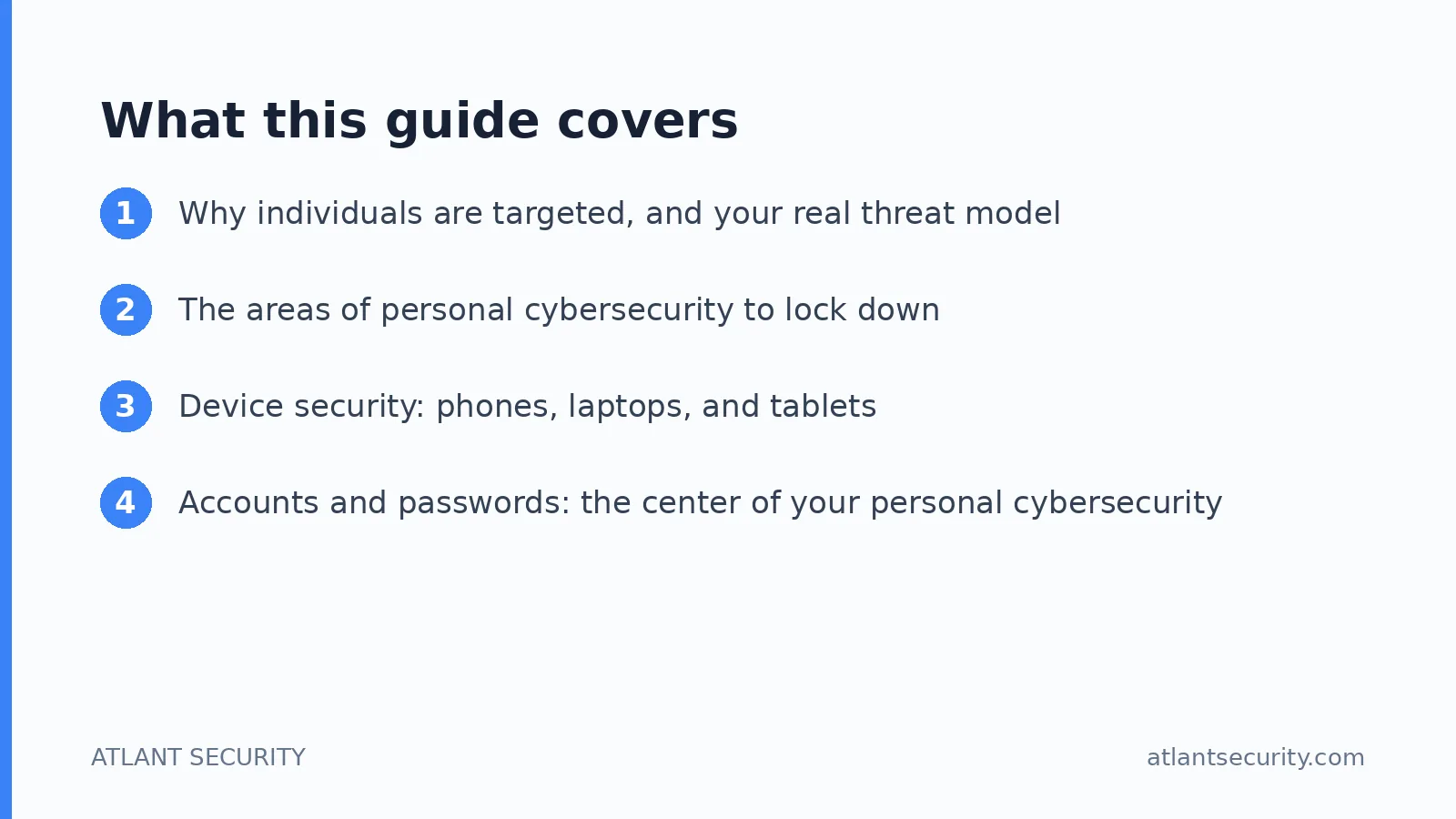
I will walk you through the full threat model and then hand you specific, livable controls for your devices, accounts, phone number, home network, identity, family, communications, and travel, ending with a prioritized personal cybersecurity checklist and guidance on when to bring in professional help. Nothing here requires you to become a hacker - just a handful of high-leverage decisions, followed through.

Already feel exposed?
If a client is asking about your security, you have real assets to protect, or you think someone is trying to get into your accounts, you do not have to figure this out alone. A former Microsoft security consultant will map your exposure and hand you a fixed-price plan before you pay a cent.
Book a private consultation →Why individuals are targeted, and your real threat model
Companies have security teams, budgets, and monitoring. You, personally, usually do not. That asymmetry is exactly why attackers have shifted their attention to people. When I map a threat model for a high-value individual, I look at three things that make you attractive: money, access, profile.
The adversaries you actually face are rarely nation-state hackers. They are financially motivated criminals running phishing and SIM-swap operations, fraudsters buying your data from breaches, and occasionally a determined individual - an ex-partner, a rival, a stalker. To protect yourself from hackers effectively, plan for the common, high-probability attacks first; the same controls that stop a competent criminal stop the vast majority of everything else.
Money is the obvious one: wealthy individuals hold assets that can be moved quickly and irreversibly - wire transfers, brokerage accounts, and crypto. Access is subtler and often more valuable: your personal email is the master key to your financial life, and if you are a founder or executive, your personal accounts are a side door into your company, your investors, and your deals. Profile means visibility - a public reputation gives attackers leverage for extortion and impersonation, plus open-source information for a convincing attack.
The areas of personal cybersecurity to lock down
Personal security is not one setting you flip. It is a small set of domains that each need attention, because attackers pivot from the weakest one into the rest. Think of it as concentric layers: your accounts sit at the center because email and identity unlock everything, your devices are the tools you access them with, your phone number is a fragile recovery mechanism, your home network is the environment they all live in, and your digital footprint is the reconnaissance surface that feeds every attack.
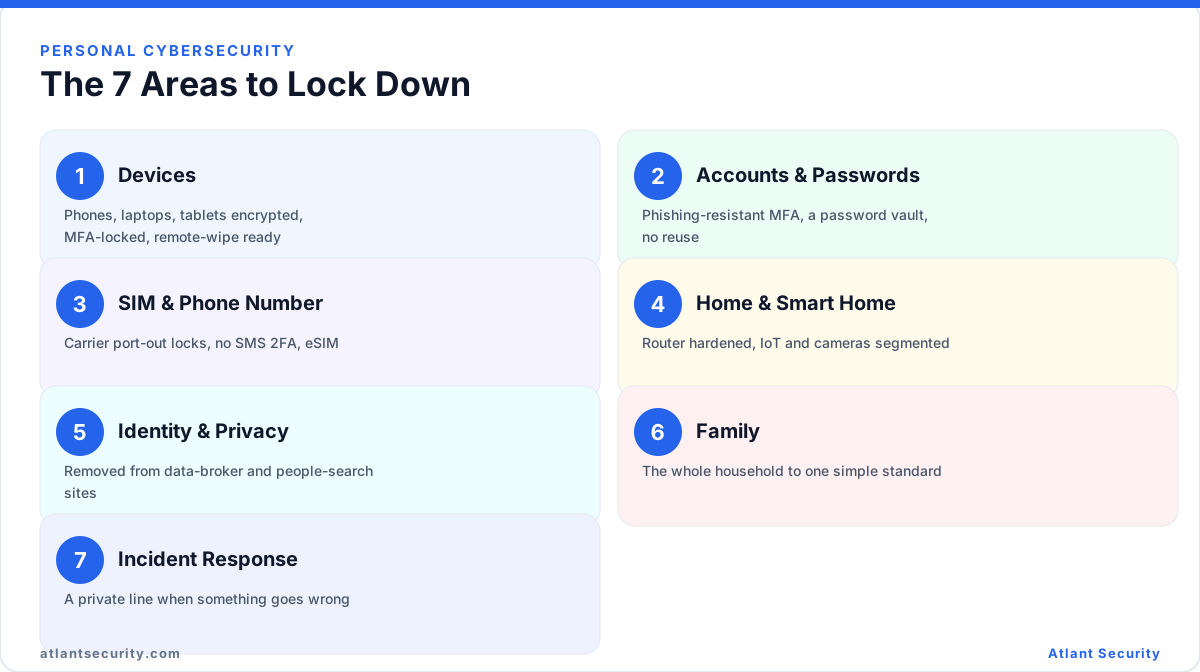
Rank each domain by two questions: how badly does it hurt if this is compromised, and how exposed is it right now. You will almost always find that your email account and phone number carry catastrophic impact, that your passwords are more exposed than you think, and that your home network and family are the quiet blind spots.
| Domain | What an attacker gains | Your highest-leverage fix |
|---|---|---|
| Accounts and email | Master key to finances and identity | Phishing-resistant MFA plus a password manager |
| Phone number | Bypasses SMS-based recovery on everything | Port-out lock and move off SMS 2FA |
| Devices | Direct access to logged-in sessions | Encryption, strong lock, remote wipe |
| Home network | Foothold into every connected device | Router hardening and network segmentation |
| Digital footprint | Reconnaissance for targeted attacks | Data-broker removal, footprint minimization |
| Family | The soft entry point into your household | A simple, livable household standard |
Device security: phones, laptops, and tablets
Your devices are where your logged-in life lives. A stolen, unlocked laptop or phone is often worse than a stolen password, because it hands over active sessions to email, banking, and messaging in one move. The controls here are boring and effective.
Encryption. Turn on full-disk encryption everywhere. On modern iPhones and Android phones it is on by default once you set a passcode. On a Mac, enable FileVault; on Windows, enable BitLocker and store the recovery key in your password manager, not in an account you might lose access to. Encryption makes a lost device an inconvenience rather than a breach.
Screen locks and biometrics. Use a six-digit-or-longer passcode, never a four-digit PIN and never a swipe pattern. Enable Face ID or fingerprint for convenience, but understand the passcode is the real secret - biometrics just gate it. Set auto-lock to a minute or two.
Patching. Enable automatic updates for the operating system and apps. The overwhelming majority of real-world device compromises exploit vulnerabilities that were patched months earlier. When Apple, Google, or Microsoft ship a security update, install it within days, not quarters. Retire devices that no longer receive security updates - an unpatched old tablet on your network is a permanent open door.
Remote wipe. Register your phone and laptop with Find My (Apple) or Find My Device (Google) and the equivalent on Windows so you can locate, lock, and remotely erase a lost device, and test it before you need it. Combined with encryption, a thief gets a paperweight, not your identity.
Reduce the attack surface. Uninstall apps you do not use, review app permissions, and be skeptical of browser extensions, which are a common and underrated malware vector. Only install from official app stores.
Accounts and passwords: the center of your personal cybersecurity
If you fix only one thing after reading this, fix your authentication. Credential attacks - phishing, password reuse, and breach data - are how most people actually get hacked.
Get a password manager. A dedicated vault (1Password, Bitwarden, or similar) lets you use a long, unique, random password for every account without memorizing any of them. This alone eliminates the single biggest risk: password reuse. When one service is breached, attackers take the leaked email-and-password pairs and try them everywhere else, a technique called credential stuffing. Unique passwords make that attack worthless against you.
Find your reused and breached passwords. Every good password manager includes a security-audit feature that flags reused, weak, and known-breached passwords. Run it, check your addresses against Have I Been Pwned, then change the passwords for your most important accounts first: email, financial, and anything that can move money.
Use phishing-resistant MFA, not SMS. Not all multi-factor authentication is equal. Ranked from weakest to strongest:
- SMS codes - better than nothing, but vulnerable to SIM swaps and phishing. Avoid for anything important.
- Authenticator apps (TOTP) - the six-digit rotating codes. A solid baseline, immune to SIM swaps, but still phishable if you type the code into a fake site.
- Passkeys and hardware security keys - the gold standard. These are phishing-resistant by design, because the credential is cryptographically bound to the real website and simply will not work on a look-alike domain.
Buy two hardware security keys (a primary and a backup, for example two YubiKeys) and register both on your most critical accounts: email first, then your password manager, then financial and social accounts. Adopt passkeys wherever they are offered; they give hardware-key-grade protection using the secure chip already in your phone and laptop. The rule I give clients: your email and your password manager must be protected by something phishing-resistant, full stop.
Protect the recovery paths. Attackers do not always hit the front door - they attack password reset and account recovery. Once you have stronger MFA in place, remove your phone number as a recovery method on critical accounts, store backup codes in your vault, and lock down the recovery email so it is itself protected by a hardware key.
Monitor for account takeover. Turn on login and new-device alerts, and periodically review the active sessions and connected apps on your email and social accounts, revoking anything you do not recognize. If you hold crypto or manage financial assets online, treat that as its own discipline - our guide to digital wallet security covers seed-phrase handling, hardware wallets, and transaction hygiene in depth.
SIM-swap and phone-number security
Your phone number is one of the most dangerous single points of failure in your digital life, and almost nobody treats it that way. In a SIM swap, an attacker convinces your carrier to transfer your number to a SIM they control - through social engineering, a bribed store employee, or stolen data. The moment they own your number, every SMS code and phone-based reset flows to them. I have seen six-figure losses unfold in under an hour this way.
SIM swap protection has two halves: make the swap hard, and make it not matter.
Make the swap hard. Call your carrier and set up a port-out lock (sometimes called Number Lock or a port freeze) and a separate account PIN that must be given before any change. Ask them to require in-person verification for SIM changes. An eSIM is somewhat harder to hijack than a physical SIM because there is no card to swap in a store, but the account-level protections matter more than the SIM type.
Make it not matter. This is the real fix. Move every important account off SMS two-factor and off phone-based recovery, replacing it with authenticator apps, passkeys, or hardware keys. If your bank, email, and password manager do not rely on your phone number, a SIM swap becomes a nuisance rather than a catastrophe. For accounts that stubbornly require a phone number, consider a separate, private VoIP number that is not published anywhere.
Home and smart-home network security
Your home network is the environment where all of your devices operate, and for many families it is wide open. A compromised router or cheap internet-connected camera can become a persistent foothold that watches everything else on the network.
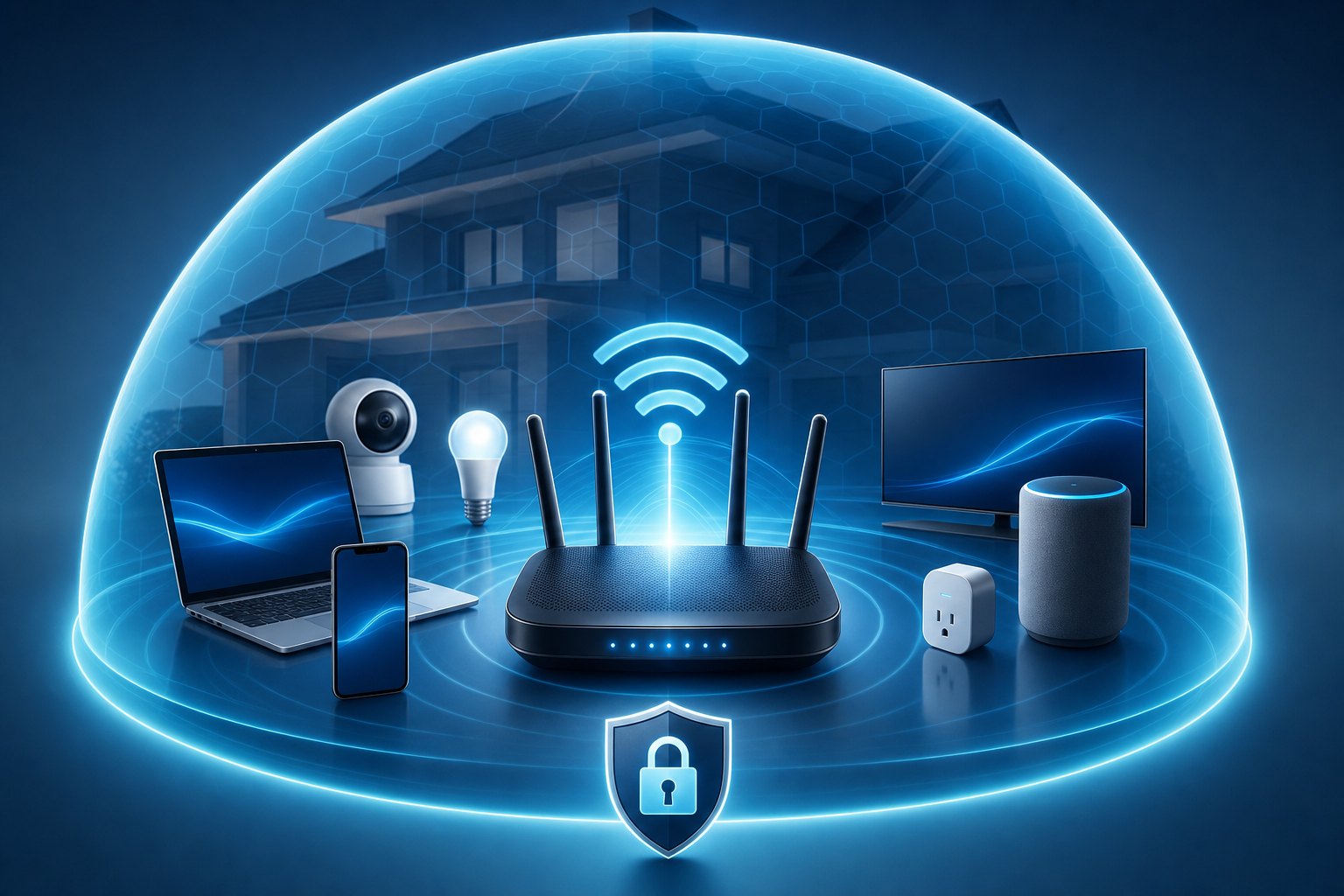
Secure the router first. Change the default admin password immediately - default credentials for nearly every model are published online. Update the firmware and enable automatic updates. Use WPA3 (or at least WPA2) encryption with a long Wi-Fi passphrase. Disable remote administration, disable WPS, and turn off UPnP unless you specifically need it. If your router is more than five or six years old or no longer gets firmware updates, replace it.
Segment your network. Create at least two networks: a main one for laptops and phones, and a guest or IoT network for everything else - smart TVs, speakers, thermostats, cameras, and any device a visitor connects. That way, if a cheap smart bulb is compromised, the attacker lands on an isolated network and cannot reach your laptop or files. Most modern routers make this a two-minute setup.
Cameras and doorbells. Internet-connected cameras deserve special caution because a breach turns your own security device into a surveillance tool against you. Change default passwords, enable MFA on the vendor's account, keep firmware updated, and put cameras on the IoT network. Think hard about where you place indoor cameras and who has cloud access to the footage.
Default passwords everywhere. The most common home-network mistake is leaving default or trivial passwords on connected devices. Every device that has a password should have a unique, strong one stored in your password manager. If a device ships with a hardcoded password you cannot change, that is a reason not to buy it.
Identity, privacy, and your digital footprint
Before an attacker phishes you or calls your carrier pretending to be you, they do research. The fuel for that research is your digital footprint: data-broker profiles, people-search sites, social media, property records, and old accounts. Shrinking it directly reduces how targetable you are.
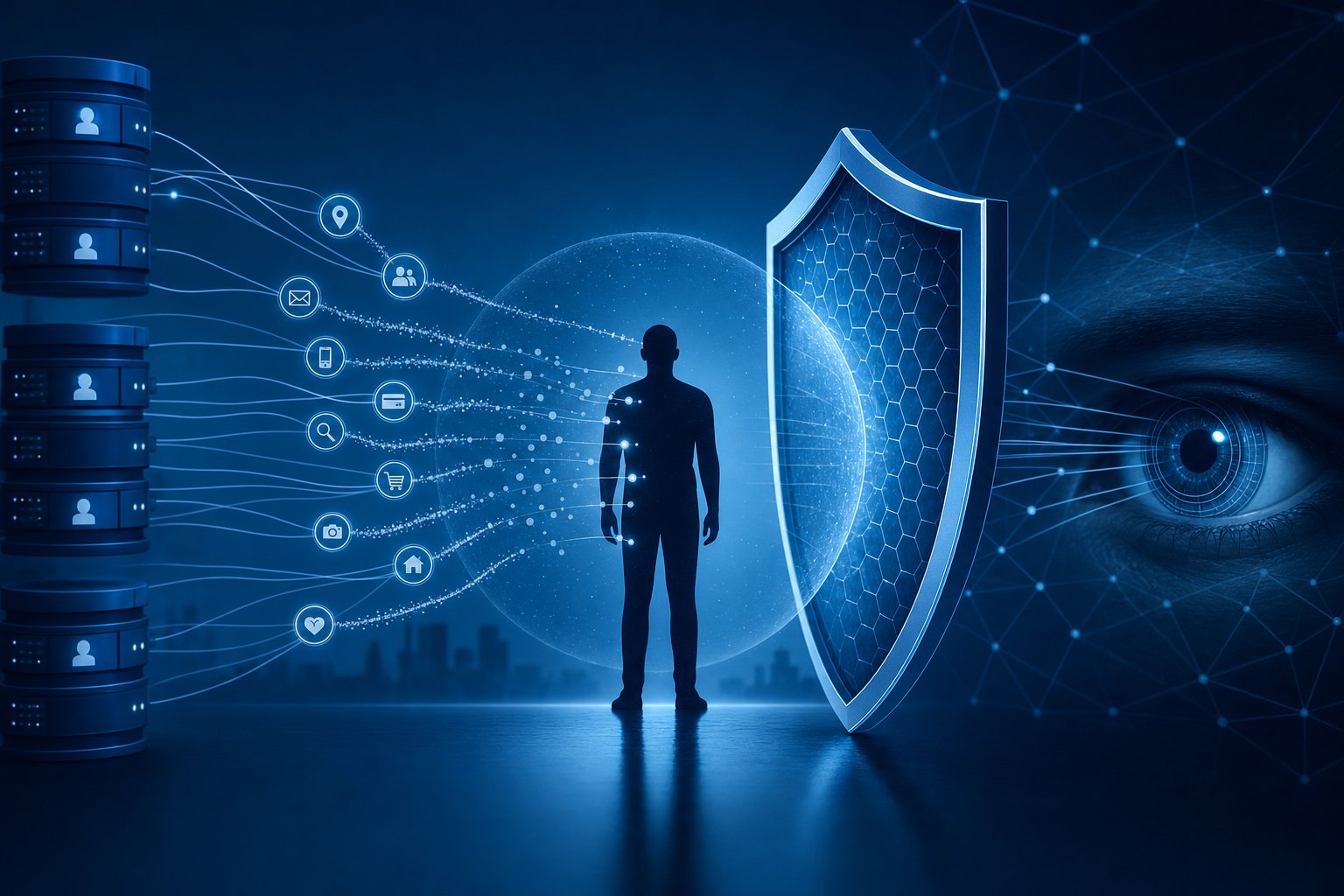
Remove yourself from data brokers. Data brokers and people-search sites (Spokeo, Whitepages, BeenVerified, and dozens more) compile and sell dossiers on you: home address, phone numbers, relatives, age, and past addresses. This is where a stalker finds where you live and where a social engineer gets the details that make an impersonation call convincing. Submit opt-out requests to each broker manually - most are legally required to honor them - or use a paid removal service that continuously removes your listings as they repopulate. Prioritize your home address, phone number, and any information about your children and spouse. This is one of the highest-value privacy tasks for anyone with a public profile.
Minimize your public footprint. Lock down social media privacy settings and be deliberate about what you post in real time - avoid broadcasting your home, your children's school, and your travel while you are away. Use email aliases for signups so your primary address is not sprinkled across every breach, and consider a registered-agent or PO-box address for domain registrations and business filings so your home address stays out of public records.
Freeze your credit. A credit freeze at the major bureaus is free, reversible, and one of the most effective anti-identity-theft steps available - it stops criminals from opening accounts in your name and takes minutes to set up.
Family digital security: the household as the weakest link
In my engagements, the individual is rarely the one who gets breached first. It is the family. A partner reuses a password, a teenager installs a sketchy app, a parent clicks a phishing link, and suddenly the attacker is inside the household and one step from you. Your personal cybersecurity is only as strong as the least-protected person who shares your network and your name.
The mistake people make is imposing enterprise-grade lockdown on their family, which fails because it is unlivable. The goal is a simple, sustainable household standard, not surveillance.
- Everyone uses the family password manager. Shared vaults make unique passwords effortless and let you help without knowing each other's secrets. This is the single biggest family win.
- MFA on the accounts that matter for every family member - their email and primary social accounts at minimum.
- Teach the three-second pause. The core skill is recognizing urgency and pressure as red flags: "your account is locked, act now," "grandpa needs money," a link in an unexpected message. Slow down and verify through a known channel.
- Age-appropriate device settings for kids using built-in family controls, focused on safety and updates rather than spying.
- A family plan for emergencies - a shared understanding of who to call if someone is hacked or scammed, so nobody hides it out of embarrassment.
Frame it as a team effort that protects everyone, including the family's money and reputation. That framing gets buy-in - nagging does not.
Secure communications and travel
For sensitive conversations - deals, legal matters, anything you would not want leaked - use end-to-end encrypted channels. Signal is my default for messaging and calls because the encryption is strong and it collects almost nothing about you. iMessage and WhatsApp are also end-to-end encrypted, though they carry more metadata. Standard email is not private; for genuinely sensitive material use an encrypted email service or share documents through an access-controlled link rather than as an attachment.
VPN, used correctly. A reputable VPN protects you on untrusted networks (hotels, airports, cafes) by encrypting your traffic against local snooping. It is a useful tool, not a magic privacy cloak - choose a provider with a clear no-logs policy and do not expect it to replace the other controls here.
High-risk travel. When crossing borders or traveling to high-risk countries, treat your devices as potentially compromised. Carry clean or minimized devices with only the data you need, remove sensitive material beforehand, and assume hotel Wi-Fi and business-center computers are hostile. Turn off Wi-Fi and Bluetooth auto-connect, and power devices fully off when crossing borders, since encryption is strongest before the first unlock. On return from a genuinely high-risk trip, treat the devices as suspect until reviewed.
Incident response: what to do if it happens
Even with strong defenses, you need a plan for the bad day. Speed matters; the first hour often determines whether an incident is contained or catastrophic.
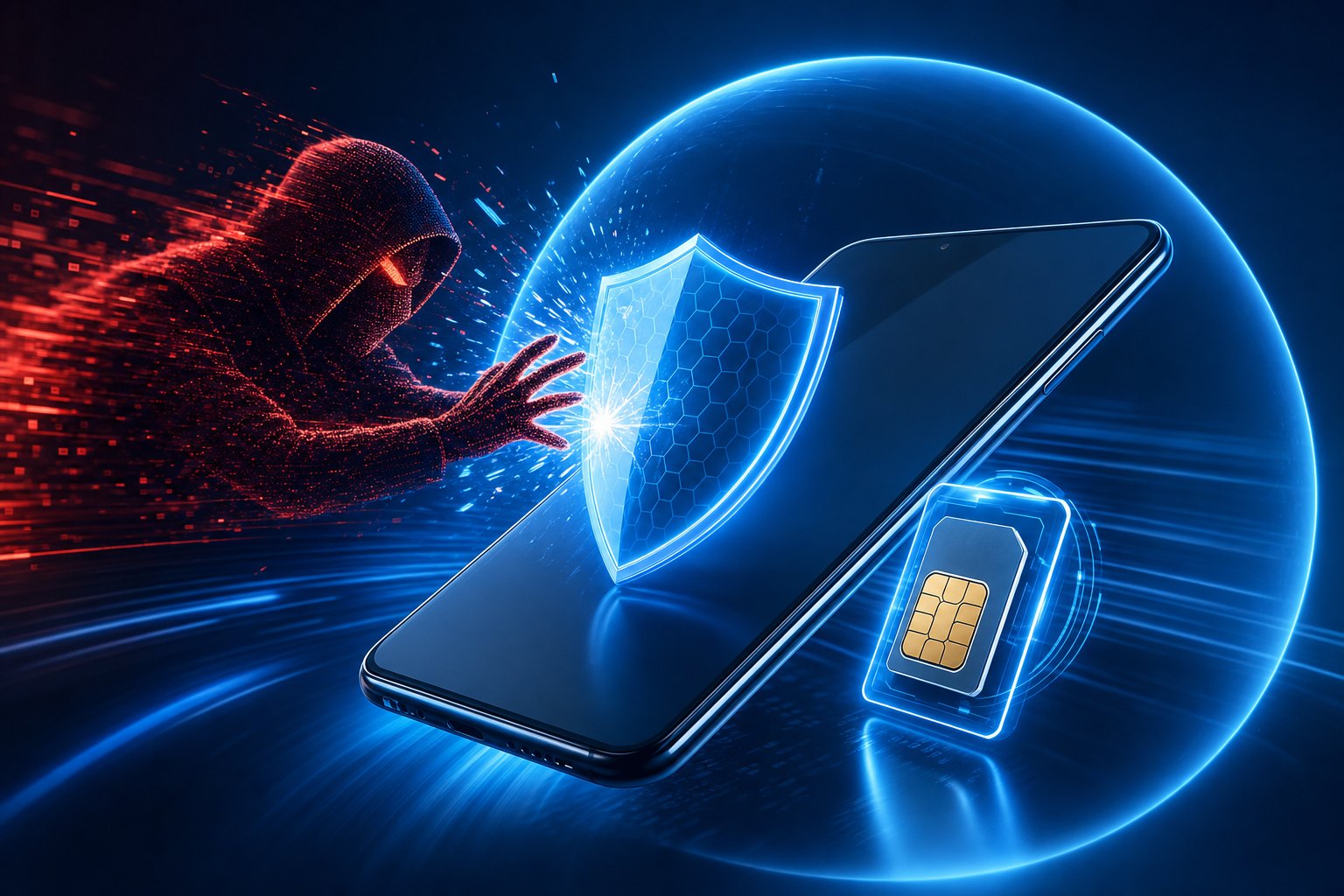
If your phone number is SIM-swapped (your phone suddenly loses signal, or you get alerts of account changes): call your carrier immediately from another phone to reclaim the number and lock the account. In parallel, get into your email and financial accounts from a trusted device, change passwords, and revoke sessions - assume any SMS-protected account is at risk. This is exactly why moving critical accounts off SMS in advance matters so much.
If an account is hacked: from a clean device, change that account's password, turn on or upgrade MFA, sign out all other sessions, and check the recovery email, phone number, and forwarding rules the attacker may have quietly changed. Start with email, because it controls the others.
If you are extorted or your device shows ransomware or a "we have your data" threat: do not pay impulsively and do not delete evidence. Disconnect the device from the network, preserve what you can, and get expert help. Many extortion claims are bluffs, and paying rarely ends the demands.
If you are doxxed (your personal details published to harass you): document everything with screenshots, report the content to the platforms, accelerate your data-broker removals, tighten every privacy setting, and involve law enforcement if there is any physical-safety dimension. Warn family members who may also be exposed.
Across all incidents: write down a short list now of who you will call - your bank's fraud line, your carrier, and a security professional - so you are not searching for numbers mid-crisis. This is where a personal cybersecurity consultant on call turns a disaster into a manageable event.
Your "do this first" personal cybersecurity checklist
If the full guide feels like a lot, start here. This is the prioritized personal cybersecurity checklist I give clients, ordered by impact per minute of effort:
- Install a password manager and start moving your most important accounts to unique, strong passwords.
- Put phishing-resistant MFA on your email and password manager - passkeys or two hardware security keys.
- Set a carrier port-out lock and account PIN, then move critical accounts off SMS two-factor.
- Turn on encryption and remote wipe on every phone and laptop, with a strong passcode.
- Enable automatic updates everywhere and install pending ones now.
- Change your router's default admin password, update its firmware, and set up a separate IoT/guest network.
- Freeze your credit at the major bureaus.
- Start data-broker removals for your home address and family details.
- Get your household on the family password manager and MFA.
- Write your incident-response contact list and store it somewhere you can reach in a crisis.
Work top to bottom. The first three items alone neutralize the attacks behind most real-world personal compromises.
When to hire a personal cybersecurity consultant
Most people can complete the checklist above themselves in a few weekends. So when does it make sense to bring in a professional? Three situations warrant it.
Your risk profile is elevated. If you control significant assets, hold a high public profile, have been targeted before, or are dealing with a specific threat like a stalker or a hostile counterparty, the stakes justify expert help. The cost of getting it wrong dwarfs the cost of doing it right.
You do not have the time or the confidence. Doing this properly across a whole household takes hours and attention to detail. A consultant compresses that into an efficient, verified rollout and confirms each control is actually working rather than merely switched on.
You are already in an incident. If you are being actively attacked, extorted, or have just been breached, this is not the moment to learn on the job. Get help immediately.
A good personal cybersecurity consultant assesses your specific threat model, hardens your accounts, devices, phone, and home network, runs a digital-footprint and data-broker cleanup, trains your family in a way they will actually follow, and stays available for the bad day. That is exactly what we do; you can see the scope of our personal cyber security services and, when you are ready, work directly with a personal cybersecurity consultant who will tailor all of this to your life rather than hand you a generic checklist.
Personal cybersecurity is not about fear or gadgets. It is about making a small number of good decisions once, so that the attackers increasingly aiming at people like you find someone easier to target. Start at the top of the checklist today.
Personal Cybersecurity FAQ
What is the single most important personal cybersecurity step I can take?
Protect your primary email account with a strong, unique password and phishing-resistant MFA such as a passkey or hardware security key. Your email is the master key that can reset almost every other account, so securing it delivers more protection per minute than anything else you can do.
Why is SMS two-factor authentication considered dangerous?
SMS codes can be intercepted through a SIM swap, where an attacker transfers your number to a SIM they control, and they can also be phished on fake login pages. Once someone owns your number, every SMS code and phone-based reset flows to them. Use authenticator apps, passkeys, or hardware keys instead for anything important.
How do I protect myself from a SIM swap?
Do two things. Set a carrier port-out lock plus a separate account PIN so your number cannot be moved without verification. Then, more importantly, move critical accounts off SMS two-factor and off phone-based recovery so that even a successful swap does not unlock anything valuable.
Are password managers safe to use?
Yes. A reputable password manager encrypts your vault so that even the provider cannot read it, and the risk of using one is far smaller than the near-certain risk of reusing passwords across sites. Protect the vault with a long master password and a hardware key or passkey, and it becomes the strongest link in your setup.
How do I remove my personal information from the internet?
Submit opt-out requests to the major data brokers and people-search sites, or use a paid removal service that continuously finds and removes your listings as they reappear. Prioritize your home address, phone number, and any details about your children and spouse, and tighten your social media privacy settings.
Do I need to secure my home network if my devices are already protected?
Yes. A compromised router or a cheap internet-connected camera can become a persistent foothold that attacks everything else on your network. Change default passwords, keep firmware updated, and put smart-home and guest devices on a separate segmented network so a weak device cannot reach your laptop or files.
What should I do first if I think I have been hacked?
Move to a device you trust and secure your email account first, because it controls the others: change the password, upgrade MFA, and sign out all other sessions. Check that the attacker has not changed your recovery email, phone number, or mail-forwarding rules, and contact your bank and carrier if money or your number is involved.
Want this handled for you?
You have just read what it takes. If you would rather have it done quietly, at a fixed price, in about 30 days, hire a personal cybersecurity consultant who does the work with you - from your devices and accounts to your home network, identity, and family.
Hire a personal cybersecurity consultant →Or book a private call