Navigating Cloud Security: Consulting Services That Protect Your Data
Alexander Sverdlov
Security Analyst

Almost every cloud breach I have investigated came down to the same thing: a setting someone got wrong, not a flaw in the cloud provider. That is the uncomfortable truth the marketing rarely mentions. Moving to the cloud does not hand your security to Amazon, Microsoft, or Google. It splits the responsibility, and the half you keep is precisely the half where most incidents happen.
I have spent years helping companies untangle their cloud environments after a scare, and the story is repetitive: a storage bucket left public, an over-permissioned access key, multi-factor authentication that was never enforced on the admin account, logging that was switched off to save a few dollars. None of these are exotic. All of them are preventable. This article explains how cloud security actually works, where the real risks live, and what a serious approach to protecting your data looks like.
The Shared Responsibility Model, Explained Honestly
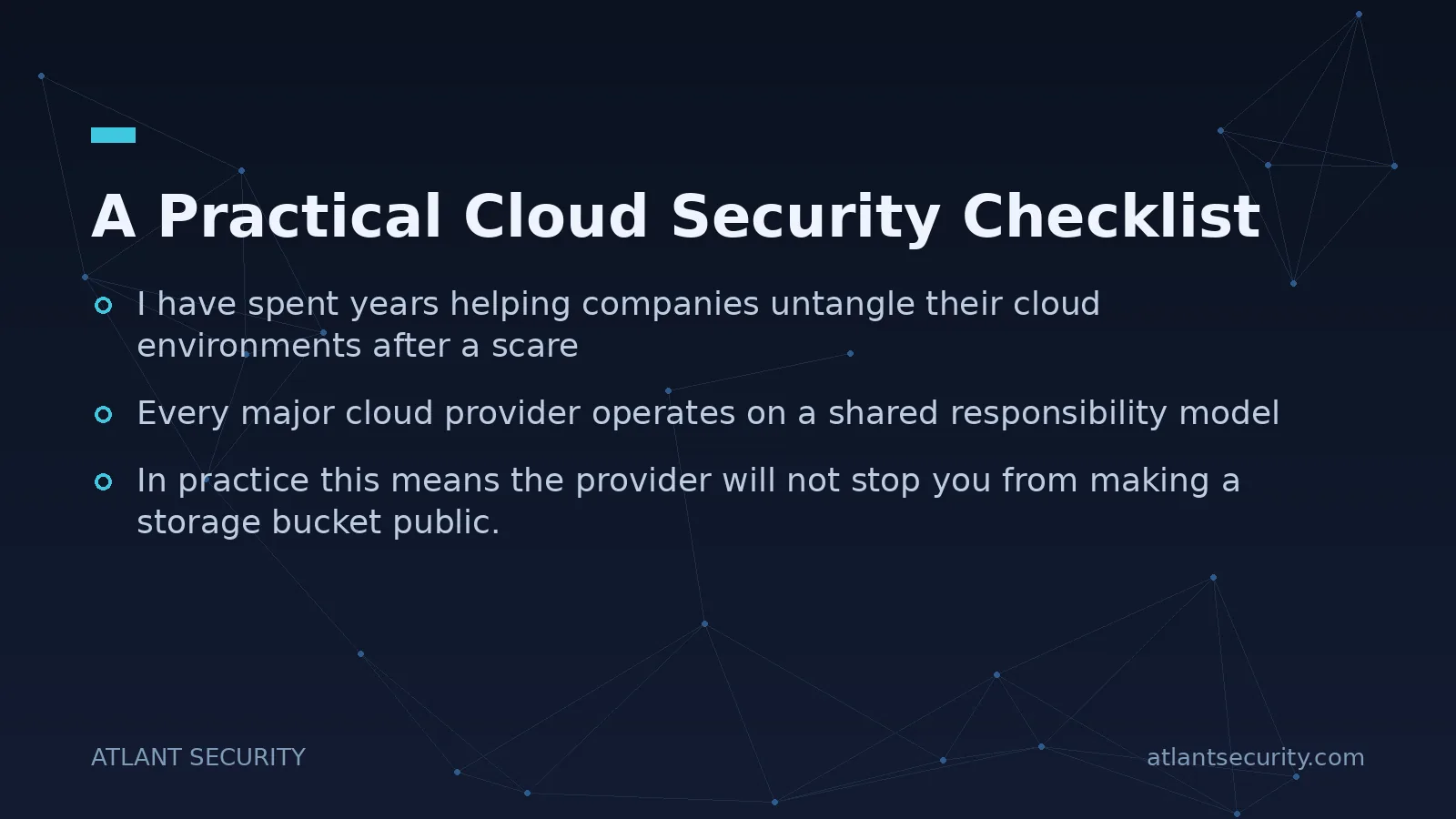
Every major cloud provider operates on a shared responsibility model, and misunderstanding it is the root cause of a large share of cloud breaches. The provider secures the infrastructure: the physical data centers, the hardware, the hypervisor, the core network. You secure what you put on top of it and how you configure it. The exact line shifts depending on whether you use infrastructure, platform, or software services, but the principle holds: your data, your identities, your access rules, and your configurations are yours to protect.
In practice this means the provider will not stop you from making a storage bucket public. It will not force you to turn on MFA. It will not review who has administrative access to your account. Those decisions, and their consequences, sit with you. The cloud gives you powerful tools and equally powerful ways to misuse them. Understanding exactly where your responsibility begins is the first step in any serious cloud security program, and it is the piece most teams skip.
Where Cloud Data Actually Gets Exposed
Over hundreds of assessments, the same categories of cloud risk come up again and again. If you address these, you eliminate the overwhelming majority of realistic exposure.
- Misconfiguration. Public storage buckets, open databases, security groups that allow traffic from anywhere. This is the single most common cause of cloud data leaks, and it is almost always accidental.
- Weak identity and access management. Over-permissioned users, unused accounts that were never disabled, access keys embedded in code, and admin accounts without MFA. Identity is the new perimeter, and in the cloud it is often the only perimeter.
- Poor secrets management. API keys and credentials committed to code repositories or stored in plaintext. Attackers actively scan public repositories for exactly this.
- No visibility. Logging disabled, no monitoring, no alerting. If you cannot see what is happening, you cannot detect a breach, and many organizations only learn of an incident from a third party.
- Unmanaged sprawl. Forgotten test environments, shadow accounts, and resources spun up without oversight. You cannot protect what you do not know you have.
Notice that none of these require the attacker to defeat the cloud provider. They exploit the customer side of the shared responsibility line. That is why a cloud security effort has to start with your own configuration, not with buying another tool.
The Controls That Matter Most
Cloud security can feel overwhelming because the platforms offer hundreds of settings. But the controls that deliver the most protection per unit of effort are a short list. Get these right before worrying about anything advanced.
1. Lock Down Identity
Enforce multi-factor authentication on every account, without exception for administrators. Apply least privilege rigorously: give each user, role, and service the minimum permissions it needs and nothing more. Avoid long-lived access keys in favor of short-lived, scoped credentials and roles. Review permissions regularly, because access tends to accumulate and rarely gets removed on its own.
2. Protect Data at Rest and in Transit
Encrypt data both where it is stored and as it moves. On modern cloud platforms this is largely a matter of turning it on and managing your keys properly, so there is no excuse to skip it. Classify your data so you know what is sensitive and apply stronger controls where they matter most. Make sure storage that holds sensitive data is never publicly accessible, and verify that rather than assuming it.
3. Manage Secrets Properly
Never store credentials in code or configuration files. Use a dedicated secrets manager, rotate credentials regularly, and scan your repositories for accidentally committed keys. This one discipline closes a door that attackers routinely find open.
4. Turn On Visibility
Enable logging across your cloud environment and actually send those logs somewhere they will be reviewed. Set up alerting for high-risk events such as new admin accounts, policy changes, and access from unexpected locations. Detection is not optional, it is the difference between a contained incident and a headline.
5. Automate Configuration Checks
Humans make mistakes at scale, so use tooling that continuously checks your configuration against known-good baselines and flags drift. Cloud security posture management catches the public bucket or the open port before an attacker does, and it does so continuously rather than at annual review time.
A Practical Cloud Security Checklist
| Area | What to verify |
|---|---|
| Identity | MFA enforced everywhere, least privilege applied, unused accounts disabled |
| Storage | No public buckets holding sensitive data, encryption enabled |
| Secrets | No hard-coded keys, secrets manager in use, rotation in place |
| Network | Security groups restricted, no open management ports |
| Visibility | Logging on, alerting configured, someone reviewing it |
| Governance | Inventory of accounts and resources, ownership assigned |
If you cannot confidently tick every row, that is your starting backlog. Most teams find several gaps the first time they run through this honestly, and that is normal. An independent IT security audit focused on your cloud environment gives you a documented version of this checklist with evidence, not guesswork.
Governance Is What Keeps Cloud Secure Over Time
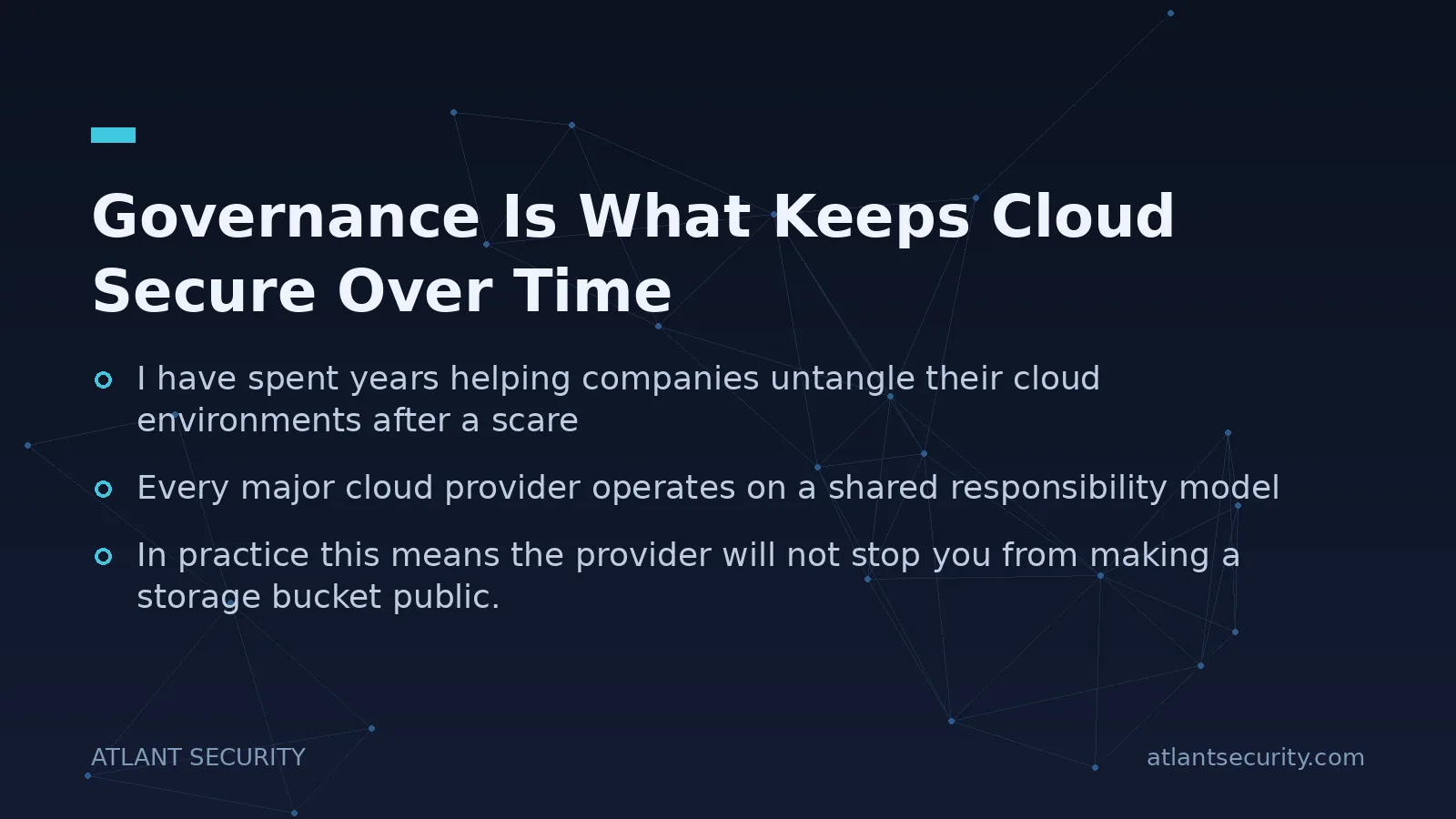
The hardest part of cloud security is not the initial cleanup, it is preventing the environment from drifting back into chaos. Cloud environments change constantly. Developers spin up resources, permissions get granted for a quick fix and never revoked, new services appear. Without governance, the secure state you achieve today erodes within months.
Effective governance means clear ownership of every account and resource, a defined process for provisioning that bakes security in from the start, regular access reviews, and continuous configuration monitoring. This is organizational discipline as much as technology. It is also exactly the kind of ongoing oversight that many growing companies struggle to sustain internally, which is where fractional senior leadership through a virtual CISO or dedicated cloud security consulting earns its keep: someone experienced owns the direction and holds the line as the environment grows.
Be Ready for the Incident, Not Just the Prevention
Prevention reduces the odds, but it never drives them to zero. The teams that come out of a cloud incident intact are the ones that prepared for it. Decide in advance how you would revoke a leaked access key, quarantine a compromised workload, and rotate credentials at speed. Know where your logs live and confirm they are retained long enough to reconstruct what happened, because during an investigation you cannot go back and turn on logging you never enabled. Practice the response at least once, even as a tabletop exercise, so the first time you rotate every admin credential is not during a live breach at 2 a.m. A tested runbook turns a potential disaster into a manageable event.
Compliance in the Cloud
If your business handles regulated data or sells to enterprise customers, your cloud environment will eventually be examined against a framework. Whether that is SOC 2, ISO 27001, HIPAA, or another standard, the good news is that the controls that make you secure are largely the same ones that make you compliant. Encryption, access management, logging, and change control appear in every serious framework. Build your cloud security around sound engineering first, and compliance becomes a matter of documenting what you already do well rather than scrambling to bolt controls on before an audit.
The mistake is treating compliance as the goal. A perfectly documented control that does not actually work will still let an attacker in. Aim for genuine security, and let the certification follow from it.
Frequently Asked Questions
Is the cloud less secure than on-premises infrastructure?
Not inherently. Major cloud providers invest far more in physical and infrastructure security than almost any individual company could. The risk shifts to configuration and identity, which are your responsibility. A well-configured cloud environment is typically more secure than a poorly maintained on-premises one, and vice versa. The platform is not the deciding factor, your discipline is.
Does my cloud provider back up my data?
Do not assume so. Providers guarantee infrastructure availability, but protecting against accidental deletion, ransomware, or corruption of your own data is generally your responsibility. Maintain your own backups, ensure they are separated from the primary environment, and test restoring from them. The shared responsibility model applies to backup just as it does to everything else.
What is the fastest way to reduce cloud risk?
Enforce MFA on all administrative accounts and audit for publicly exposed storage. Those two actions address the two most common causes of serious cloud breaches. From there, tighten permissions to least privilege and turn on logging. These steps require little spend and deliver disproportionate protection.
We use multiple cloud providers. Does that change the approach?
The principles are identical across providers, but the implementation details and terminology differ, and managing several environments multiplies the chance of inconsistency. A multi-cloud setup makes central governance and a single view of your security posture more important, not less. Standardize your policies and use tooling that can monitor all your environments together.
How often should we review our cloud security?
Configuration monitoring should be continuous and automated. On top of that, conduct a deeper review at least annually and after any significant change to your architecture or team. Cloud environments drift quickly, so periodic manual review catches the governance issues that automated checks miss.
Can small businesses afford proper cloud security?
Yes, because the highest-impact controls (MFA, least privilege, encryption, logging) are built into the platforms and cost little beyond the effort to configure them correctly. The expensive part is usually expertise and time, not licenses. This is exactly where periodic outside guidance is more cost-effective than hiring full-time specialists a small business does not need year-round.
Cloud security is not about buying more products. It is about owning your half of the shared responsibility model with discipline and keeping it that way as you grow. If you want an experienced set of eyes on your cloud environment and a clear plan to close the gaps, get in touch and we will help you build a posture that is genuinely resilient, not just compliant on paper.

Alexander Sverdlov
Founder of Atlant Security. Author of 2 information security books, cybersecurity speaker at the largest cybersecurity conferences in Asia and a United Nations conference panelist. Former Microsoft security consulting team member, external cybersecurity consultant at the Emirates Nuclear Energy Corporation.