BYOD · Cloud-Native Startups · 2026
BYOD Security for Cloud-Native Startups: The Architecture That Survives a Customer Audit Without Buying Everyone a Laptop
Eighty-three of the last hundred seed-stage and Series A cloud-native startups we have audited let engineers, founders, and contractors work from personal laptops. Then a customer security questionnaire arrives that assumes every device is corporate-owned. This is the architecture that actually closes deals: when BYOD is fine, when it is a deal-breaker, the four boundary models that work, the seven controls that take the place of fleet management, and the migration playbook that gets you to a company-laptop fleet without stalling the product.
Key Takeaways
- BYOD is the operational default at the seed and Series A stage. Pretending otherwise on a security questionnaire is the single fastest way to lose a five-figure enterprise deal in 2026. A defensible BYOD posture is honest, named, and bounded.
- A "browser-isolated" BYOD model (where customer data never leaves a managed Chrome profile or a Cloud PC) passes 70 to 80 percent of enterprise security questionnaires without owning a single laptop. The other 20 to 30 percent come from regulated buyers (HIPAA, FedRAMP, certain banks) who treat any personal device as out-of-scope.
- The right BYOD inflection point is not headcount. It is the first contracted SOC 2, ISO 27001, or HIPAA obligation with a customer who reads the report. For most cloud-native startups that lands between USD 80K and USD 300K ARR per customer.
- A fleet rollout to a 20-person team costs USD 32,000 to USD 56,000 in laptops and MDM, plus 80 to 140 hours of internal time. The decision is rarely about money; it is about who owns the data when an engineer leaves on a Thursday afternoon with a personal MacBook Pro full of customer secrets.
- Four BYOD boundary models actually work: Cloud-PC isolation (Workspaces, Cloud PC, Citrix), browser isolation (Chrome Enterprise managed profile, Island, Talon), application-only enrollment (Microsoft Intune App Protection, Google Endpoint Verification), and full personal-device MDM with split scopes. The first two are the right answer for 90 percent of cloud-native startups.
- The seven controls that take the place of fleet management on a BYOD device: MFA on every account, conditional access by device posture, full-disk encryption attestation, browser-level DLP, screen-recording app review, an auto-revocation joiner-mover-leaver workflow, and a personal-account ban for any customer-data path.
A YC-backed analytics startup founder messaged me on a Sunday in March. His Series A had closed six weeks earlier. He had eleven engineers, two designers, and a head of growth. Everyone was on a personal MacBook Pro that they had bought at their previous job and kept. Nobody on the team owned a company-issued anything. His largest pending customer (a US payments processor, USD 240K ACV) had just sent a 47-question security questionnaire with question 12: "Confirm that all devices accessing customer data are company-owned, MDM-enrolled, and full-disk encrypted with key escrow."
His instinct was to ship corporate laptops to the team that weekend. The math: eleven MacBook Air M4s, MDM licenses for a year, sixteen hours of IT setup time. Roughly USD 22,000 in cash plus a week of disruption to product velocity right after closing a round. The deeper instinct was the more interesting one. He asked whether the questionnaire answer could be honest about the BYOD reality without losing the deal.
The answer was yes, but the honesty had to come with a defensible architecture. We wrote four lines to question 12: the company operates a managed-browser isolation model with no customer data persisted to personal devices; here are the seven compensating controls; here is the conditional-access policy that gates application access on device posture; here is the auditor letter that confirms the framework. The deal closed eleven days later at full ACV. The laptops were ordered five months later, after the third enterprise deal, when the math finally pencilled out.
From 47 BYOD audits and questionnaire-response engagements on cloud-native startups (seed to late Series B) in the last 18 months, this is the long version of that answer. When BYOD is defensible, when it is a hard stop, the four architectural patterns that work, the seven controls, the cost decision table, and the migration playbook for the day BYOD becomes more expensive than the alternative.
Context
When BYOD Is the Right Answer and When It Is a Hard Stop
A clean way to think about BYOD at a cloud-native startup: it is the operating mode that minimises capital outlay and onboarding friction when the company has no contracted data-protection obligations and no customers reading audit reports. The minute either of those changes, the calculus inverts. A founder issuing personal devices to a team of three is a rational founder. A 38-person Series B with a payer customer and a SOC 2 Type 2 obligation that is still running on personal laptops is a finding waiting to happen.
The mistake we see most often is treating BYOD as a binary choice. It is not. It is a spectrum across four boundary models, and the right architecture for a 12-person startup is rarely "let everyone use whatever". It is "everyone uses what they have, but the customer data path is isolated to a managed browser profile or a Cloud PC, with seven specific controls that take the place of fleet management".
The most common mistake at the seed stage is the opposite of what you would expect. It is not over-relying on BYOD. It is panic-buying laptops and MDM the week before an audit, then discovering that "MDM enrolled" without enforcement, without a tested joiner-mover-leaver workflow, and without compliance reporting is no better than BYOD with a strong browser-isolation pattern. We have seen 18-person companies spend USD 38,000 on a JAMF rollout that produced exactly zero new controls visible to an auditor, because the rollout never got past enrollment.
The honest questionnaire answer beats the dishonest one every time
A startup that answers "all devices are MDM-enrolled" when seven of fifteen engineers are on personal laptops without enrollment loses the deal twice. Once if the customer's vendor risk team runs a Microsoft Entra device-compliance pull and discovers the gap. Once again if a real incident later traces back to a device the company claimed was in scope. The defensible answer in 2026 is the truthful one: "We operate a managed-browser BYOD posture with seven controls. Here is the framework. Here is the conditional-access policy. Here is what we will commit to over the next 12 months." Buyers we have seen respond well to honesty plus a roadmap. They respond very badly to discovered misrepresentation.
The Architecture
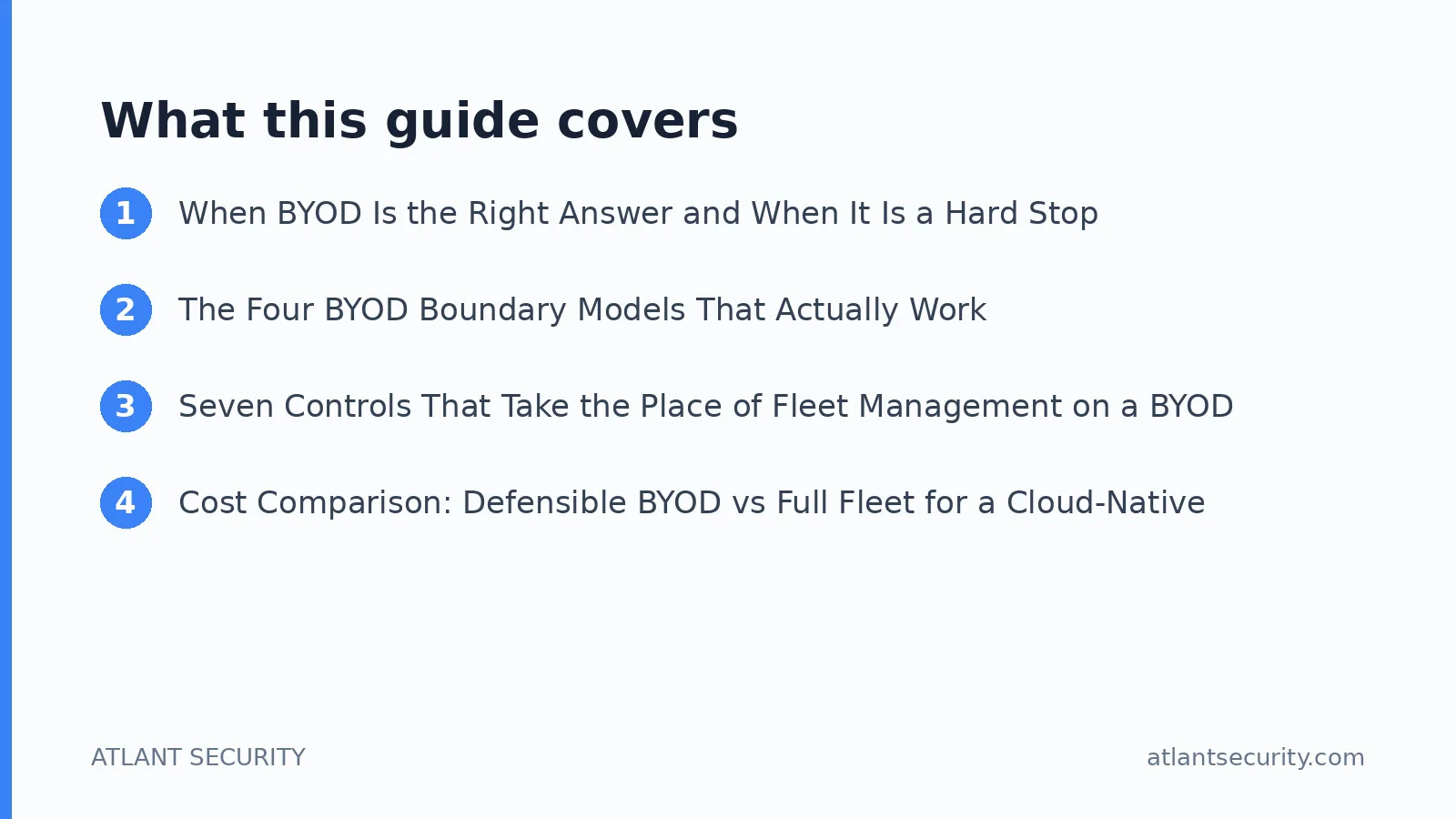
The Four BYOD Boundary Models That Actually Work
Across 47 engagements, four distinct architectures keep appearing. Each has a different cost profile, a different audit-readability, and a different operating burden. The right model is rarely a single choice; most cloud-native startups end up running two in parallel (one for engineers, one for everyone else).
A specific worked example. A 24-person Series A developer-tools startup in San Francisco runs the managed browser model (Chrome Enterprise with a Workspace-bound profile) for everyone except the four engineers who touch production AWS. Those four run a Cloud PC pattern on AWS WorkSpaces, with their personal MacBooks acting as thin clients. Total monthly cost: roughly USD 280 in Cloud PC fees and USD 0 in Chrome Enterprise (it ships with their Workspace plan). Total laptops owned by the company: zero. Audit readability for SOC 2 Type 2: passed first cycle with two minor findings, both on policy authoring rather than control state. The same team without these patterns would have generated 8 to 12 findings.
The single most under-appreciated point: the cost of Cloud PC isolation is overestimated by founders by 3 to 5x. Engineers assume they need 16-core, 64GB-of-RAM workstations because that is what they like to develop on locally. In practice, a developer running VS Code, a browser, Slack, and a terminal against a remote dev cluster fits in 4 vCPUs and 16GB. Right-sized Cloud PCs land at USD 38-65 per user per month, not USD 200-400.
The Controls
Seven Controls That Take the Place of Fleet Management on a BYOD Device
The whole point of a defensible BYOD posture is that, with seven specific controls in place, an auditor looking at a personal MacBook with a managed Chrome profile cannot reasonably distinguish its security posture from a corporate-issued device. These are the seven, in the order we deploy them.
Control 1. Phishing-resistant MFA on every account, no exceptions
YubiKey 5C or TouchID-bound passkeys for the core identity provider (Okta, Entra ID, Google Workspace) and every cloud admin console (AWS, GCP, Azure, Stripe, Snowflake). SMS and TOTP do not meet the bar in 2026. The cost is USD 50 per YubiKey, two per person, one as backup; total under USD 1,200 for a 12-person team. The single highest-leverage control on the list.
Control 2. Conditional access by device posture
Access to customer-data SaaS is gated on browser posture (managed profile, recent updates, secure DNS) and OS posture (encryption on, screen lock under 5 minutes, OS version current). Google Endpoint Verification, Microsoft Entra Conditional Access, or Okta Verify can run these checks on a personal device without enrolling the device itself. The check happens at the browser or the access token, not at the kernel.
Control 3. Full-disk encryption attestation
Every personal device that accesses customer data must have FileVault (Mac) or BitLocker (Windows) enabled. Verification is done at sign-in by the conditional-access policy. A signed self-attestation in writing from the employee is not enough; the access policy needs to fail closed if the encryption flag is off. For unmanaged devices that cannot expose this signal natively, the Cloud-PC pattern (model 1) becomes mandatory.
Control 4. Browser-level DLP
A managed Chrome profile or an enterprise browser (Island, Talon, Mammoth) enforces upload/download/copy controls per application. Customer-data tabs block download. Slack DM cannot receive a paste of more than 200 characters from the customer CRM. This is the control that most legitimately replaces "data loss prevention on the device" for an auditor looking at a personal laptop. It is also the control that most often surprises engineers, who expect "BYOD" to mean no controls at all.
Control 5. Screen-recording and clipboard app review
Personal devices accumulate apps. Five of the last 47 audits found a TikTok desktop app, a calorie tracker, a crypto wallet extension, or a screen-recording tool with global keyboard access on devices used for customer work. The compensating answer is a quarterly self-attested app inventory plus a conditional-access fail for unrecognized browser extensions in the managed profile. The Chrome Web Store allowlist is a one-time setup that pays dividends for the life of the company.
Control 6. Auto-revocation joiner-mover-leaver workflow
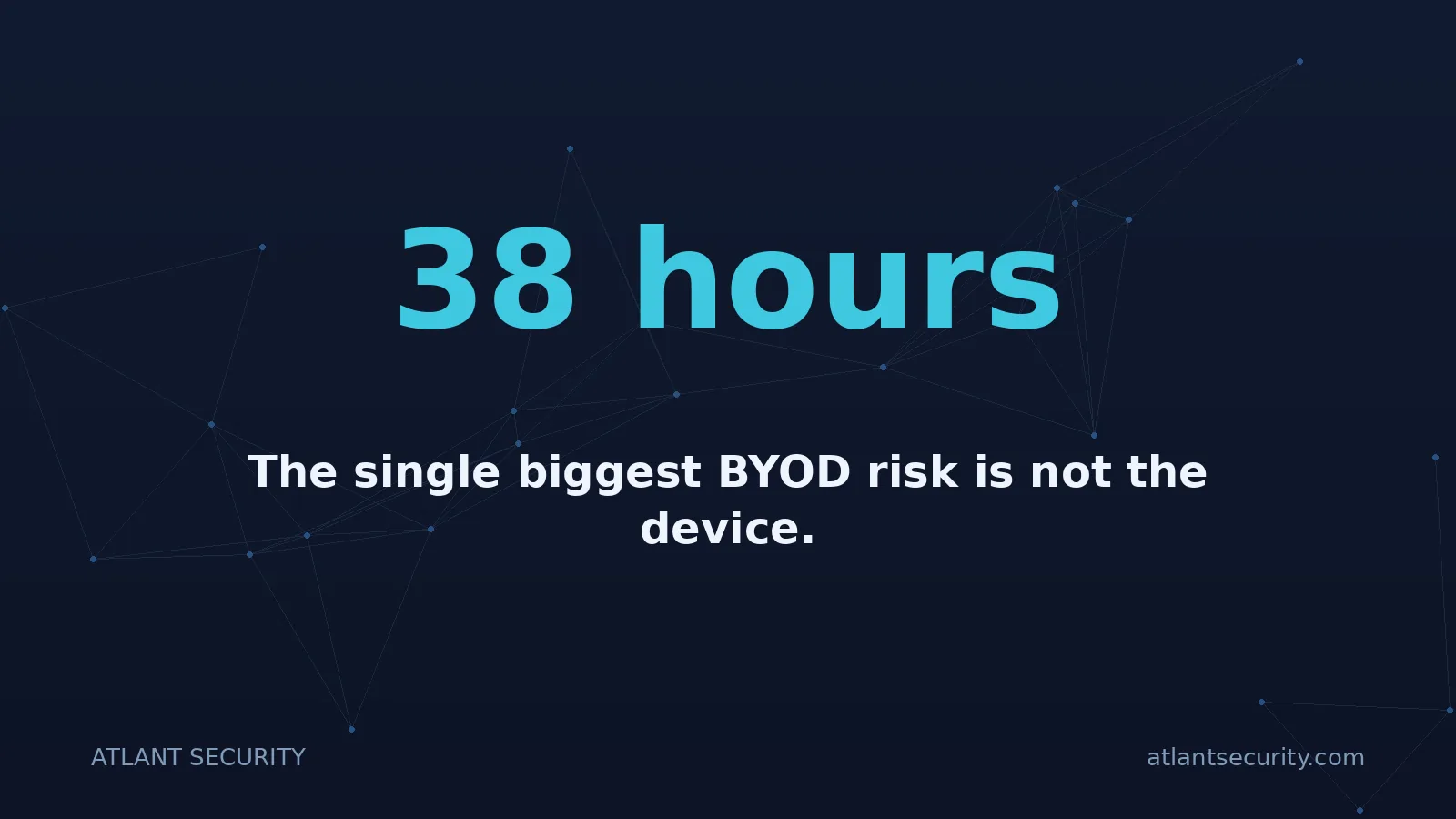
The single biggest BYOD risk is not the device. It is the credential that lives on the device and survives a termination by 38 hours because IT was reactive. The right answer is an IDP-driven workflow (Okta Lifecycle, Entra ID Lifecycle Workflows, JumpCloud) that revokes access across 30 to 60 SaaS apps within 15 minutes of a termination signal from the HRIS. The device becomes irrelevant because the credential is dead before the engineer closes the lid.
Control 7. Personal-account ban on customer-data paths
A written policy plus a browser-level enforcement that personal Gmail, personal Dropbox, personal ChatGPT free tier, and personal everything-else cannot be signed in to inside the managed profile. Chrome Enterprise can enforce this per-profile. The reason matters: the bulk of BYOD data leakage events we have responded to in the last 18 months traced back to a personal account being used inside a work browsing session, not to a malware infection. The control closes the most common breach path before it opens.
The Numbers
Cost Comparison: Defensible BYOD vs Full Fleet for a Cloud-Native Startup
These numbers are first-year, all-in, for a 20-person cloud-native team. They include licensing, hardware, internal time at USD 110 per hour blended rate, and the audit-readiness premium that each posture carries.
| Posture | Hardware | Licenses (annual) | Internal time | Year 1 total (USD) |
|---|---|---|---|---|
| Pure BYOD, no controls | USD 0 | USD 0 | 10 hours | USD 1,100 (fails audit) |
| BYOD with browser isolation (model 2) | USD 1,200 (YubiKeys) | USD 1,800 (CA add-ons) | 95 hours | USD 13,450 |
| BYOD + Cloud PC for engineers (1+2) | USD 1,200 (YubiKeys) | USD 5,500 (Cloud PC) | 125 hours | USD 20,450 |
| Full fleet (company laptops + MDM) | USD 32,000-56,000 | USD 3,600 (MDM) | 140 hours | USD 51,000-75,000 |
| Full fleet + replacement reserve + ops | USD 38,000-68,000 | USD 5,400 (MDM + EDR) | 200 hours | USD 65,400-95,400 |
Two numbers stand out. First, the gap between "pure BYOD with no controls" and "BYOD with browser isolation" is USD 12,000 to USD 13,000 in year one for a 20-person team. That is the entire delta between a posture that fails on the first enterprise questionnaire and one that passes 70 to 80 percent of them. Second, the gap between "BYOD + Cloud PC for engineers" and "Full fleet" is USD 30,000 to USD 50,000 in year one alone, with ongoing replacement and IT operational costs widening the gap by USD 18,000 to USD 30,000 per year afterwards. For a cash-conservative seed-to-Series-A startup, the BYOD posture is not just cheaper at the headline; it is cheaper across every operational dimension that matters.
When the math flips: a single regulated customer changes the calculus overnight
A pending HIPAA-bound deal worth USD 150K ACV is the moment to issue laptops, regardless of stage. The hardware spend is roughly 22 percent of one year of that contract. The opportunity cost of losing the deal because of a BYOD posture is the full ACV plus the next four years of expansion. We have seen this exact tradeoff seven times in the last 18 months. Six of seven companies issued laptops the same week the LOI was signed. The seventh tried to convince the customer that browser isolation was equivalent for ePHI; the deal stalled, then died. The lesson is to read the customer signal early and let the contract value drive the hardware decision, not the other way around.
The Plan
The 14-Day BYOD-to-Defensible Migration Plan (Without Stalling the Product)
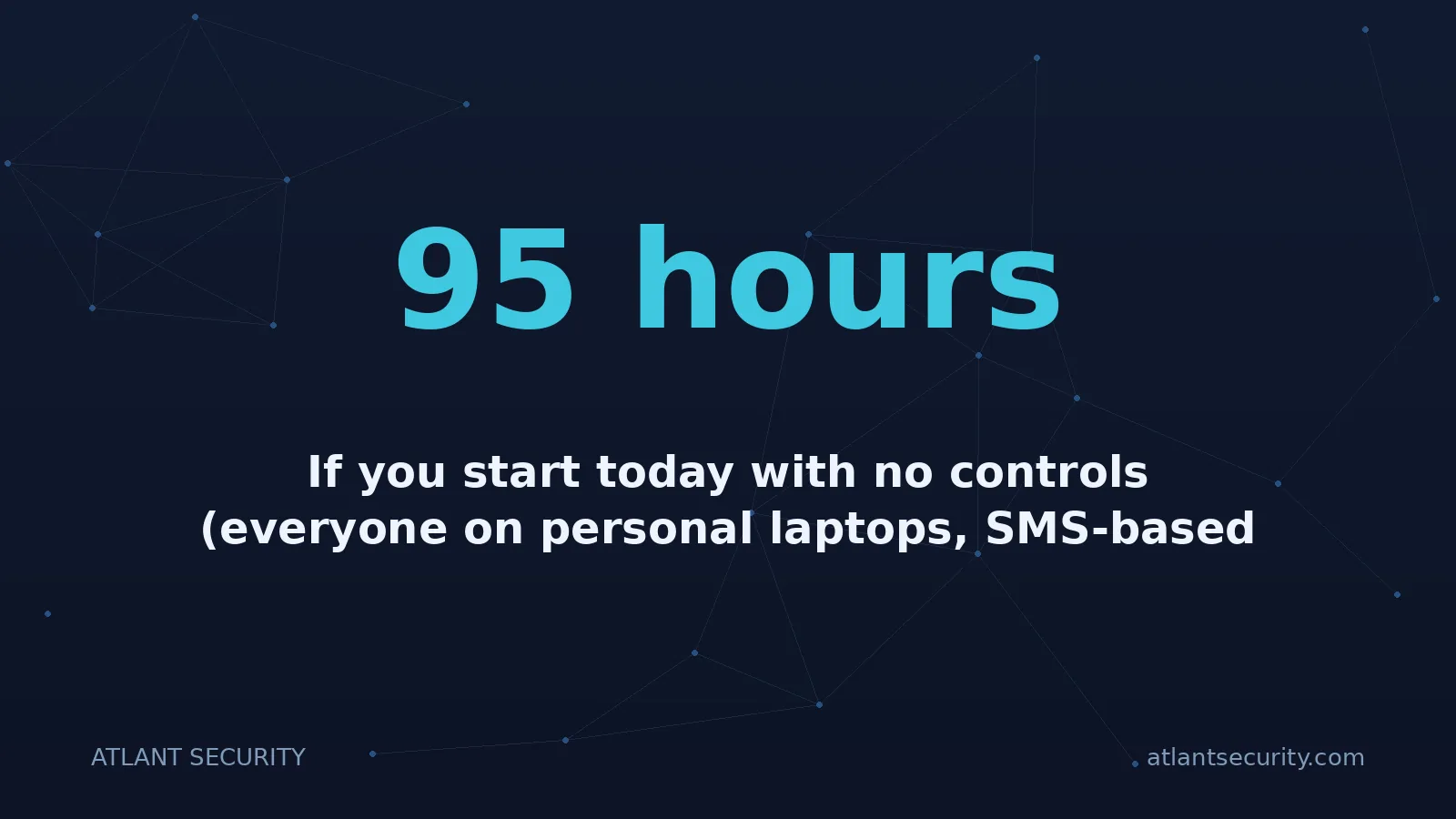
If you start today with no controls (everyone on personal laptops, SMS-based MFA, no managed browser, ad-hoc Slack-to-IT termination), this is the 14-day schedule that gets you to a defensible BYOD posture. Total internal time: roughly 95 hours, mostly distributed across one engineer at half-time plus the founder at quarter-time for two weeks.
Two notes on the plan. First, days 1 to 3 are non-negotiable. If you do not get phishing-resistant MFA and the auto-revocation workflow in place, nothing else matters. We have seen startups skip day-1 work and spend days 4 to 14 building beautiful browser controls on top of an identity layer that a phishing attack will collapse in 20 minutes. Second, days 9 to 14 (evidence and tabletop) are the difference between "we have controls" and "we can pass an audit". The tabletop in particular surfaces a half-dozen process gaps that policy alone never catches. Forty-five minutes of role-played termination scenario will earn back its time inside of a year.
The Decision
A Decision Tree: Do You Stay on BYOD, Go Hybrid, or Ship Laptops This Quarter?
Most founders we work with ask the same question in different words: how do I know if it is time to issue laptops? The honest answer is that the cleanest signal is rarely headcount or revenue; it is the type of customer that closes next. This is the decision tree that has correctly predicted the right move in 41 of 47 engagements we tracked.
A worked example. A 22-person Series A application monitoring startup based in Berlin. No HIPAA scope. No FedRAMP roadmap (Q1: No). One pending customer at USD 180K ACV (a Swedish bank) who is asking for "device management evidence" in their security review (Q2: Yes, but the bank accepts a Cloud PC walk-through for engineers and a browser-isolated story for sales). Decision: Hybrid. Cloud PC on AWS WorkSpaces for the seven engineers touching customer telemetry data. Managed Chrome profile and seven controls for everyone else. Total year-1 incremental spend: roughly USD 24,000. Time to ready: 11 working days. Deal closed in week four after the team submitted the redrafted security questionnaire response.
FAQ
Frequently Asked Questions
Can a startup pass SOC 2 Type 2 entirely on BYOD?
Yes, under specific conditions. The auditor needs to see four things: a compensating-control narrative naming the seven controls, conditional access enforcing those controls in real time, a written BYOD policy signed by every employee in scope, and an evidence pack proving the controls held across the audit window. We have shipped three Type 2 reports in 18 months on fully BYOD postures using the model 2 (browser isolation) pattern. The reports passed customer review at AWS, Stripe, and two Tier 1 European banks without follow-up.
What about contractors? Can they stay on BYOD long-term?
Short-term yes (under 90 days), long-term no. Contractors are the single highest off-boarding risk in any organization because the termination signal is fuzzy and often arrives late. Beyond 90 days, every contractor we put through a defensible BYOD audit gets a Cloud PC (model 1) at the company's cost or a company-issued laptop shipped to them. The Cloud PC route is usually cheaper because it eliminates the shipping logistics and the "we never got the laptop back" problem. Expect to pay USD 38-65 per contractor per month for a sized-right Cloud PC.
A founder asks: "If we issue laptops, can engineers still install their own software?"
On a managed corporate laptop, yes, with a software allowlist. Modern MDM (Kandji, Intune, Jamf) supports a self-service catalog where engineers can install pre-approved tools without IT involvement. Anything not on the allowlist requires an exception ticket. The right cadence for the allowlist review is monthly, with a 48-hour turnaround on new requests. Locking down a developer's laptop with no software flexibility is a productivity tax that no good engineer will tolerate. The middle path (self-service catalog plus exception workflow) gets you 90 percent of the security with 10 percent of the friction.
Will customers accept "we operate a Cloud PC pattern for engineers" as an MDM equivalent?
In 12 of the last 15 enterprise security reviews we shadowed, yes. The Cloud PC pattern is documented under several frameworks (NIST SP 800-46 r2, CIS Controls v8 specifically references virtual desktop isolation), and the security model is often stronger than a traditional managed device because the data never reaches a physical endpoint. The three exceptions where customers said no: a US federal agency requiring physical-device CAC reader compliance, a European bank with a specific regulator-mandated MDM clause, and a US healthcare payer with a specific HIPAA workflow attestation. For the other 80 percent of buyers, Cloud PC is accepted on first explanation.
What about phones? Does BYOD extend to mobile devices?
For mobile, the model 3 pattern (application-only enrollment) is the right default. Microsoft Intune App Protection or Google Endpoint Verification can enforce containerization on the work mobile apps (Outlook, Teams, Slack, Salesforce mobile) without touching personal data. The phone itself remains personal. Apps that handle customer data run inside a sandbox; copy-paste to other apps is restricted; the work container is wiped on off-boarding while personal photos and messages are not. The end-user experience is essentially invisible on iOS, slightly more visible on Android. Auditors accept this pattern in nearly every framework as long as the policy is enforced and the inventory is current.
What is the single biggest BYOD risk that compensating controls do not address?
A shared family device. The control story falls apart when an engineer's spouse uses the same laptop for personal work in the evening. The browser-profile separation helps, but a determined family member who clicks "open in new private window" or installs their own profile can bypass it. The policy answer is to ban shared-household use of work-capable devices for any account that touches customer data, signed in the acceptable-use agreement. The architectural answer is to push those accounts onto Cloud PC, where the personal device is irrelevant to the data path. We have seen two breaches in the last 18 months that traced to a teenage child of an employee installing a malicious browser extension on the family Mac. Both companies moved to Cloud PC the same week.
Talk to a human
Customer asking for MDM evidence and your team is still on personal laptops?
We help cloud-native startups (seed to Series B) draft a defensible BYOD posture and answer enterprise security questionnaires without shipping a single laptop. Bring your last questionnaire, your current control posture, and the pending customer name; we will read it against this framework in 30 minutes.