
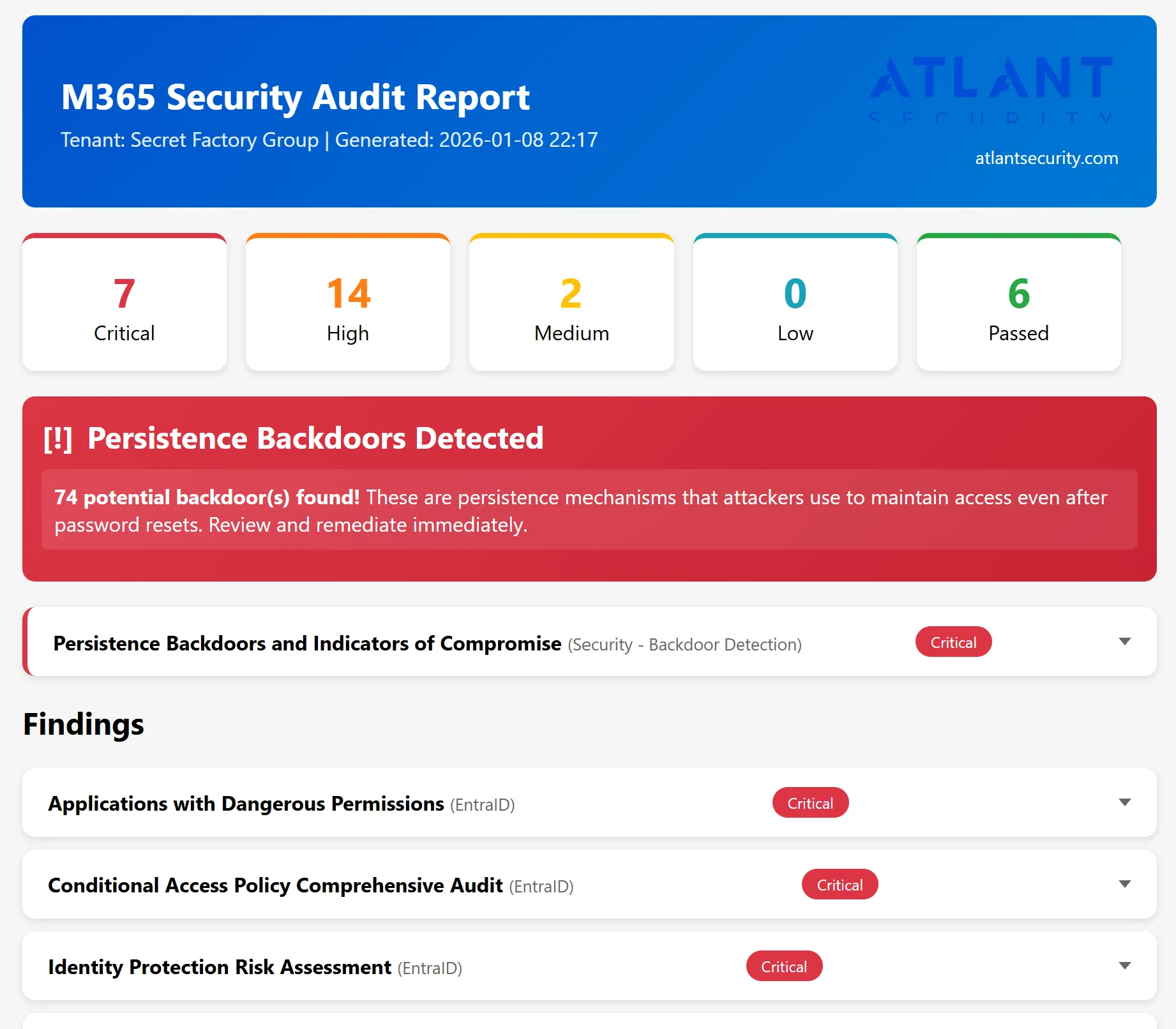
We have probably seen your problem before. Our smallest client had eight employees. Our largest secures the nuclear power plant of the United Arab Emirates. Whatever shape yours is, tell us about it and we will tell you how we would fix it.
We have developed and are releasing for free a Microsoft 365 and Entra ID PowerShell auditing script, which produces an Excel and HTML report (in the Reports folder), of the following:
M365 Security Audit System - Complete Security Coverage
200+ Security Checks Across 37 Inspectors
One Tool. Complete Visibility. Actionable Results.
By the Numbers
| Category | Checks | Key Benefit |
|---|---|---|
| Identity & Access | 65+ | Stop account compromise before it happens |
| Email Security | 50+ | Block phishing, BEC, and malware attacks |
| Endpoint Protection | 45+ | Ensure only secure devices touch your data |
| Cloud Infrastructure | 40+ | Eliminate Azure misconfigurations |
| Zero Trust / Conditional Access | 40+ | Enforce modern access controls |
| Threat Detection | 25+ | Find attackers hiding in your tenant |
| Collaboration Security | 20+ | Enable sharing without data leaks |
| Compliance & Audit | 15+ | Stay audit-ready, always |

Identity & Access Security (65+ Checks)
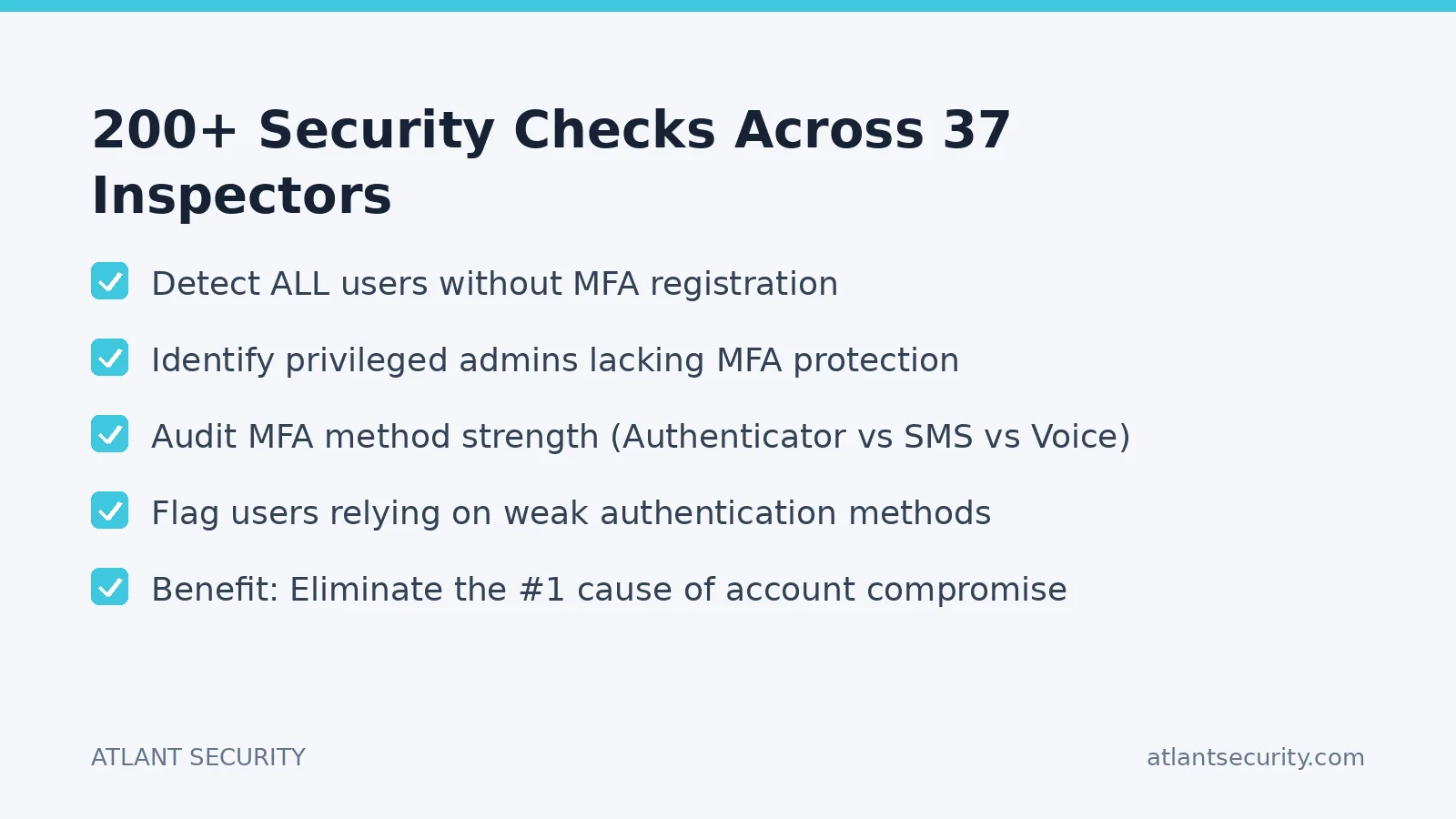
Multi-Factor Authentication
- Detect ALL users without MFA registration
- Identify privileged admins lacking MFA protection
- Audit MFA method strength (Authenticator vs SMS vs Voice)
- Flag users relying on weak authentication methods
- Benefit: Eliminate the #1 cause of account compromise
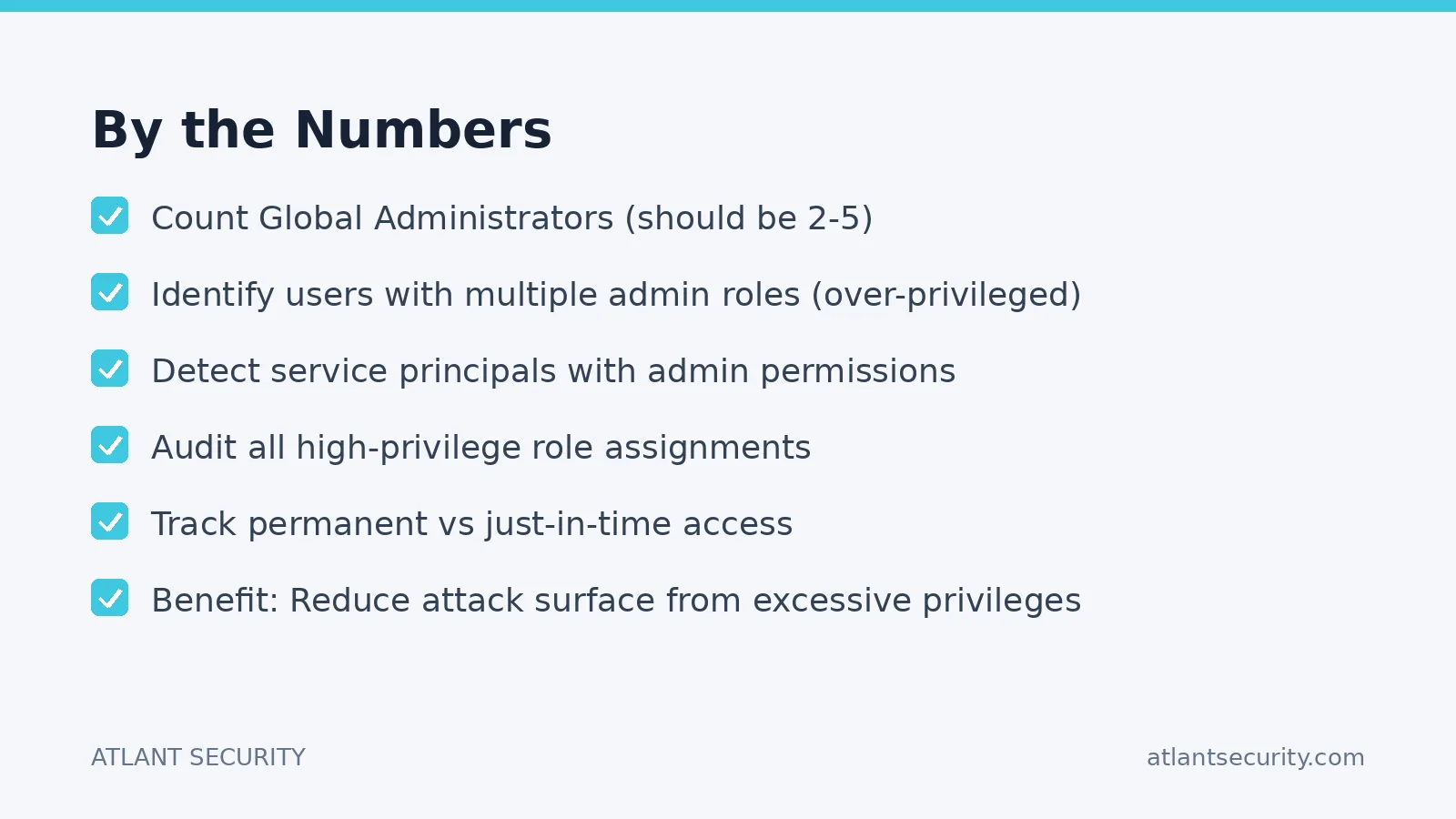
Administrative Access Control
- Count Global Administrators (should be 2-5)
- Identify users with multiple admin roles (over-privileged)
- Detect service principals with admin permissions
- Audit all high-privilege role assignments
- Track permanent vs just-in-time access
- Benefit: Reduce attack surface from excessive privileges
Guest & External User Management
- Find stale guest accounts (90+ days inactive)
- Identify guests who never accepted invitations
- Track guests who never signed in
- Monitor recently added external users
- Benefit: Prevent dormant accounts from becoming attack vectors
User Account Hygiene
- Detect inactive/stale user accounts
- Identify disabled accounts still consuming licenses
- Find accounts with sign-in failures (brute force indicators)
- Monitor risky users flagged by Identity Protection
- Benefit: Maintain clean, secure directory
Authentication Security
- Audit FIDO2 security key policies
- Check Microsoft Authenticator number matching
- Verify passwordless authentication readiness
- Detect legacy authentication protocols (IMAP, POP3, SMTP)
- Review password policy alignment with NIST guidelines
- Assess self-service password reset configuration
- Benefit: Modernize authentication, block legacy attacks
Emergency Access
- Validate break-glass account existence
- Check emergency account MFA configuration
- Verify CA policy exclusions for emergency access
- Benefit: Ensure business continuity during outages
Conditional Access & Zero Trust (40+ Checks)
Policy Coverage Analysis
- Audit ALL Conditional Access policies comprehensively
- Detect gaps in policy coverage (unprotected scenarios)
- Identify overly permissive policies
- Find policies with "All Users" exclusions
- Check for disabled or report-only policies
- Benefit: Close security gaps in access control
Advanced CA Features
- Continuous Access Evaluation (CAE) status
- Authentication strength requirements
- Token protection settings
- Sign-in risk policy integration
- User risk policy integration
- Device compliance requirements
- Location-based restrictions
- Benefit: Implement true Zero Trust architecture
Email & Communication Security (50+ Checks)
Microsoft Defender for Office 365
- Safe Links policy configuration (URL protection)
- Safe Attachments policy (malware scanning)
- Anti-Phishing policy settings
- Anti-Spam threshold and actions
- Impersonation protection
- Spoof intelligence settings
- Benefit: Block phishing, malware, and BEC attacks
Email Authentication
- SPF record validation for all domains
- DKIM signing configuration
- DMARC policy and enforcement
- Benefit: Prevent email spoofing and impersonation
Mailbox Security
- External auto-forwarding rules (data exfiltration risk)
- Inbox rules forwarding to external addresses
- Full Access mailbox permissions
- Send As delegation audit
- Send on Behalf permissions
- Mailbox auditing configuration
- Benefit: Detect and prevent unauthorized email access
Endpoint & Device Security (45+ Checks)
Intune Device Compliance
- Compliance policy coverage
- Platform-specific requirements (Windows, iOS, Android, macOS)
- Encryption requirements
- Minimum OS version enforcement
- Jailbreak/root detection
- Benefit: Ensure only secure devices access corporate data
Endpoint Security
- Attack Surface Reduction (ASR) rules
- Microsoft Defender Antivirus settings
- Firewall configuration
- BitLocker encryption status
- Credential Guard settings
- Benefit: Harden endpoints against modern threats
Application Protection
- Mobile Application Management (MAM) policies
- Data transfer restrictions
- PIN/biometric requirements
- App-level encryption
- Selective wipe capabilities
- Benefit: Protect corporate data on personal devices
Cloud Infrastructure Security (40+ Checks)
Azure RBAC
- Subscription-level role assignments
- Custom role definitions
- Classic administrator accounts
- Service principal permissions
- Benefit: Enforce least-privilege in Azure
Network Security
- NSG rules allowing internet access to RDP/SSH
- Open management ports
- Network security misconfigurations
- Benefit: Prevent network-based attacks
Data Security
- Key Vault access policies
- Storage account public access
- Encryption at rest configuration
- Soft delete and purge protection
- Benefit: Protect sensitive data and secrets
Collaboration Security (20+ Checks)
SharePoint & OneDrive
- External sharing settings
- Anonymous link policies
- Guest access permissions
- Default sharing link type
- Benefit: Control data sharing without blocking productivity
Microsoft Teams
- External access (federation) settings
- Guest access policies
- Meeting security settings
- External communication controls
- Benefit: Enable collaboration securely
Threat Detection & Response (25+ Checks)
Backdoor & Persistence Detection
- Malicious inbox rules (auto-forward, auto-delete)
- OAuth apps with mail/calendar access
- Suspicious app credential additions
- Federation trust modifications
- Conditional Access exclusion abuse
- Stale app credentials
- Benefit: Detect attackers maintaining hidden access
Risk Monitoring
- Users flagged as "at risk"
- Risky sign-in events
- Multiple failed authentication attempts
- Sign-ins from unusual locations
- Impossible travel detections
- Benefit: Identify active threats in real-time
Audit & Compliance
- Unified Audit Log status
- Mailbox audit configuration
- Admin activity logging
- Benefit: Maintain forensic readiness
Security Posture Scoring (15+ Checks)
Microsoft Secure Score
- Current score vs maximum possible
- Improvement action recommendations
- Score trends and benchmarks
- Benefit: Measure and improve security posture
Azure Secure Score
- Defender for Cloud recommendations
- Security control scores
- Compliance gaps
- Benefit: Prioritize security investments
Summary by Business Benefit
| Benefit | # of Checks |
|---|---|
| Prevent Account Compromise | 45+ |
| Stop Email-Based Attacks | 50+ |
| Enforce Zero Trust | 40+ |
| Protect Endpoints | 45+ |
| Secure Cloud Infrastructure | 40+ |
| Enable Safe Collaboration | 20+ |
| Detect Active Threats | 25+ |
| Maintain Compliance | 15+ |
Compliance Framework Alignment
- CIS Microsoft 365 Foundations Benchmark v6.0.0
- CIS Microsoft Azure Foundations Benchmark v5.0.0
- Microsoft Secure Score Recommendations
- DISA STIGs for Microsoft 365
- NIST Cybersecurity Framework
DOWNLOAD (no sign-up, no lead forms)


Prefer an expert to run this for you and interpret the findings? Our Microsoft 365 & Entra ID Security Audit covers the same 200+ checks across Entra ID, Intune, Defender, and Purview, with a prioritized remediation plan and no global admin access required.
See also: Block exploits and malware by blocking ad networks and ads
Ready to get started? Atlant Security helps companies close security gaps and pass compliance fast, led personally by a former Microsoft security consultant with 200+ assessments across 14 countries. Book a free strategy call and get a fixed-price proposal within 24 hours.
Want to know where you actually stand?
A fixed-price IT security audit answers that in 14 days: 20 NIST 800-53 domains checked against your live environment, findings ranked by what an attacker can reach, and a remediation plan with named owners. You read the report before you pay.
See what the 14-day audit coversA standalone, plain-language guide to the audit, with scope and pricing, lives at ms365securityaudit.com.
