
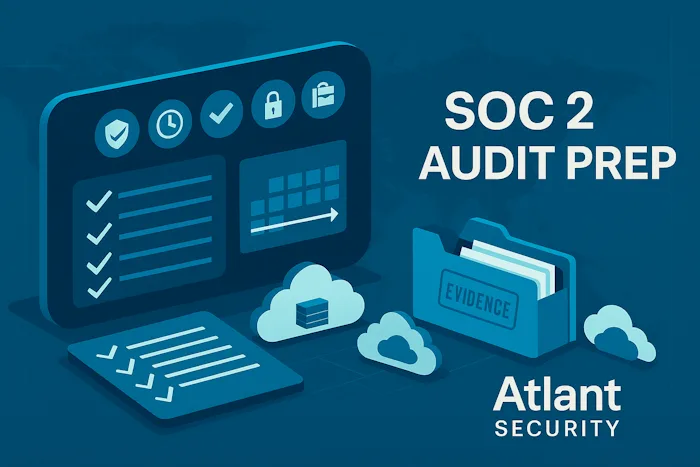
To prepare for a SOC 2 audit, begin by understanding the framework and Trust Services Criteria (TSC), define your audit scope, select an external auditor, and conduct a comprehensive gap analysis. Next, implement necessary security controls and formalize policies and procedures to address identified gaps. Finally, perform internal testing and a readiness assessment to ensure all controls are in place before undergoing the official audit.
What You Will Learn in 60 Seconds
-
What SOC 2 is: A framework for validating your organization's security controls, based on the five Trust Services Categories (Security, Availability, Confidentiality, Processing Integrity, Privacy).
-
Why it matters: It's a non-negotiable requirement for winning enterprise business and is a competitive advantage.
-
The key to success: It's not about having perfect security; it's about proving you have defined, implemented, and consistently follow your security processes.
-
The biggest hurdle: Evidence collection. You need to prove your controls are operating effectively over time.
Who This Guide Helps
This guide is designed for founders, CISOs, IT leaders, and security teams at B2B SaaS companies, tech startups, and any service organization that handles customer data. Whether you're pre-revenue or scaling rapidly, this is your playbook.
What to Do First This Week
Don't get overwhelmed. Your first week is about momentum.
-
Enable MFA everywhere possible (email, cloud consoles, critical SaaS apps).
-
Inventory your top 10 vendors and locate their SOC 2 reports or security documentation.
-
Turn on centralized logging for authentication and administrative actions (e.g., in AWS CloudTrail, Azure AD).
-
Run a vulnerability scan on your external-facing assets.
-
Hold a 1-hour risk workshop with key leaders to brainstorm and start a risk register.
Who Needs SOC 2 and Why?
Do you process customer data for other businesses?
If your answer is "yes," you need SOC 2. It's the de facto standard for proving your security posture to B2B customers, especially in North America.
Do your buyers ask for SOC 2 in security questionnaires?
If your sales team is constantly getting bogged down answering hundreds of security questions, a SOC 2 report can answer them all at once. It streamlines the sales cycle and builds immediate trust.
What changes once you pass?
You move from being a security risk to a trusted vendor. It becomes a powerful sales and marketing tool, reduces the burden of security questionnaires, and often satisfies insurance requirements. Most importantly, it builds a culture of security within your team.
SOC 2 Basics
Trust Services Categories: The five categories of criteria you can be evaluated on.
-
Security (Required): The foundation. Protects system resources against unauthorized access. (Commonly referred to as the Common Criteria).
-
Availability: Addresses the accessibility of the system, products, or services as stipulated by a contract or service level agreement (SLA).
-
Confidentiality: Data is protected from unauthorized disclosure.
-
Processing Integrity: System processing is complete, valid, accurate, timely, and authorized.
-
Privacy: Addresses the system's collection, use, retention, disclosure, and disposal of personal information.
Type 1 vs. Type 2
-
Type 1: A point-in-time assessment of the design of your controls. It answers: "Did you have the right policies and controls in place on a specific date?"
-
Type 2: An assessment of the operational effectiveness of your controls over a period of time (always 3, 6, or 12 months). It answers: "Were your controls working correctly and consistently over that period?"
What each proves: Type 1 is a good first step. Type 2 is the gold standard that enterprises require.
System Description Scope: This is the cornerstone of your audit. It's a formal document that describes the system you're having audited, including the services, components, people, and data flows in scope.
Scope and Boundaries
Defining your scope is the most critical strategic decision. A smaller, well-defined scope is easier and faster to certify.
In Scope vs. Out of Scope Components: Be explicit. Your core application and its supporting production infrastructure are in scope. Your experimental R&D project or marketing website might be out of scope.
Single vs. Multiple Products: You can scope the audit to cover a single product or your entire suite. Start with your flagship product.
Which environments are in scope? Typically, production. Staging is often included if it mirrors production and handles real customer data. Corporate IT (employee laptops, HR systems) is usually out of scope unless you include the Confidentiality or Privacy categories.
AWS, Azure, GCP, on-prem: Your cloud infrastructure is almost always in scope. The auditor will assess your controls within the cloud platform (e.g., IAM, logging, configs), not the platform itself (which is covered by the cloud provider's own reports).
Data flows and where customer data lives: Map how customer data enters, is processed, stored, and leaves your system. This identifies critical systems that must be in scope.
People in scope: Employees, contractors, vendors. Anyone who can access the in-scope system must follow the same security policies.
Questions to ask:
-
What will the auditor sample? (e.g., user accounts, changes, incidents)
-
Where are the biggest risks in our current setup?
Timeline and Workplan
A typical SOC 2 project takes 4 to 6 months for a Type 1 report and longer for a Type 2, as you must complete the audit period.
| Phase | Goal | Typical Duration | Key Owners | Outputs |
|---|---|---|---|---|
| Kickoff | confirm scope and plan | 1 week | CISO, founders, PM | scope doc, RACI |
| Gap assessment | compare current state to SOC 2 | 2 to 4 weeks | Security lead | gap list, risk register |
| Remediation | close gaps and roll out controls | 4 to 12 weeks | Control owners | policies, tools, evidence |
| Readiness review | dry run with an auditor or consultant | 1 week | Security lead, auditor | readiness report |
| Type 1 audit window | point in time | 1 to 2 weeks | Auditor, team | SOC 2 Type 1 report |
| Type 2 audit period | 3, 6, or 12 months | ongoing | Everyone | evidence over period |
RACI For Audit Prep
| Activity | R | A | C | I |
|---|---|---|---|---|
| Define scope | CISO | CEO | Eng, Legal | All staff |
| Policy suite | Sec Lead | CISO | HR, Legal | All staff |
| Asset inventory | IT | Sec Lead | Eng | Auditor |
| Access reviews | IT, Eng | CISO | Team leads | Auditor |
| Risk assessment | Sec Lead | CISO | Execs | Auditor |
| Vendor reviews | Sec Lead | Legal | Finance | Auditor |
| Incident drills | Sec Lead | CISO | Eng, Support | Auditor |
Policy Suite and Required Docs
Your policies are the "say" part of "say what you do, do what you say." They must be approved, communicated to employees, and actually followed.
-
Acceptable Use Policy
-
Information Security Policy
-
Access Control Policy
-
Change Management Policy
-
Secure SDLC Policy
-
Vendor Risk Management Policy
-
Incident Response Policy
-
Business Continuity and Disaster Recovery Plan
-
Data Classification and Handling Policy
-
Cryptography and Key Management Policy
-
Logging and Monitoring Policy
-
Vulnerability Management Policy
-
Secure Workstations and Mobile Device Policy
-
Background Checks and HR Security Policy
-
Record Retention Policy
Tips:
-
Keep policies short and specific to your tech stack.
-
Link each policy to one or more SOC 2 controls.
-
Track approval and annual review dates meticulously.
Risk Assessment
Method: Identify assets, threats, and existing controls. Rate the likelihood and impact of each risk. Define treatment plans (accept, mitigate, transfer, avoid) with due dates.
Outputs: A living risk register with management sign-off. Evidence of quarterly reviews.
Questions:
-
Which risks are we accepting and why? (Must be signed off by management).
-
What is the timeline to reduce high-risk items?
Asset Inventory
Maintain a list of all hardware, software, cloud resources, and data stores in scope.
-
Include: Owners, purpose, data types.
-
How to keep it current: Use cloud inventory tools, MDM for devices, and export data from your CI pipeline.
Access Control and Identity
This is a critical area for auditors.
-
Mandatory: SSO and MFA for all systems in scope.
-
Processes: Documented joiner-mover-leaver (JML) processes.
-
Privileged Access: Strict control over admin accounts. Use just-in-time access where possible.
-
Access Reviews: Conduct quarterly reviews of user access, especially for admins. Document the scope, frequency, and sign-off.
Evidence Examples: SSO app list with MFA status, user termination tickets, access review sign-off records.
Change Management and SDLC
Prove that changes to code and infrastructure are controlled and reviewed.
-
Use ticketing systems (Jira) and require peer review for all changes.
-
Implement branch protections and required reviews in GitHub/GitLab.
-
Manage secrets properly (e.g., with HashiCorp Vault, AWS Secrets Manager).
-
Implement CI checks: SAST, dependency scanning, unit tests.
-
Formalize release approval processes.
Evidence: PR links, pipeline run logs, release notes.
Secure Configurations
Hardening systems to a known secure baseline.
-
Follow CIS Benchmarks for OS, containers, and cloud services (EC2, EKS, AKS, GKE).
-
Use hardening scripts and tools to detect configuration drift.
Evidence: Configuration snapshots, CIS scan reports, a log of exceptions with approvals.
Logging, Monitoring, and Alerting
-
What to log: Authentication events, admin actions, data access, and config changes.
-
Centralize logs in a SIEM or cloud-native tool (e.g., AWS CloudWatch, Splunk, Datadog).
-
Set up alerts with defined runbooks. Define on-call rotations and response time SLAs.
Evidence: Log retention settings, examples of alerts and response tickets, on-call schedules.
Vulnerability and Patch Management
-
Scanning scope: Hosts, containers, web apps.
-
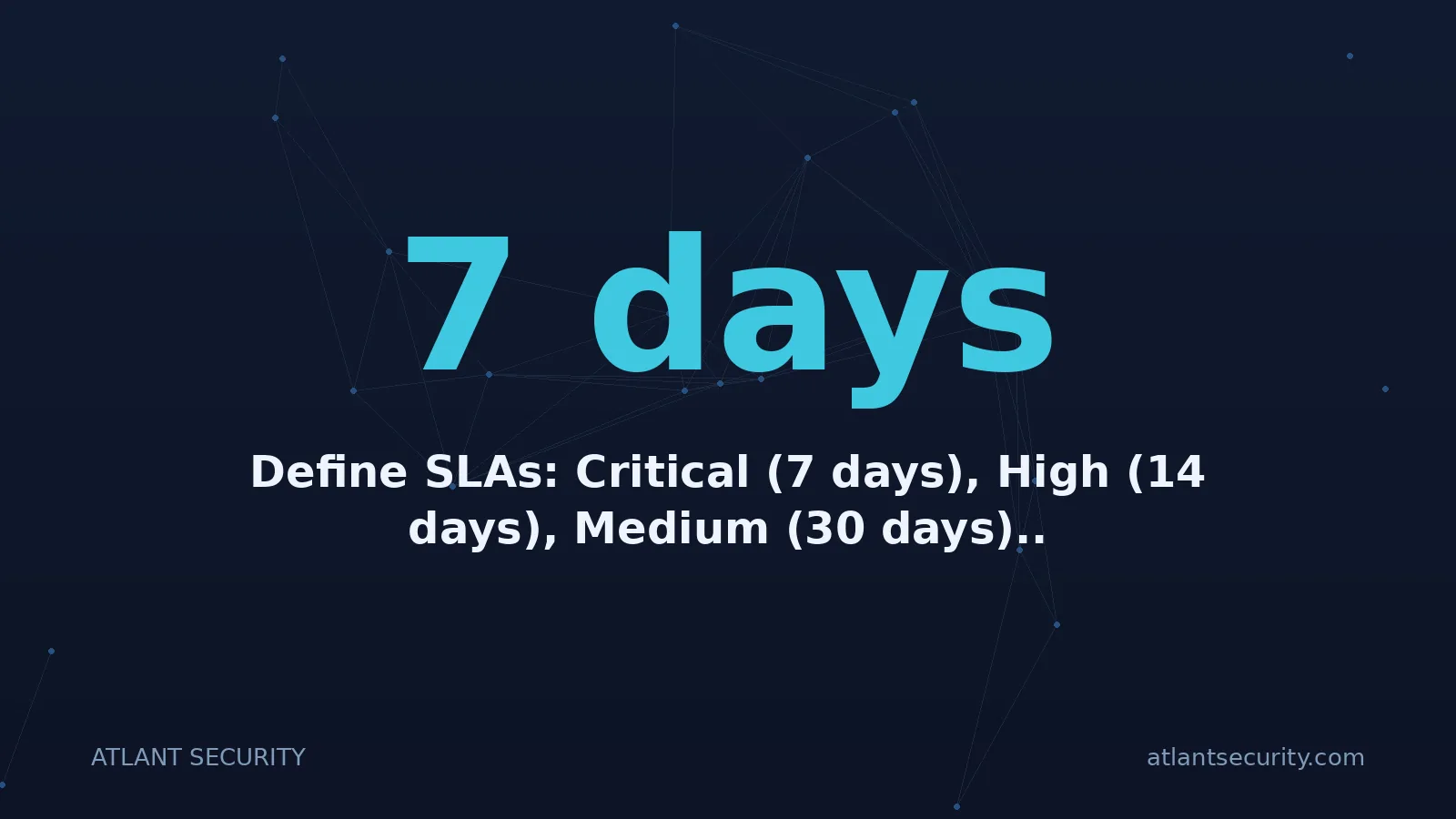
Define SLAs: Critical (7 days), High (14 days), Medium (30 days).
-
Document exceptions with risk justification and expiry dates.
Evidence: Scanner reports (e.g., Nessus, Snyk, Qualys), patch tickets.
Incident Response
-
Have a defined plan with roles and a contact tree.
-
Establish a triage flow and basic forensics capabilities.
-
Crucial: Conduct tabletop drills at least annually.
Evidence: IR runbooks, notes from tabletops, incident tickets, and postmortems.
Business Continuity and Disaster Recovery
-
Define RTO (Recovery Time Objective) and RPO (Recovery Point Objective) for critical systems.
-
Test backups and failover plans regularly.
Evidence: Backup configuration logs, records of DR test exercises.
Data Protection and Privacy
-
Classify data (e.g., Public, Internal, Confidential).
-
Encrypt data in transit (TLS) and at rest.
-
Manage encryption keys properly with rotation policies.
-
Implement data retention and deletion policies.
-
For Privacy category: You'll need notices, procedures for rights requests, and consent records.
Evidence: KMS key policies, TLS settings, data deletion logs.
Physical and Corporate IT
-
While often out of scope, basic controls are expected: office access controls, secure laptops with MDM, disk encryption, and password policies.
Evidence: Badge access logs, MDM compliance reports.
Vendor and Third-Party Risk
-
Inventory vendors and tier them by risk.
-
Perform due diligence: request their SOC 2 reports or complete questionnaires.
-
Include security addendums in contracts.
-
Conduct annual reviews of critical vendors.
Evidence: Vendor questionnaire results, a tracking sheet with review dates.
Evidence Library By Control Area
Organize evidence in a version-controlled repository (e.g., Google Drive, SharePoint) with a folder per control.
-
How to store: Owner, refresh cadence, screenshots with timestamps/URLs.
-
Examples to collect early:
-
Org chart
-
Security training completion reports
-
Asset lists
-
MFA coverage reports
-
Signed risk register
-
Readiness Assessment and Mock Audit
Before engaging an auditor, do a dry run. A consultant will sample your evidence, interview your team, and identify gaps you missed. This is the best way to ensure you're truly ready and avoid costly audit failures.
Working With an Auditor
-
How to choose: Find an auditor with experience in your industry and tech stack.
-
During fieldwork: Assign one primary point of contact. Hold daily standups to address auditor requests and blockers.
-
Deliverables: You will receive a draft report, which includes a section for your management response to any noted exceptions.
DIY vs. Using a Platform vs. Hiring a Consultant
| Approach | Pros | Cons | Best For |
|---|---|---|---|
| DIY (Manual) | Lowest cost, maximum flexibility | Extremely time-consuming, high risk of missing controls | Teams with a dedicated, experienced security engineer. |
| Compliance Platform (e.g., Vanta, SecureFrame) | Automates evidence collection, integrates with your stack, provides a framework | Subscription cost, can have false positives/negatives | Most startups and growing companies. |
| External Consultant | Speed, expertise, playbooks, auditor-ready evidence | Highest upfront cost | Companies with budget seeking a hands-off, guaranteed approach. |
How to mix: Often, using a platform with a consultant for a readiness review is the ideal blend.
Costs, Time, and Team Size
Costs vary wildly based on scope and approach.
-
Auditor Fees: $15k - $30k+ for Type 1; $25k - $60k+ for Type 2.
-
Platforms: $3k - $12k+ per year.
-
Consultants: $10k - $50k+ for implementation and readiness.
-
Internal Hours: Hundreds of hours across engineering, IT, and leadership.
Common Pitfalls
-
Over-scoping the system.
-
Writing policies that don't match reality.
-
Starting evidence collection too late.
-
Ignoring vendor risk.
-
Skipping access reviews and DR tests.
-
Providing only screenshots instead of system-generated reports.
Final Checklist Before You Start The Audit Period
-
Scope is signed by management.
-
Full policy suite is approved and published.
-
Initial risk assessment is complete and signed.
-
Security awareness training is complete for all staff.
-
Vendor due diligence is complete.
-
Logging and alerting are active.
-
Vulnerability scans are running with defined SLAs.
-
First round of access reviews is complete.
-
A backup/DR test has been completed successfully.
-
An incident response tabletop drill has been conducted.
-
The evidence library is organized and populated.
Call To Action
Ready to turn this guide into action? Book a free 30-minute SOC 2 prep review with our experts at AtlantSecurity. We'll help you clarify your scope and provide you with a ready-to-use evidence checklist and policy pack.
https://atlantsecurity.com/contact
See also: Your Comprehensive Guide to Cybersecurity Risk Assessment Terminology
